


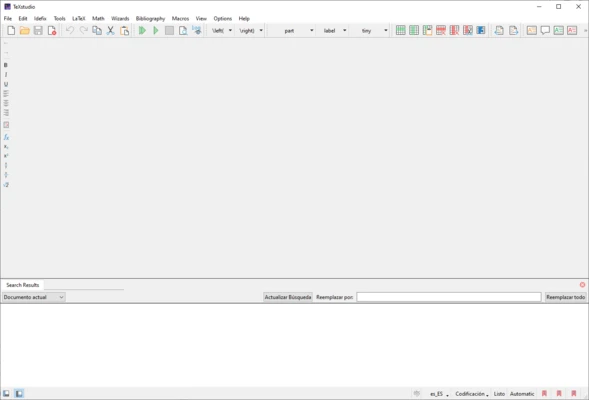
TeXstudio is a free and open-source integrated writing environment designed for creating and editing LaTeX documents.
It provides a complete set of tools for LaTeX users, including syntax highlighting, code completion, document structure management, reference handling, and integrated PDF preview.
Based on the TeXmaker project, TeXstudio has developed into a feature-rich LaTeX editor suitable for academic writing, scientific documents, technical reports, and complex document creation.
Features of TeXstudio
LaTeX Editing Environment
TeXstudio provides a complete workspace for writing LaTeX documents with advanced editing tools and a user-friendly interface.
It helps users create professional documents with efficient formatting and compilation workflows.
Syntax Highlighting and Code Completion
The editor automatically highlights LaTeX commands and provides code completion suggestions.
This helps users write documents faster and reduces syntax errors during editing.
Integrated PDF Viewer
TeXstudio includes a built-in PDF viewer with forward and inverse search support.
Users can quickly navigate between LaTeX source code and the generated PDF output.
Error Detection and Highlighting
The software can detect LaTeX errors and warnings while editing documents.
It highlights potential problems and helps users identify issues before compilation.
Reference and Citation Management
TeXstudio provides tools for managing citations, references, and bibliography entries.
It supports academic writing workflows that require structured reference management.
Templates and Document Wizards
Built-in templates and wizards help users create different types of LaTeX documents more efficiently.
These features are useful for beginners and experienced users working with complex document formats.
Spell Checking and Language Support
TeXstudio includes spell-checking features with support for multiple languages.
Users can improve document quality while writing technical and academic content.
Customizable Interface
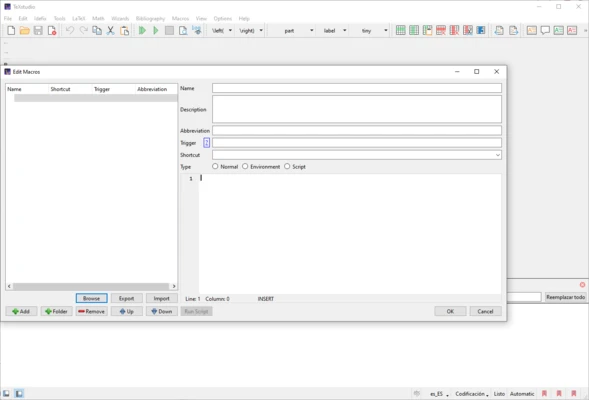
The editor allows users to customize shortcuts, toolbars, layouts, and editing preferences.
This provides flexibility for different writing workflows.
Document Structure Navigation
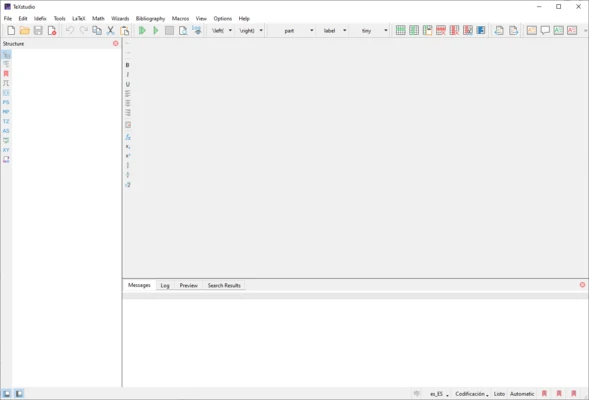
TeXstudio provides a structure panel that allows users to quickly navigate large documents.
Users can manage sections, chapters, references, and document elements more efficiently.
Advanced Build System
The integrated build system supports multiple LaTeX compilers and external tools.
It can automatically handle compilation processes, bibliography generation, indexes, and other document-related tasks.
Code Folding and Inline Preview
TeXstudio supports code folding for easier management of large LaTeX files.
Inline previews allow users to view formulas, images, and document elements directly during editing.
Version Control Support
TeXstudio includes integration support for version control workflows such as SVN.
Users can manage document changes more efficiently when working on larger projects.
Cross-Platform Support
TeXstudio is available for multiple operating systems, including:
- Windows
- macOS
- Linux