
Go to Windows platform Display platforms icon
Go to Windows platform Go to Mac platform Go to Android platform
Fan Control icon

Fan Control

V219
Rem0o
3
8.2 MB size

Control the speed of your PC's fans

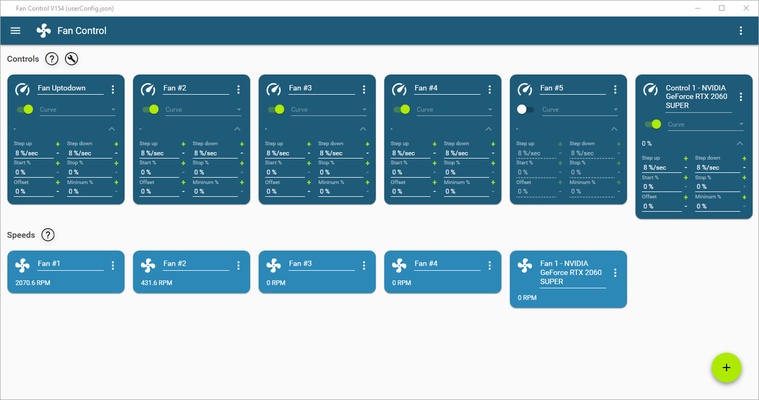
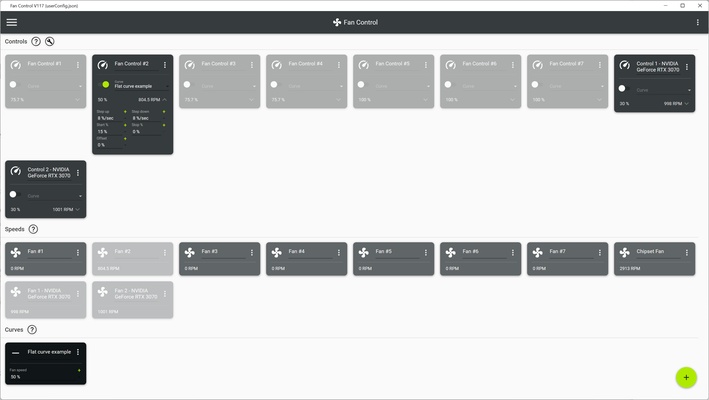
Fan Control is an open-source software that lets you control your PC's fans. The program offers support for a multitude of motherboards, graphics cards and other hardware such as AIO cooling boards. That's to say, you can stop monitoring the different fans of your computer using separate apps and start monitoring them all from a single place, more effectively addressing any problems, whether that's noise or cooling.

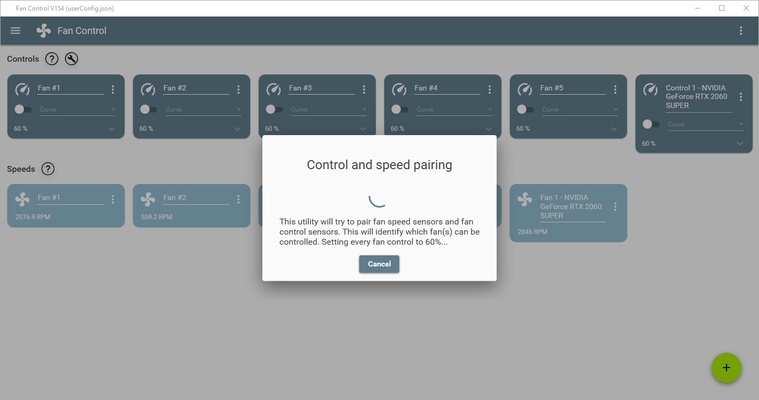
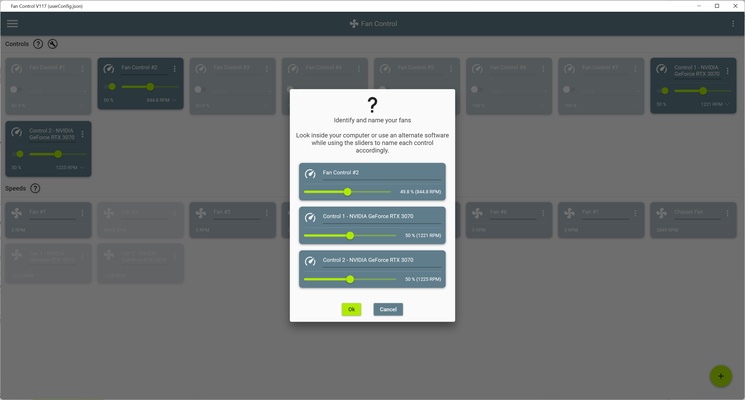
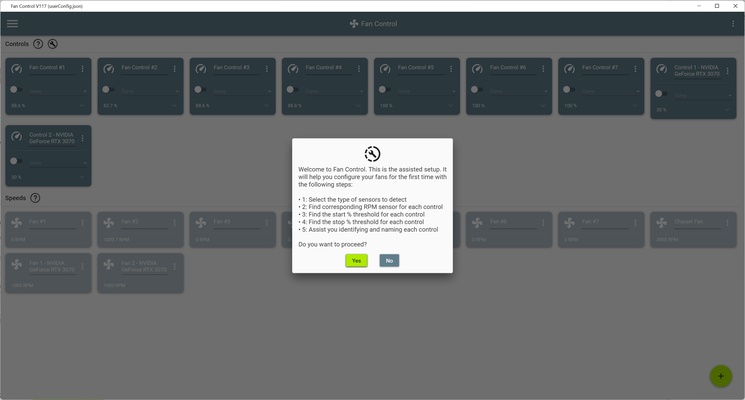
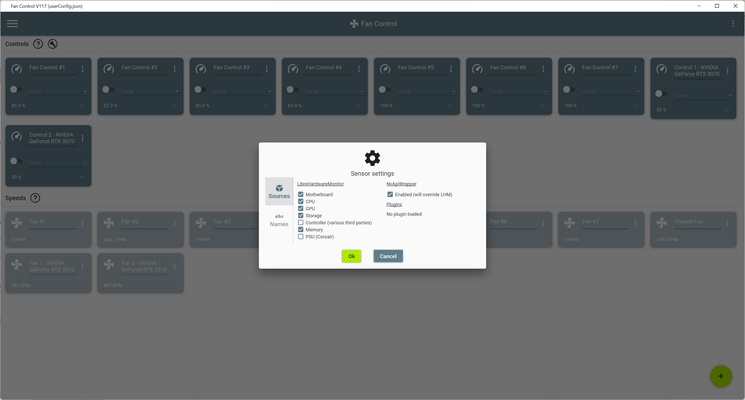
The first interesting point about Fan Control is that, unlike many other similar programs, it does not require installation. You only need to unzip the files in a folder, double-click on the .exe file, and that's it. When running the program for the first time, it will perform an initial inspection to check how many fans you have and to which piece of hardware they correspond. Depending on the hardware, it will even recognize it and assign it a name, although you can also give it a custom name.

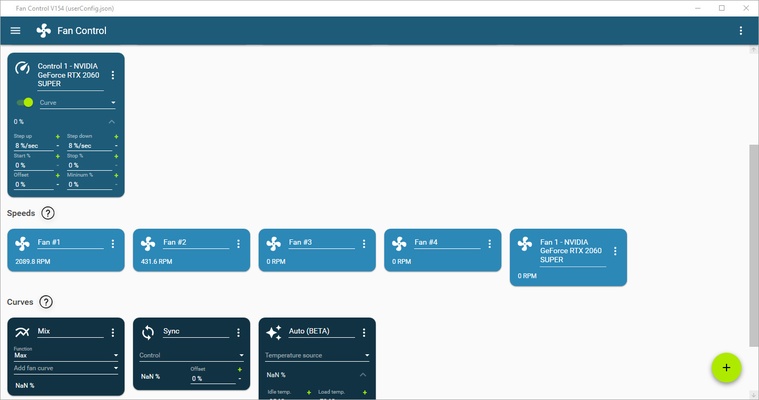
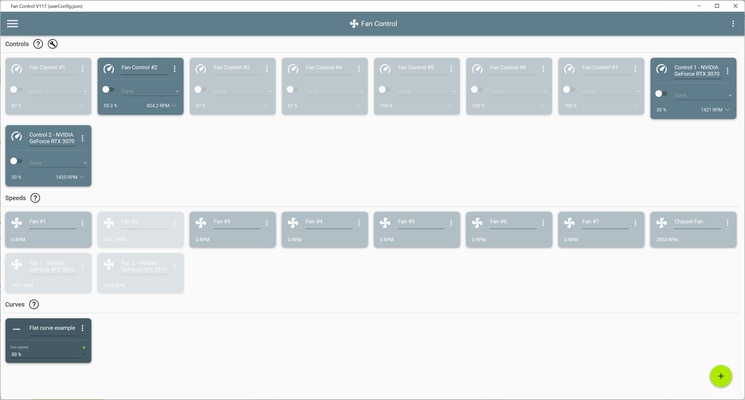
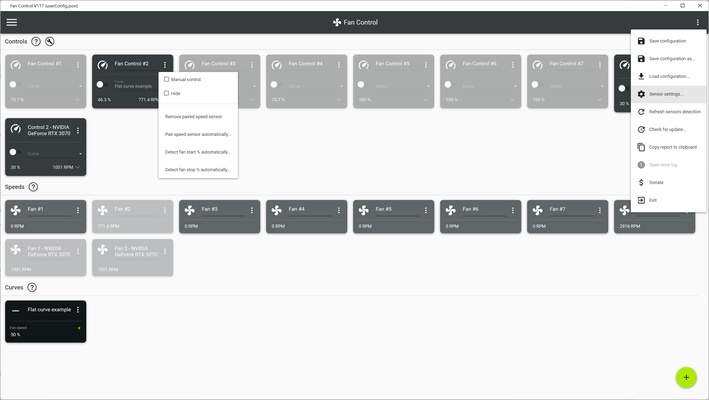
Once it has recognized all the computer's fans, you can start playing with the different curves and mixes. But what does that mean? In short, you'll be able to easily and quickly adjust the speeds of all your fans. You can also create your own profiles for the computer or simply import any of the profiles shared by other users with similar hardware. Additionally, you can activate the automatic option, which will try to optimize your fans without you needing to configure anything at all. Either way, all the information you need on how to use and configure the program can be found within the program itself.

Fan Control is an excellent optimization tool for your computer that will help improve its performance, from fan noise to cooling system service life. What's more, this light software consumes very few resources, doesn't require installation, and has a very simple interface.

Information about Fan Control

License Free
Op. System Windows
Category Utilities
Language English
Author Rem0o
permission icon Permissions Not applicable
Date 2026-06-02
Size 8.2 MB
File type EXE

Apps recommended for you

Files App icon
Files App for Windows is a modern file manager that lets users browse, organize, and manage files with a clean and intuitive interface.

DBCopier icon
DBCopier for Windows is a data migration tool that allows users to easily copy and transfer database structures and content between different systems.
DiskGenius Free icon
Recover deleted data from your hard drive and repair damaged files
Safe Surfer: Block Porn and Apps (64-bit) icon
Recover your digital health
TweakPower icon
Optimize your PC to free up space and speed it up
YUMI exfat icon
YUMI exFAT for Windows is a bootable USB creation tool that supports exFAT file systems, allowing users to create multi-boot USB drives.
BleachBit icon
BleachBit for Windows is a free tool that helps users clean up and optimize their system by deleting unnecessary files and freeing up disk space.
Tenorshare iCareFone icon
Tenorshare iCareFone for Windows is a versatile iOS management tool that helps users transfer, back up, and repair iPhone data without iTunes.
ASUS GPU Tweak III 2.1.3.3 icon
Enjoy maximum performance of your ASUS video card!
MiniTool ShadowMaker 4.8.1 icon
Free Backup Software and Professional Backup Solution!
Autoruns 14.3 icon
Shows you what programs are configured to run during system bootup or login
O&O ShutUp10++ 3.1.1104 icon
Disable telemetry, localization detection, Cortana, app access. Free antispy tool!
SignalRGB 2.5.70 icon
Control and sync your favorite RGB devices from any brand!
Universal USB Installer icon
Create bootable USB drives easily with Universal USB Installer for Windows, the powerful tool for installing Linux distributions, Windows systems, and recovery utilities from USB.
SignalRGB icon
Synchronize and control RGB lighting across all your devices with SignalRGB for Windows, the versatile software for gaming and PC customization.
HWMonitor icon
Monitor your PC’s hardware temperatures, voltages, and fan speeds in real time with HWMonitor for Windows, the reliable system health monitoring tool.
7-Zip icon
7-Zip for Windows is a free and open-source file archiver that supports various compression formats and provides high compression ratios.
Files App icon
Files App for Windows is a modern file manager that lets users browse, organize, and manage files with a clean and intuitive interface.

Text Editor Pro icon
Text Editor Pro is a powerful and feature-rich text editing tool that supports syntax highlighting, advanced search, and multiple file formats for efficient editing and coding.
Driver Genius Professional icon
Keep your drivers up to date with just one click
Argente Software Updater icon
Argente Software Updater for Windows is a tool that helps users keep their software up to date by automatically checking and updating installed programs.
Drawboard PDF icon
Multiple options for editing PDFs
DiskInternals Office Recovery icon
DiskInternals Office Recovery for Windows is a data recovery tool that helps users restore lost or corrupted Microsoft Office files, including Word, Excel, and PowerPoint documents.
QOwnNotes icon
Take plain text notes and integrate them into Nextcloud