


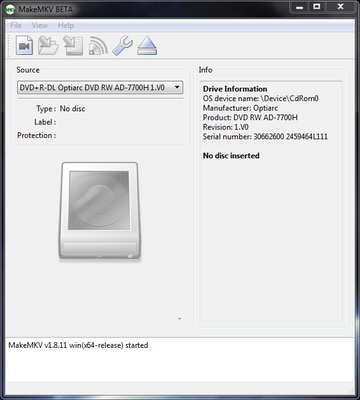
MakeMKV is a DVD and Blu-ray conversion tool for Windows that converts discs, ISO images, and disc folders into MKV video files. It preserves the original video and audio quality without recompression, while allowing you to select the video, audio, and subtitle tracks you want to keep.
Convert DVD and Blu-ray Discs
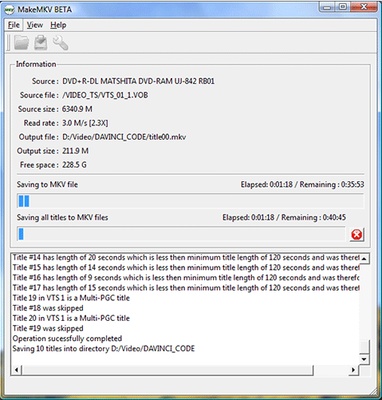
MakeMKV can read physical DVDs and Blu-ray discs as well as compatible ISO images and copied disc folders. After analyzing the source, it displays the available titles and tracks, allowing you to select the content you want to convert and choose an output folder for the resulting MKV files.
The conversion process preserves the original video and audio streams without re-encoding, so the resulting MKV file maintains the quality of the source disc. Multiple audio and subtitle tracks can also be included in the output file.
Disc Protection Support
MakeMKV supports reading many copy-protected DVD and Blu-ray discs. It can process supported protected media during the disc-reading process without requiring complicated configuration.
Direct Streaming
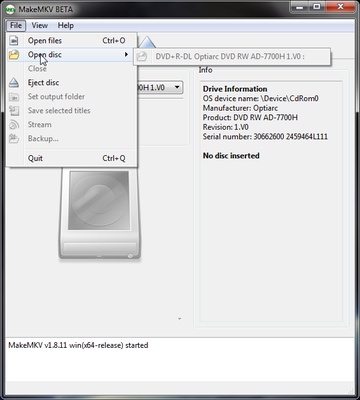
In addition to creating MKV files, MakeMKV can stream decrypted disc content to a compatible media player without first saving the complete video as a separate file. This can be useful when you want to play content directly from a disc.
Overall, MakeMKV provides a straightforward way to convert DVD and Blu-ray content to MKV while preserving the original video, audio, and subtitle streams.