

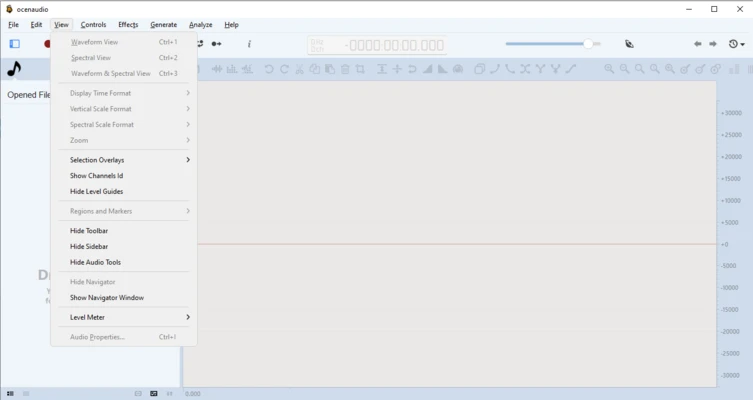
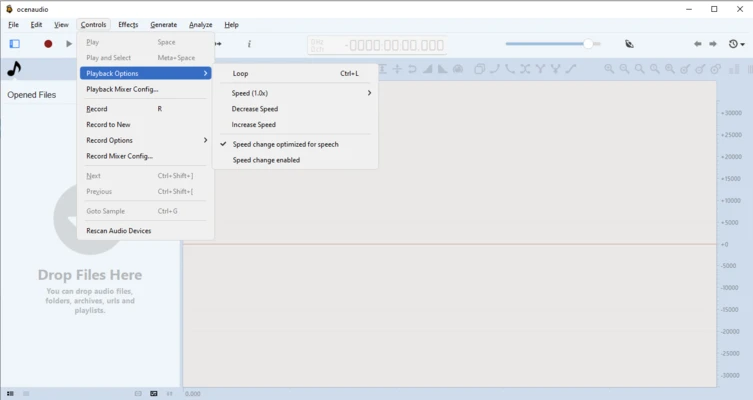
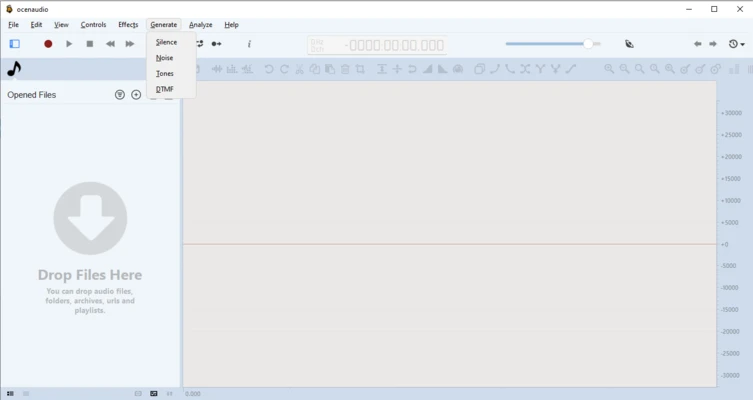
Ocenaudio is a free and cross-platform audio editing software designed for users who need a simple yet powerful tool for editing and processing audio files.
It provides an intuitive interface with professional audio editing features, including real-time effects preview, spectral analysis, noise reduction, and VST plugin support.
Ocenaudio is suitable for editing podcasts, recordings, music files, sound effects, and other audio projects. It supports Windows, macOS, and Linux, providing a lightweight alternative for both beginners and advanced users.
Features of Ocenaudio
Easy Audio Editing
Ocenaudio provides essential audio editing tools for cutting, copying, trimming, and adjusting audio files.
Its clean interface makes it easy to perform common editing tasks without complicated workflows.
Real-Time Effects Preview
The software allows users to preview audio effects instantly without waiting for long rendering processes.
Users can adjust effects and hear changes immediately during editing.
Multi-Selection Editing
Ocenaudio supports selecting multiple sections of an audio file at the same time.
This allows users to apply changes to different parts of a recording more efficiently.
Spectrogram and Waveform Analysis
The built-in spectrogram view provides detailed frequency analysis of audio files.
Users can visually analyze sound frequencies and perform precise audio adjustments.
Audio Effects and Plugin Support
Ocenaudio includes various built-in effects and supports VST plugins for additional audio processing capabilities.
Supported effects include:
- Equalization
- Reverb
- Noise reduction
- Audio filtering
- Sound enhancement
Large File Processing
Ocenaudio is optimized for handling large audio files efficiently.
Users can edit long recordings and high-quality audio files with stable performance.
Non-Destructive Editing
The software uses non-destructive editing, allowing users to undo and redo changes without permanently modifying the original audio file.
Multiple Audio Format Support
Ocenaudio supports many popular audio formats, including:
- MP3
- WAV
- FLAC
- AAC
- OGG
- Other common audio formats
Audio Recording Support
Ocenaudio allows users to record audio through connected microphones and other input devices.
It can be used for voice recordings, podcasts, and basic audio production tasks.
Cross-Platform Support
Ocenaudio is available for multiple operating systems, including:
- Windows
- macOS
- Linux
Users can enjoy a consistent audio editing experience across different platforms.