


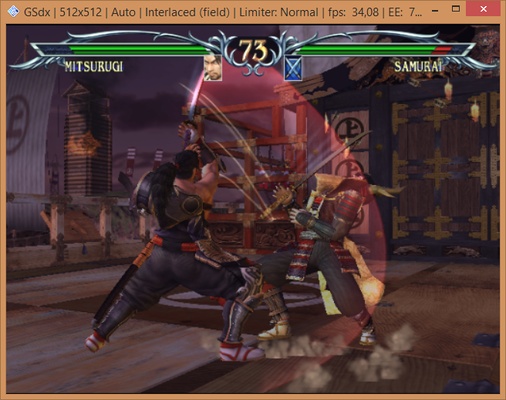
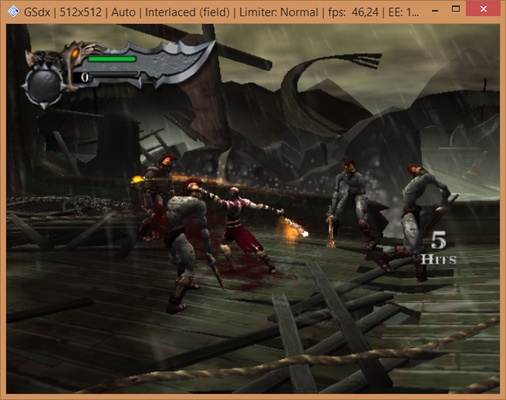
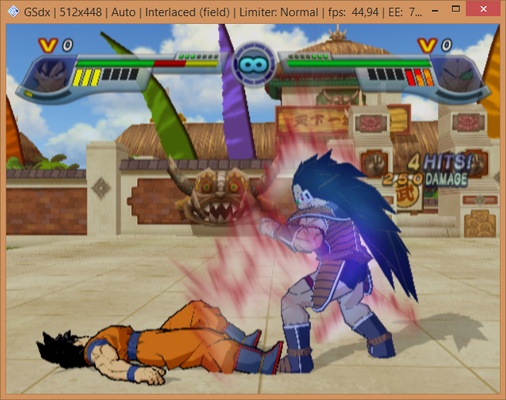
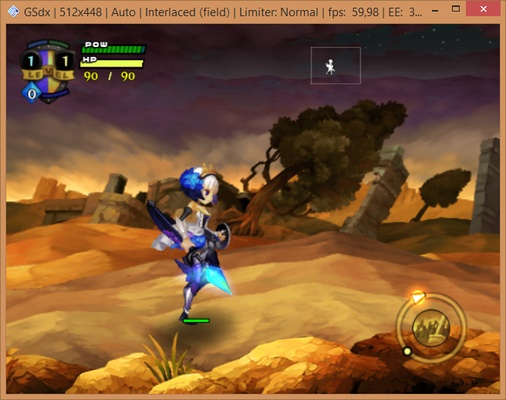
PCSX2 for Windows Download – Play PlayStation 2 Games on Your PC
PCSX2 for Windows is an advanced PlayStation 2 emulator that allows you to play your favorite PS2 games on your Windows PC. With high compatibility and powerful features, PCSX2 transforms your computer into a PlayStation 2 console, enabling you to enjoy your old gaming library with enhanced graphics and performance.
Whether you’re revisiting classic titles or discovering PlayStation 2 games for the first time, PCSX2 for Windows provides a smooth and customizable gaming experience with a range of enhancements that improve the gameplay.
Play PS2 Games with Enhanced Graphics
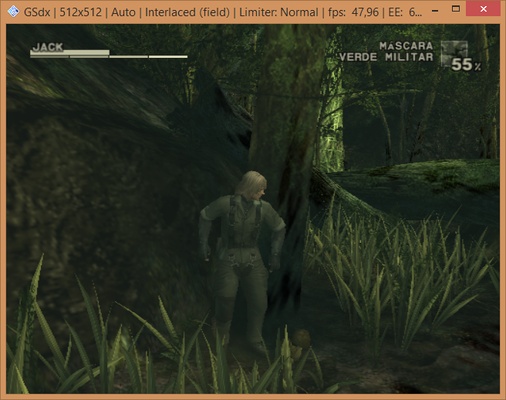
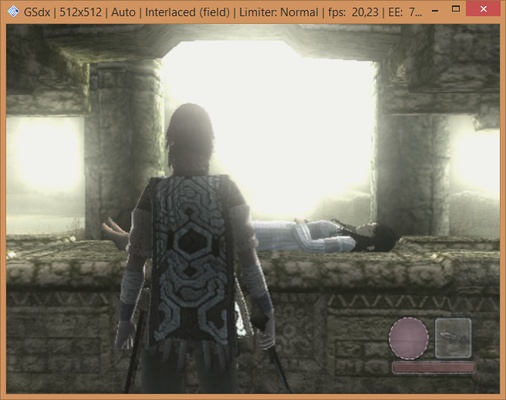
PCSX2 allows you to enjoy PlayStation 2 games on your PC with higher resolution and graphical enhancements. You can upscale the game’s resolution, apply anti-aliasing, and enhance textures, providing a much-improved visual experience compared to playing on the original console.
Full Game Compatibility & Controller Support
PCSX2 is compatible with a vast majority of PS2 games, ensuring that you can play most of your favorites without any issues. The emulator also supports various game controllers, including Xbox, PlayStation, and other third-party controllers, giving you the flexibility to play with your preferred input device.
Customizable Settings & Performance Tweaks
PCSX2 provides a range of settings and options to optimize performance based on your system’s specifications. You can adjust resolution, texture filtering, and performance-enhancing features to get the best gaming experience on your PC. Whether you have a high-end gaming rig or a more modest setup, PCSX2 allows you to find the perfect balance between performance and visual quality.
Save States & Cheats
The emulator supports save states, allowing you to save your game at any point and load it later, even during difficult or time-consuming sections of a game. Additionally, PCSX2 lets you apply cheats and mods to enhance or alter your gaming experience, providing more fun and customization options.
Final Overview
PCSX2 for Windows is the ultimate emulator for playing PlayStation 2 games on your PC. With enhanced graphics, wide game compatibility, and extensive customization options, it’s perfect for both nostalgic players and those new to the PS2 gaming world. If you want to relive the golden era of gaming, PCSX2 offers an easy-to-use and powerful solution for playing your PS2 games with enhanced performance and visual quality.
Frequent questions
What are the requirements of PCSX2?
PCSX2 has very accessible minimum requirements. Any Intel or AMD CPU with AVX2 support will do, as well as any graphics card with DirectX 11 and OpenGL 4 support, and at least 8 GB of RAM. If you meet these requirements, you can play without any problems.
What is the best PS2 emulator?
Without a doubt, the best PS2 emulator is PCSX2. Since the release of version 1.0 in 2012, PCSX2 has become a true benchmark for Playstation 2 emulation.
How do I download the BIOS of PCSX2?
To download the BIOS of PCSX2, you'll have to look for them manually with an Internet search engine. The PCSX2 developers do not host Playstation 2 BIOS on their official website, so you'll have to find them on your own.
Where can I download ROMs for PCSX2?
There are many websites where you can find hundreds and hundreds of Playstation 2 ROMs fully compatible with PCSX2. These websites, however, have no affiliation with the PCSX2 developers.