

Rebelle is a program that allows you to create hyperrealistic paintings and illustrations using all kinds of acrylics, tempera, oils, natural pigments, and other paints. Thanks to its NanoPixel technology, the app can mimic the way these types of materials respond when they come into contact with the canvas, as well as with each other. The result is a digital illustration with all the texture and fidelity of a traditional painting.
You will need to register to use it
In order to work with Rebelle, you must have a registered user account. Fortunately, this process is very simple. You can request a free seven-day trial from the program's official web page to explore all its features. To access this free trial, you just need to enter your email address. Once you do so, you will receive an email with your username and password, which you can use to log in. If you want to continue using the software after the seven-day trial period, purchase one of the different licenses offered on the official website.
This software is for all types of users
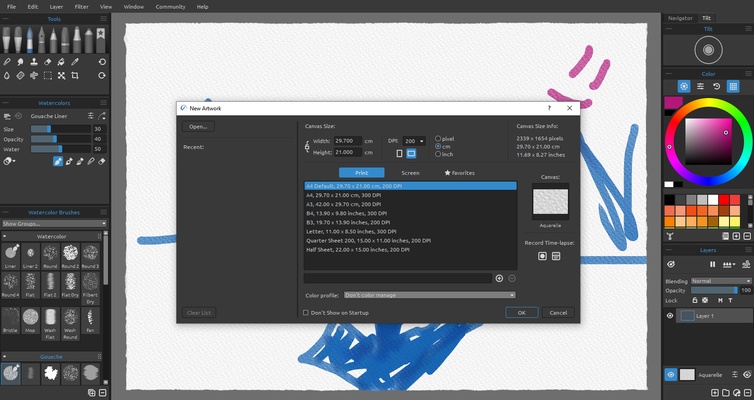
Although at first glance Rebelle may seem exclusively oriented to advanced users, the truth is that the program has all the necessary tools for users of all levels. The first time you open the app, in fact, a pop-up window will show you several tutorials to help you learn about some of its most interesting features. On the official website, you can also find many tutorials and tips, as well as dozens of additional brushes that you can download with a single click. There is a lot of official and unofficial content that will help you improve your artistic abilities.
Customize your workspace
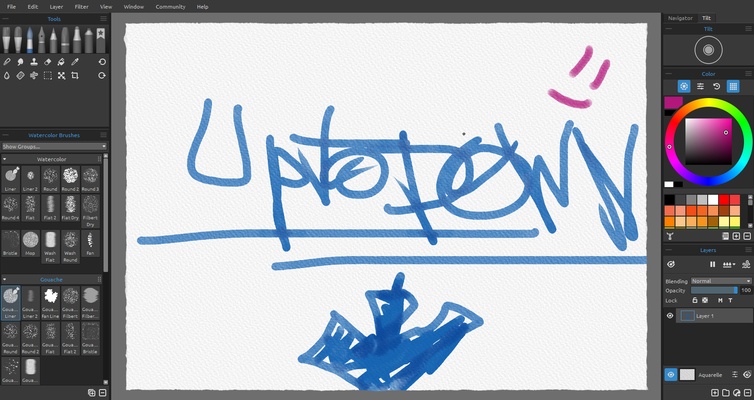
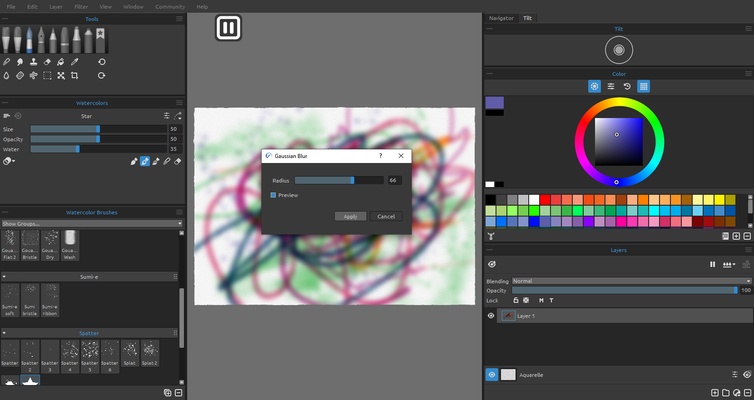
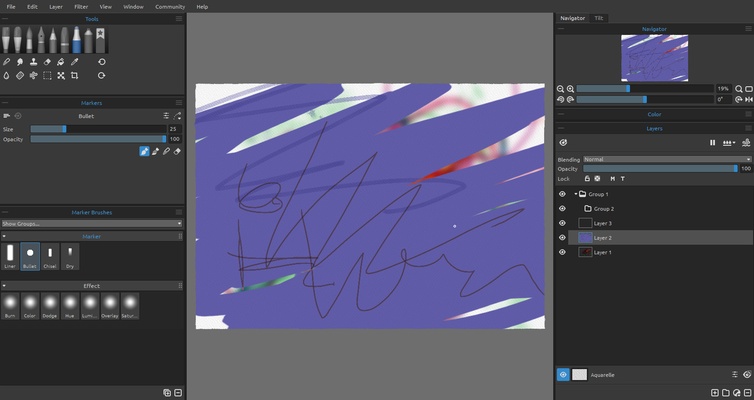
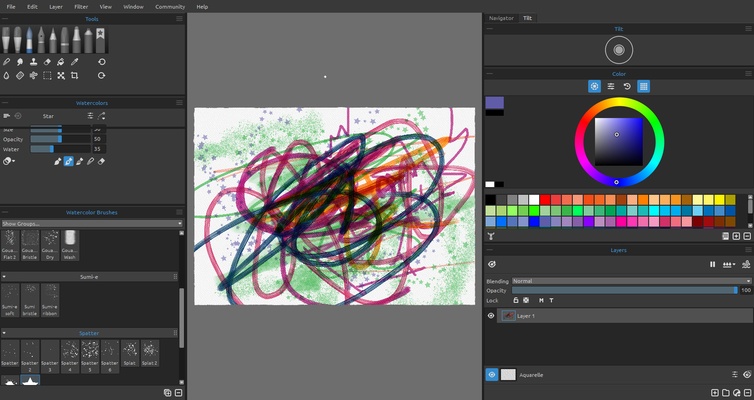
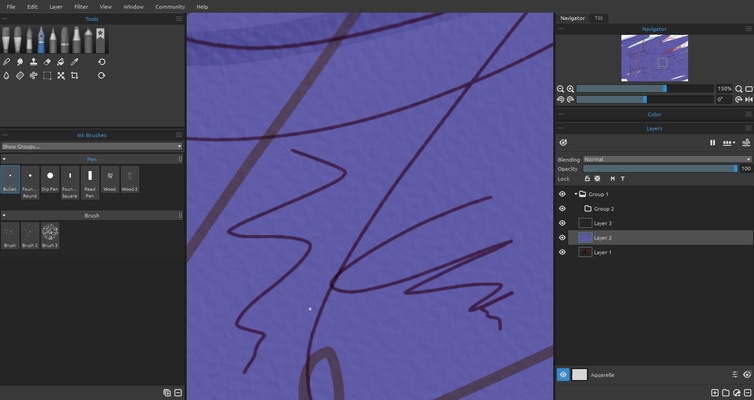
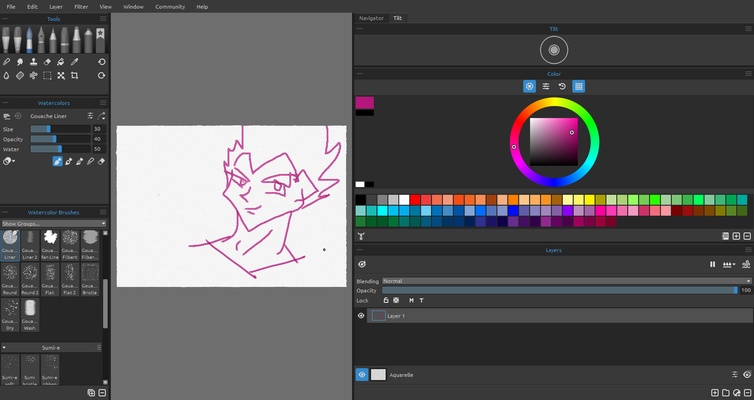
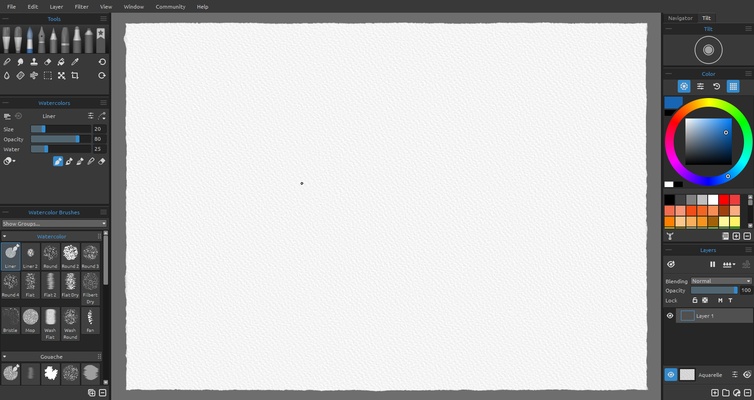
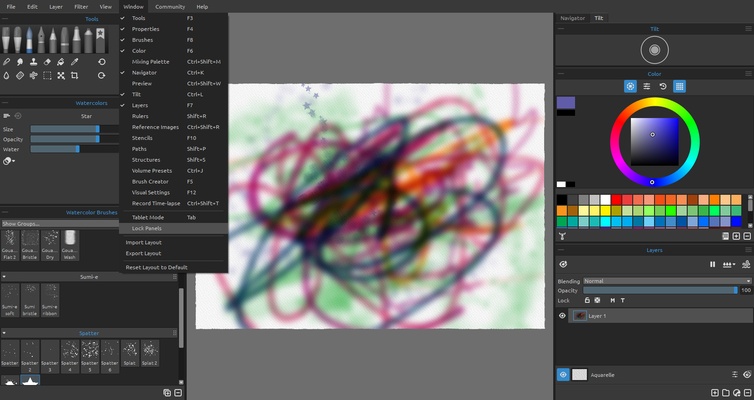
Like most tools of this type, Rebelle allows you to customize the workspace. By default, on the left side of the interface, you will find shortcuts to several brushes, and you can create a drawer with your most used brushes. On the other hand, you will see the color palette and the layer control on the right side. And, of course, in the center of the interface, you will find your canvas. But all this can be changed. The program allows you to configure your workspace so that the interface is adapted to you and not the other way around. Similarly, you can customize keyboard shortcuts and even change the interface style, choosing between dark and light modes.
Lots of features for all tastes
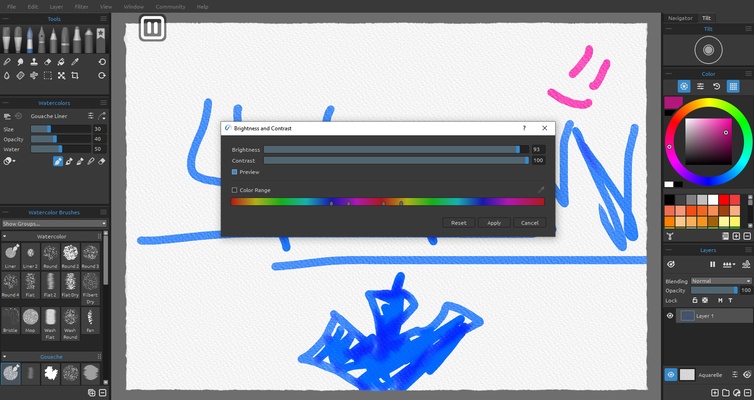
Rebelle offers extensive features both in terms of quantity and quality. You can record time-lapses for all your creations, use Fractal Image Processing technology to warp and transform any image or work on surfaces that perfectly mimic texture and metallic finish. You can also save all your creations in various formats: PNG, JPG, TIF, BMP, and REB. You can even save your files with layered PSD support to edit them later in Adobe Photoshop. And, of course, the program is fully compatible with almost all drawing tablets available on the market. If you have a tablet, just plug it in and start drawing.
Download Rebelle to discover a new way to create art from your PC. Thanks to this powerful tool, you can turn your graphic tablet (or mouse) into a brush that you can use to paint in any style. Whatever your preferred aesthetic, due to the great versatility of the program, you will have no problem getting exactly the finish you were looking for.