Go to Windows platform Display platforms icon
Go to Windows platform Go to Mac platform Go to Android platform
Rocket.Chat icon

Rocket.Chat

4.3.3
Rocket.Chat
0
256.93 MB size

A desktop client for this powerful messaging platform

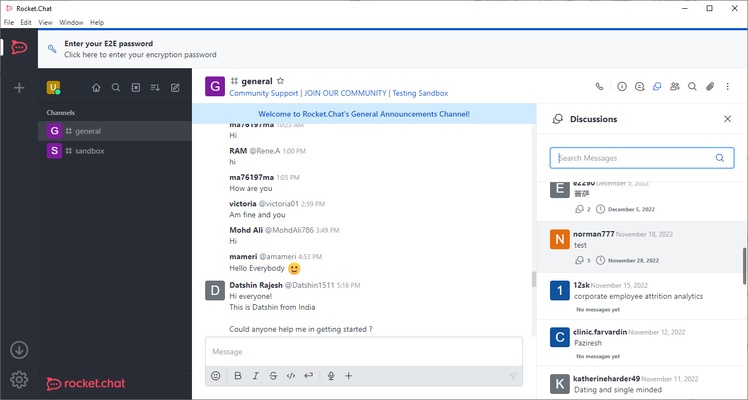
Rocket.Chat is the official desktop client for this popular messaging platform, which aims to provide a comprehensive solution for workgroups by offering much more than a simple messaging tool. To this end, the app offers a series of features similar to those of Slack, with a special emphasis placed on order and control, and provides effective solutions to the needs of each user.

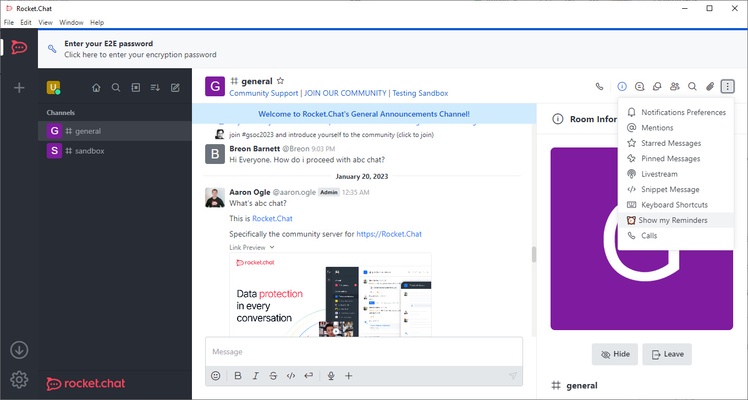
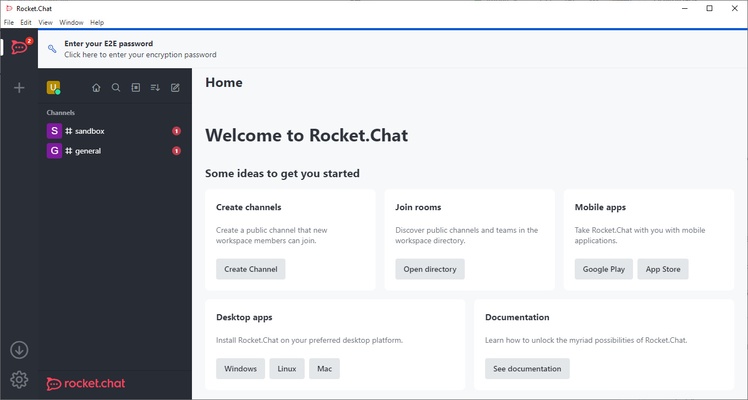
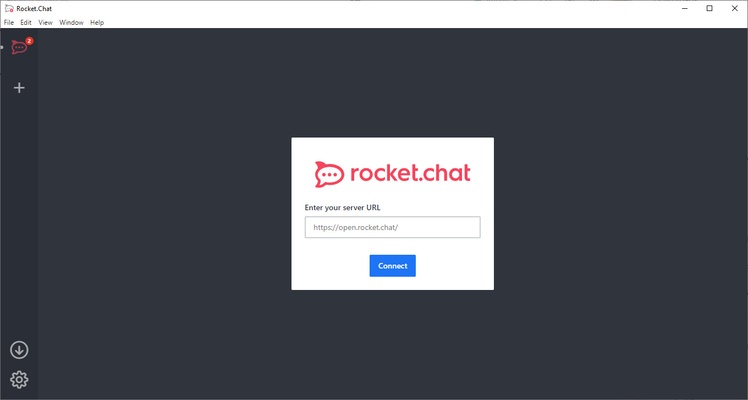
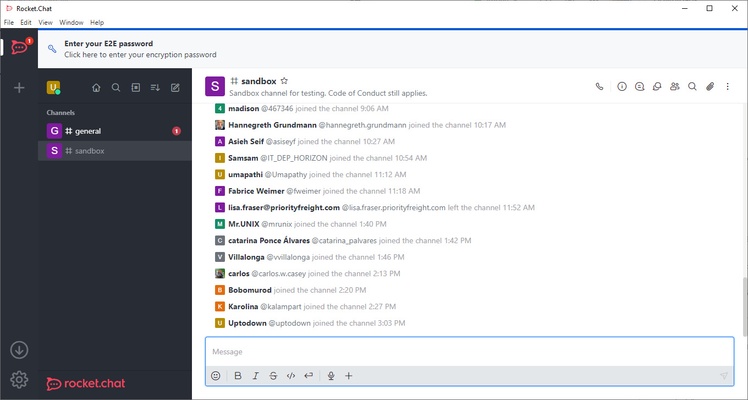
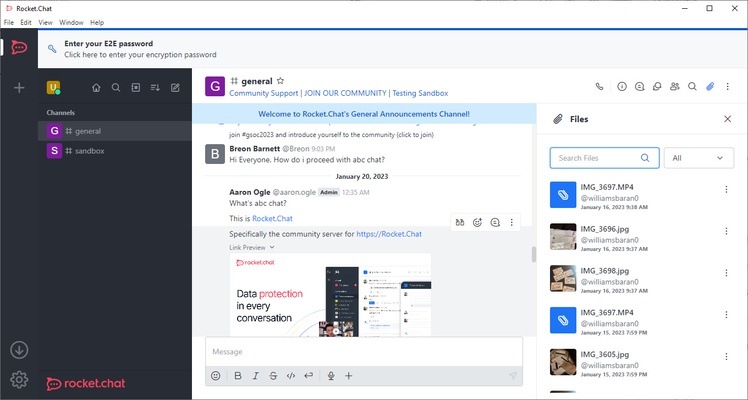
Getting started with Rocket.Chat is as simple as typing the name of the server you're going to work on and entering your credentials. As soon as you do so, you can access the different channels created within the server. The server's administrator can, of course, create as many channels as they want and even apply specific rules to each of them.

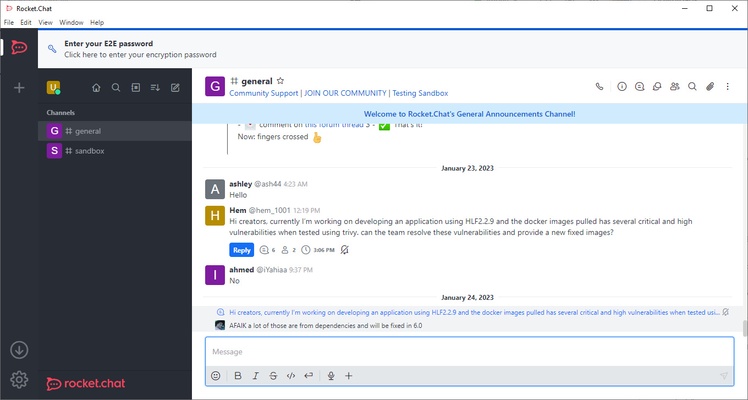
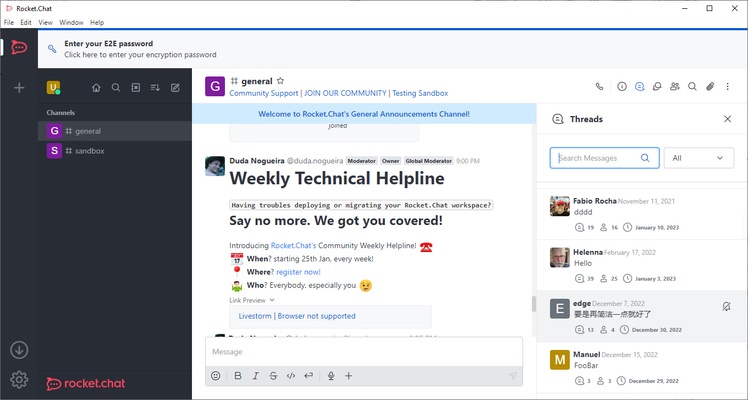
On each channel, you can type text, upload photos, attach documents, send audio files, etcetera. In order not to make a mess of the channel, you can reply to any comment within its own thread. In this way, public conversations on Rocket.Chat are kept perfectly nested and organized, each in its respective thread.

One of the great advantages of using Rocket.Chat as the main communication tool for large work teams is that it can be easily integrated with other apps and programs. The app offers easy integration with Dropbox, Gmail, Google Drive, Salesforce, and Zoom. Thanks to its open API, you can also create your own integrations as long as you have your own development team.

Rocket.Chat is a global communication platform that's totally free, open source, and meets the highest privacy standards to offer a 100% secure experience. The app is also available on other operating systems, such as Android, iOS, MacOS, and Linux, so you can use it comfortably regardless of the type of device you have.

Information about Rocket.Chat

License Free
Op. System Windows
Category Internet
Language English 43 more
Author Rocket.Chat
permission icon Permissions Not applicable
Date 2026-06-02
Size 256.93 MB
File type EXE

Apps recommended for you

TouchVPN 3.6.0 icon
The VPN app that keeps your phone, tablet & desktop secure & private!
Vivaldi 8.2.4133.47 (64-bit) icon
An advanced browser made with the power user in mind
Mullvad Browser 15.0.23 icon
A collaboration between Mullvad VPN and the Tor Project
SSuite NetSurfer E-Gamer x64 icon
Dedicated gaming and streaming browser with Ultra-Low latency!
Jackett 0.24.2685 icon
Look for torrents on hundreds of web pages at once
TrustVare Email Duplicate Remover Tool icon
Remove multiple duplicate emails from OST, PST , MSG , EML, and MBOX.
PS5 Remote Play 9.5.0.8040 icon
Control your PlayStation 5 console from a Windows PC!
WhatsApp for Windows 2.2623.103.0 (64-bit) icon
Quickly send and receive WhatsApp messages right from your Windows PC
VidMasta 31.0 icon
Watch and download any movie or TV titles that are being shared online
Mozilla Firefox 160.0.1 icon
The best alternative for Internet browsing
Speedify 17.3.0.13917 icon
Browse without barriers
SSuite NetSurfer Prometheus 2.12.14.10.7 icon
Surf smarter, faster, and safer with our original NetSurfer browser.
WhatsApp Desktop 2.2642.101.0 icon
The official WhatsApp app for Windows
GS-Calc 24.3.2 icon
Easily create and edit spreadsheets
Google Chrome 156.0.8078.80 icon
Fast, clean and easy web browsing courtesy of Google
MicroSIP 3.22.23 icon
Make free voice calls over SIP
MyChat icon
Boost your company's internal communication
IMVU 554.6 icon
Express yourself in the world`s largest 3D Chat and Dress-Up community
Opera 134.0 Build 5954.26 (64-bit) icon
Opera browser brings you more speed, more discoveries and more safety
Beyond Compare icon
Compare and synchronize content between different PCs
Element icon
Element for Windows is a secure, open-source messaging app that supports end-to-end encryption and decentralized communication across multiple platforms.
Cyberduck icon
Transfer and manage files securely with Cyberduck for Windows, the free FTP, SFTP, WebDAV, Amazon S3, Google Drive, and cloud storage client.
Google Chrome Canary 158.0.8121.0 icon
Google Chrome version for developers
ExpanDrive 2026.8.25 icon
Access cloud storage just like a USB drive for Windows