


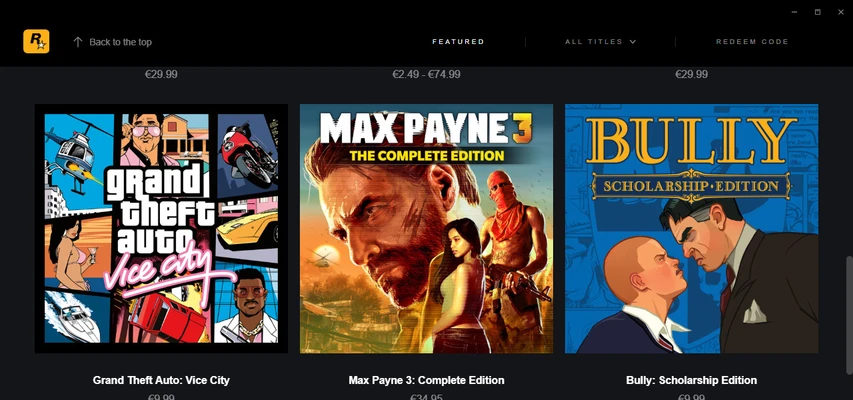
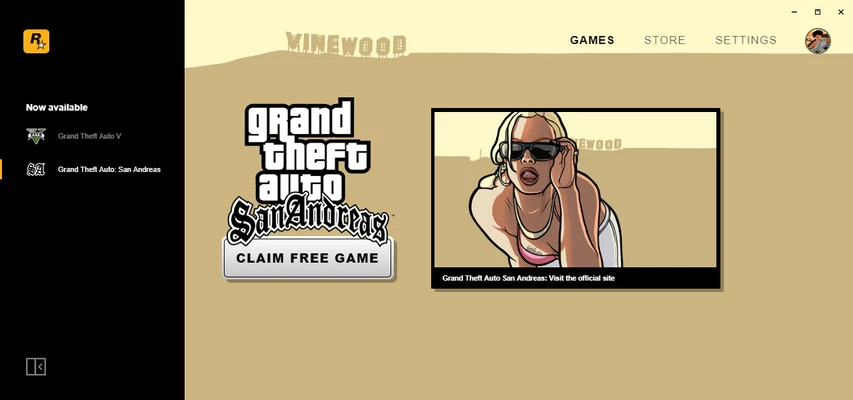
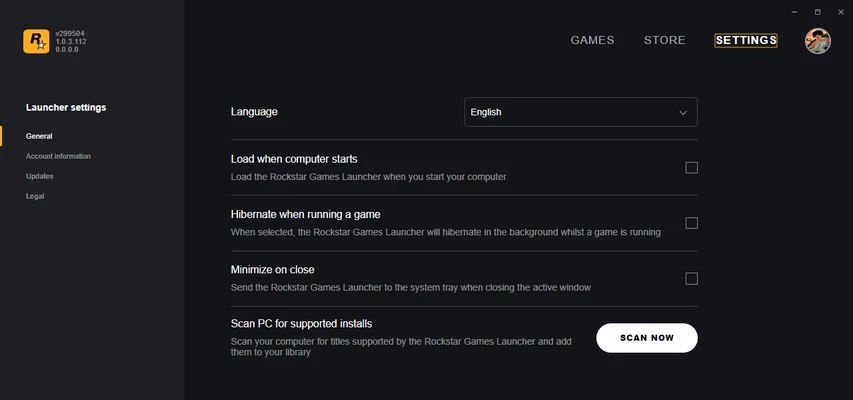
Rockstar Games Launcher is the official Windows client from Rockstar Games, allowing you to purchase, download, install, and launch games from its catalog. It provides access to popular titles such as Max Payne 3, Red Dead Redemption 2, Bully, and the Grand Theft Auto series. The launcher also manages game updates, helping keep your installed titles up to date.
Create a Rockstar Games Account to Play
You need a Rockstar Games account to access the launcher's main features. After signing in, you can browse the game catalog, purchase titles, and launch games associated with your account. The client also includes an activation option that lets you redeem Rockstar activation codes, including codes received as gifts or purchased from authorized retailers.
Rockstar's PC Gaming Platform
Rockstar Games Launcher provides a dedicated platform for managing the company's PC games. Although it competes with established services such as Steam, GOG Galaxy, Ubisoft Connect, and Epic Games Store, its main advantage is direct access to Rockstar's own catalog.
The launcher also connects with Rockstar's online services, providing account management and access to supported multiplayer features. Depending on the game, additional online services and anti-cheat systems may be required.
Compatible with Steam Deck
Rockstar Games Launcher can also be used on the Steam Deck, although it does not offer the same straightforward installation experience as games distributed directly through Steam. Setting it up generally requires additional steps, such as installing the launcher through a compatibility tool and adding it to Steam as a non-Steam application. Compatibility and performance may vary depending on the game and configuration.
The Easiest Way to Play Rockstar Games
Rockstar Games Launcher is a convenient way to access and manage Rockstar's PC game catalog. It provides game downloads, updates, activation code redemption, and account management in one place. The store may also feature discounts and occasional promotional offers on selected titles.