


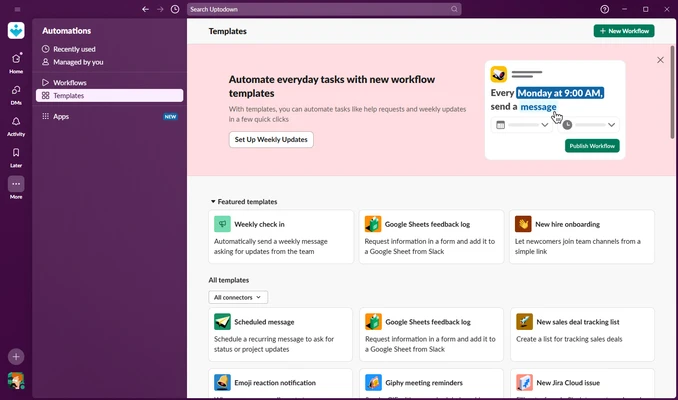
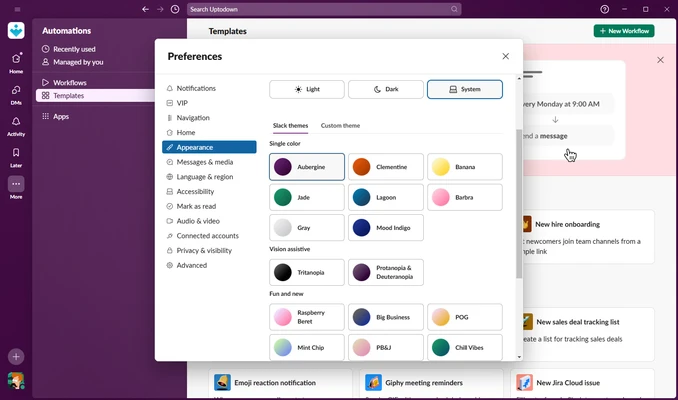
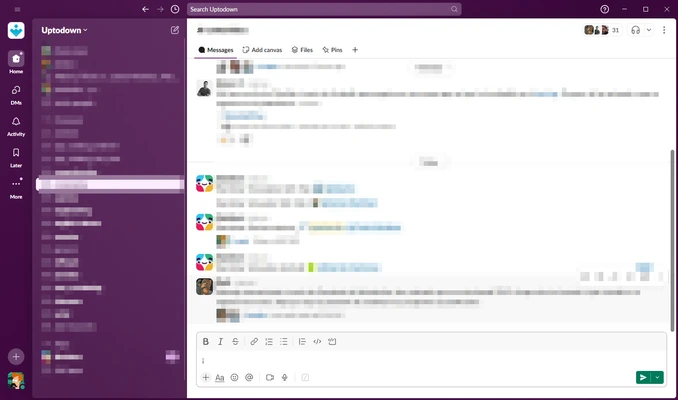
Slack for Windows is a leading team communication and collaboration platform that brings messaging, file sharing, project discussions, and workflow automation into a single workspace. Designed for businesses of all sizes, Slack helps teams stay connected through organized channels, direct messaging, voice calls, video meetings, and powerful integrations.
Whether you're collaborating with coworkers, managing projects, or communicating with clients, Slack provides a centralized hub where conversations, files, and tools work together seamlessly.
Key Features
Team Messaging
- Public and private channels for organized communication
- Direct messages for one-on-one conversations
- Threaded replies to keep discussions focused
- Mentions and emoji reactions for quick collaboration
- Message editing, pinning, and bookmarking
File Sharing & Collaboration
- Share documents, images, videos, and spreadsheets instantly
- Drag-and-drop file uploads
- File previews within conversations
- Searchable file archives
- Integration with popular cloud storage platforms
Voice & Video Communication
- One-on-one audio and video calls
- Team video meetings and conference calls
- Screen sharing for presentations and collaboration
- Huddles for quick voice conversations
Workflow Automation
- Workflow Builder for automating repetitive tasks
- Custom forms and approval workflows
- Automated notifications and reminders
- Integration-based workflow triggers
Search & Organization
- Powerful search across messages and files
- Search filters and advanced operators
- Archived conversations remain searchable
- Quick access to shared links and documents
Slack AI Features
- AI-powered search assistance
- Conversation summaries
- Daily activity recaps
- Smart response suggestions
- Faster information discovery across workspaces
Why Choose Slack?
Slack combines communication, collaboration, and productivity tools into a single platform. Instead of constantly switching between email, messaging apps, project management tools, and file storage services, teams can manage everything from one centralized workspace.
Its extensive integration ecosystem, automation capabilities, and enterprise-grade security make it one of the most popular collaboration platforms available today.
Best For
- Remote teams
- Hybrid workplaces
- Startups and small businesses
- Enterprise organizations
- Software development teams
- Marketing departments
- Customer support teams
- Project management collaboration
Pros
- Clean and intuitive interface
- Excellent team communication tools
- Powerful search functionality
- Extensive third-party integrations
- Cross-platform synchronization
- Strong workflow automation features
- Enterprise-grade security and compliance
- Reliable voice and video communication
Cons
- Can become overwhelming in large workspaces
- Free plan includes message history limits
- Resource usage can be high on older systems
- Advanced AI and enterprise features require paid plans
- Notifications may become excessive without proper configuration
System Requirements
Operating System
- Windows 10 (64-bit)
- Windows 11
Hardware
- Intel or AMD processor
- 4 GB RAM minimum
- 500 MB available storage
- Internet connection required
Security Features
- End-to-end data protection during transmission
- Data encryption at rest and in transit
- Single Sign-On (SSO) support
- Enterprise Key Management (EKM)
- Audit logs and compliance controls
- Data loss prevention tools
- Advanced administrative controls
Conclusion
Slack for Windows remains one of the most powerful workplace communication platforms available. Its combination of real-time messaging, file sharing, workflow automation, AI-powered productivity tools, and extensive integrations makes it an excellent solution for modern teams.
Whether you're managing a small startup or a large enterprise organization, Slack provides the flexibility, scalability, and collaboration features needed to keep teams productive and connected.