TablePlus is a modern, native database management tool for Windows that provides a clean graphical interface for working with relational and NoSQL databases. It supports popular database systems including MySQL, PostgreSQL, SQLite, Microsoft SQL Server, MariaDB, Oracle, Redis, MongoDB, Snowflake, and more.
Designed for speed and simplicity, TablePlus lets you browse and edit data, run SQL queries, manage database structures, and work with multiple connections through an intuitive interface. Built-in SSH support and extensive keyboard shortcuts make it convenient for both developers and database administrators.
Key Features
-
Wide Database Support – Connect to MySQL, PostgreSQL, SQLite, MariaDB, Microsoft SQL Server, Oracle, Redis, MongoDB, Snowflake, and other popular databases.
-
Native Performance – Provides a fast desktop experience with a lightweight, responsive interface.
-
Intuitive Data Editor – Browse, edit, filter, and manage database records through a spreadsheet-style interface.
-
SQL Query Editor – Write and execute SQL queries with keyboard shortcuts and syntax support.
-
Built-in SSH – Connect to remote databases through SSH without requiring a separate SSH client.
-
Advanced Filters – Apply multiple filters to quickly find specific records.
-
Database Structure Management – Create and modify tables, columns, indexes, views, and other database objects.
-
Import and Export – Import and export database data and SQL dumps for migration and backup tasks.
-
Multiple Tabs and Windows – Work with several databases and connections simultaneously.
-
Code Review – Review database changes before applying them.
-
Keyboard Shortcuts – Perform common database operations quickly without relying entirely on the mouse.
-
Plugin Support – Extend functionality with JavaScript-based plugins.
User Interface
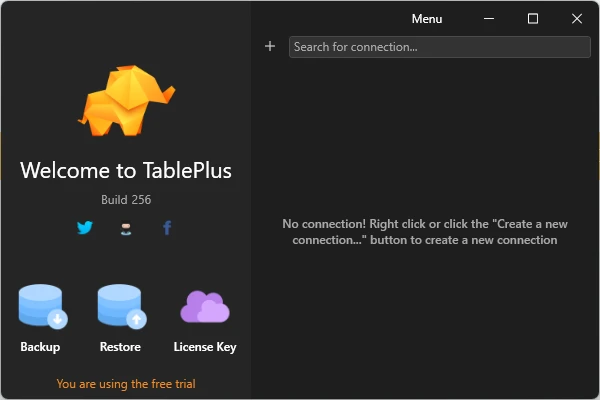
TablePlus uses a clean, spreadsheet-like interface that makes database browsing and editing straightforward. Connections, tables, query editors, and data views can be organized across multiple tabs and windows.
The interface is designed around quick navigation and keyboard shortcuts, while inline editing allows users to modify records and database structures directly from the main workspace.
Installation and Setup
-
Download and install TablePlus for Windows.
-
Launch the application after installation.
-
Select Create a new connection.
-
Choose the required database type.
-
Enter the server address, port, username, password, and other connection details.
-
Configure SSH settings if the database requires an SSH connection.
-
Click Connect to access the database.
Once connected, your databases and tables can be managed directly from the main interface.
How to Use
Open TablePlus and create a connection for the database you want to manage. After connecting, browse tables and records from the database navigator.
Use the data editor to view, modify, and filter records. For more advanced operations, open the SQL editor and execute queries directly against the selected database.
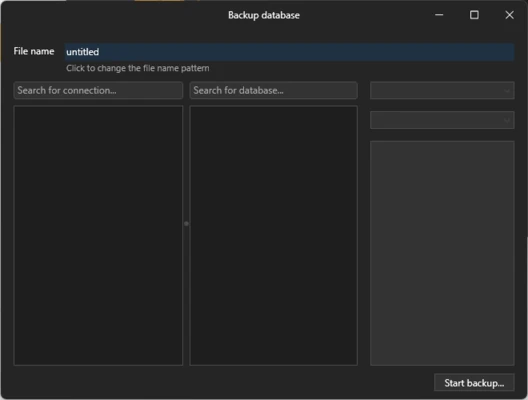
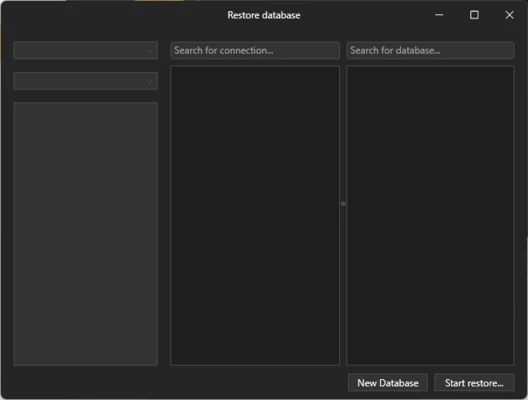
Database structures can also be managed from the interface, including tables, columns, indexes, and other objects. The built-in import and export tools can be used for moving data or creating SQL dumps.
When working with multiple databases, use tabs and windows to keep different connections organized. Keyboard shortcuts can further speed up frequently used operations.
Pros
-
Modern and clean user interface
-
Supports many popular database systems
-
Fast and responsive native application
-
Built-in SSH connectivity
-
Convenient data editing and filtering
-
Multiple tabs and windows
-
Extensive keyboard shortcuts
-
Plugin support
Cons
-
Some advanced features require a paid version
-
The free version has usage limitations
-
Some users may prefer more advanced SQL development tools
-
Team collaboration features are limited
Conclusion
TablePlus is a practical database management application for Windows users who want a fast and easy-to-use GUI for working with multiple database systems. Its combination of broad database support, inline data editing, SQL tools, built-in SSH, multiple connections, and keyboard shortcuts makes it suitable for developers, database administrators, and other users who regularly work with databases.