

Go to Windows platform Display platforms icon
Go to Windows platform Go to Mac platform Go to Android platform
ZoomIt Portable icon

ZoomIt Portable

8.01
Mark Russinovich
5
1.02 MB size

Expand the screen and add notes to your presentations

ZoomIt is a small, portable app that fits easily on a pen drive and comes in very useful for making presentations or demonstrations.

It is very easy to use, you can assign all its functions to a number of keyboard shortcuts, and it offers a number of extra features when displaying your desktop.

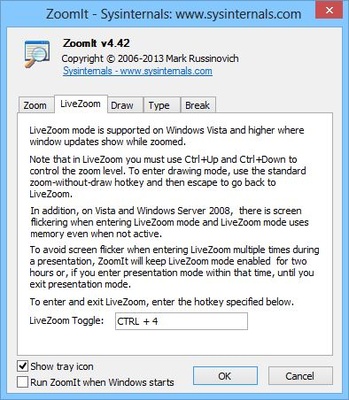
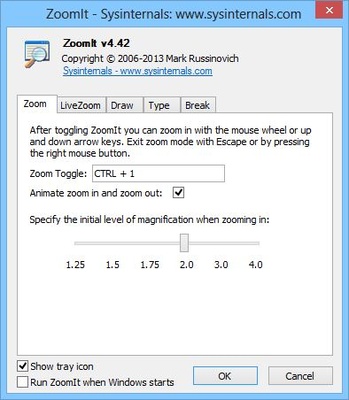
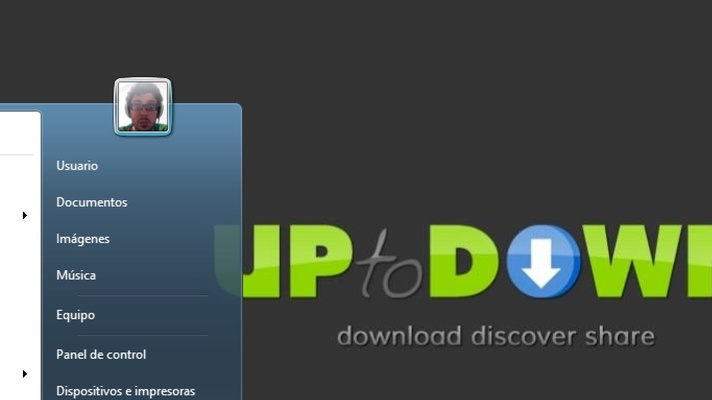
You can simply zoom in to the screen, where the intensity can be pre determined, and later changed with the mouse wheel. You can not edit anything in this mode, but you also get LiveZoom mode (Windows Vista or later) that allows you to continue using your computer while the screen is enlarged.

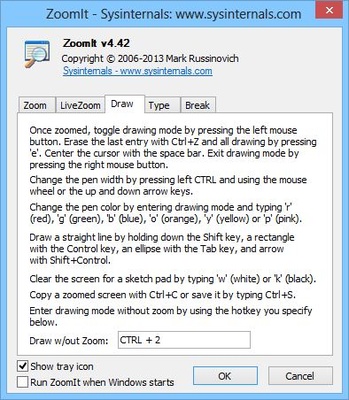
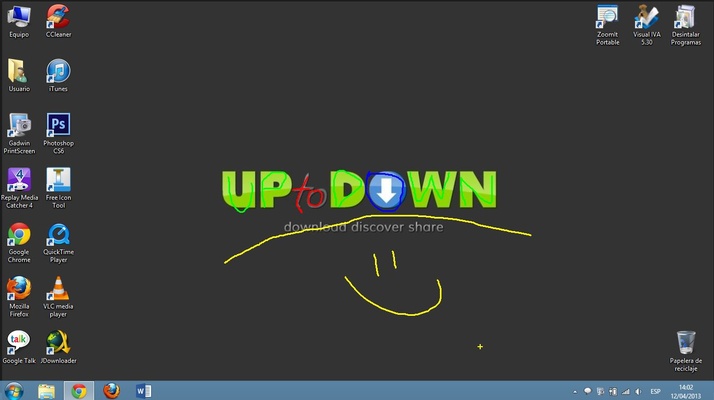
It also offers two other presentation oriented options. Clicking the left mouse in Zoom mode (or using the keyboard shortcut) will activate the cursor, with which you can paint on the screen.

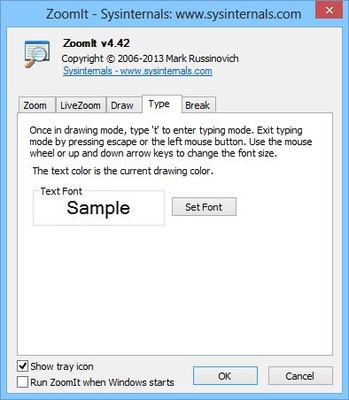
You can choose the colour of the brush by pressing the corresponding key (r: red, g: green, b: blue, and y: yellow) and create straight lines by pressing Ctrl, rectangles with Shift or ellipses with Tab. You can also enable the keyboard by pressing the letter T. If instead of painting over the desktop, you want a coloured background, you can choose between white (w) or black (k). Finally you can undo with Ctrl-Z or delete everything with the E key.

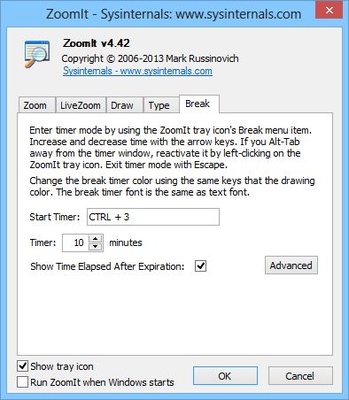
The last option on offer is a simple countdown, for which you set the time, the position of the timer, and even select a background image and the sound to be played at the end. This way, you can generate a bit of a buzz before beginning your presentation.

The program offers a lot of options that can turn a boring presentation into something much more enjoyable and thanks to the keyboard shortcuts; you can control all the effects easily. In just a few minutes you will be flicking between the different modes seamlessly.

Information about ZoomIt Portable

License Free
Op. System Windows
Category Business
Language English
Author Mark Russinovich
permission icon Permissions Not applicable
Date 2026-06-02
Size 1.02 MB
File type EXE

Apps recommended for you

Manager icon
Manager
Birthday Card Maker Software icon
Award winning printable cards making tool
e-Campaign icon
Generate HTML email bulletins and messages
Screaming Frog SEO Spider 24.1 icon
The industry leading website crawler and SEO spider for Windows PC
WhatSender icon
A WA notification software that can be used to notify customers
TheBrain 15.0.612 icon
TheBrain is a full-featured mind-mapping software for Windows
Anki 26.09.2 icon
The best flashcard app to learn languages and more!
OpenWork 0.18.49 icon
AI productivity and automation assistant
EdrawMind 14.0.1 icon
A Full-Featured Cross-Platform Mind Mapping Software for PC!
Calibre 9.15.0 icon
The one stop solution for all your e-book needs. Comprehensive e-book software
Epubor Ultimate eBook Converter 3.0.16.741 icon
Amazing eBook Converter + eBook DRM Removal for Windows
Okular 26.08.1 icon
Allows you to read PDF documents, comics, EPub books and more!
WordPress 7.1.1 icon
Free software you can use to create a beautiful website, blog or app!
Notion 7.34.0 icon
Work offline, collaborate in real-time, write without distractions!
FocusMe 8.0.4.7 icon
Break free from distractions, unleash your productivity!
OpenWork 0.18.49 icon
AI productivity and automation assistant
Generate Barcode icon
Bulk barcode label generating application
SnapGene Viewer 8.2.3 icon
Easily preview your created DNA maps and analyzing enzymes
Legal Billing icon
The easiest way to manage your accounts
Birthday Card Maker Software icon
Award winning printable cards making tool
Quick Access Popup icon
Jean Lalonde
Birthday Cards Maker icon
Birthday wishes card producing application