


Nuclear Music Player is a free music player for macOS that allows you to integrate songs from multiple online sources. With Nuclear Music Player, you can bring together your favorite music from various streaming platforms and combine it with the songs you already have stored locally on your Mac.
A modern and sleek interface
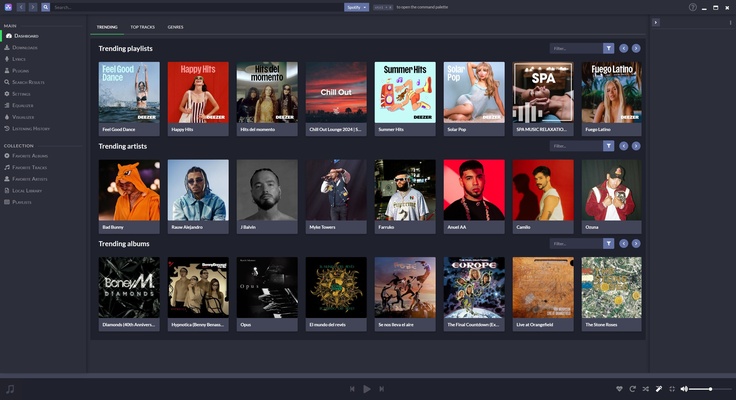
When you open the app, you will see the current most popular playlists, as well as the trending artists and albums. This helps you to discover new music and keeps you up to date with what people are currently listening to.
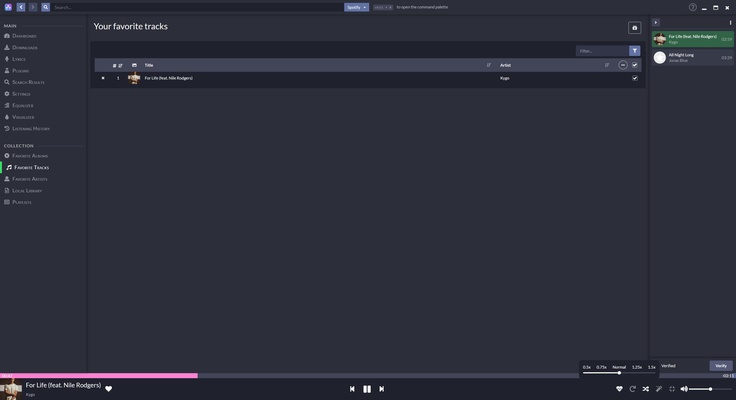
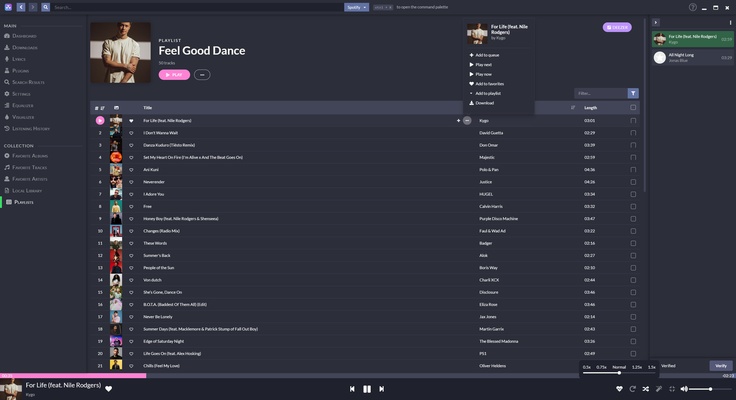
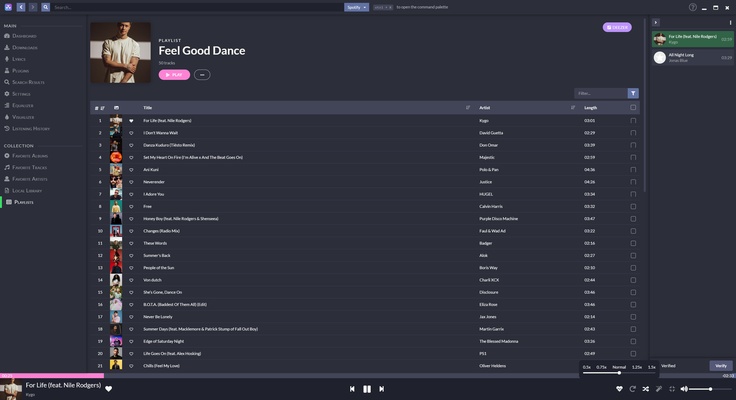
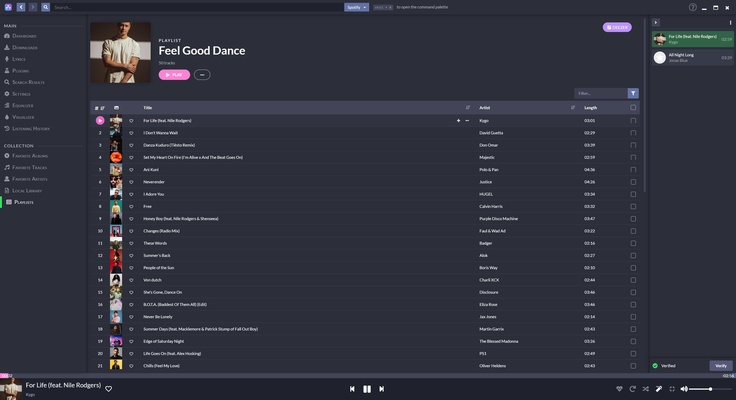
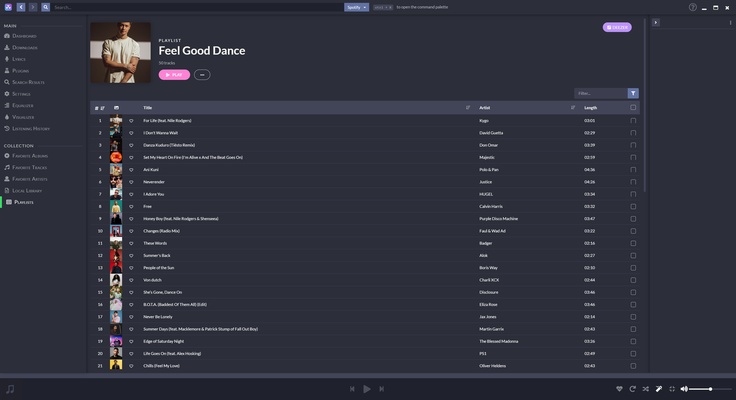
As well as exploring set playlists, Nuclear Music Player gives you the chance to create your own custom playlists, where you can bring together your favorite songs from different genres, for different moods or for special events. If you prefer not to create playlists manually, you can simply add your favorite songs to the "favorite folders" section by hitting "like". There is also a specific section for artists and albums that you can organize to your liking, allowing you to quickly access the music you are most passionate about.
Download music in MP3 format
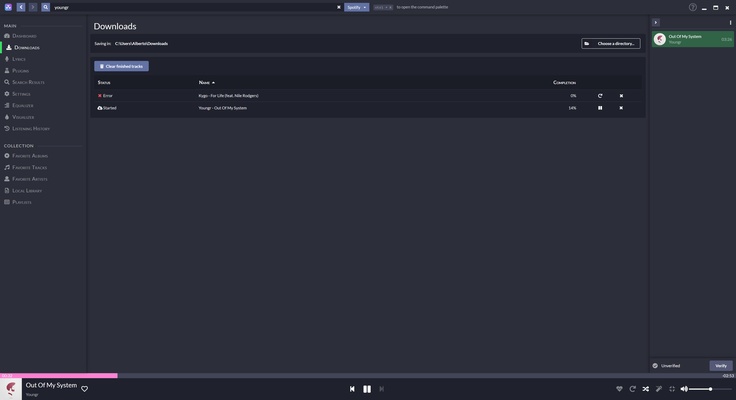
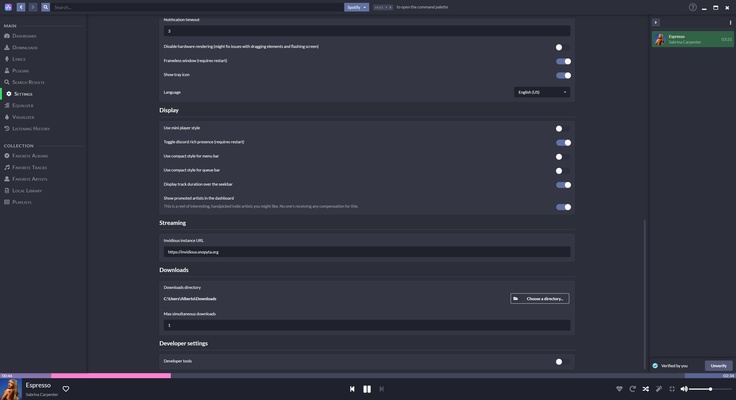
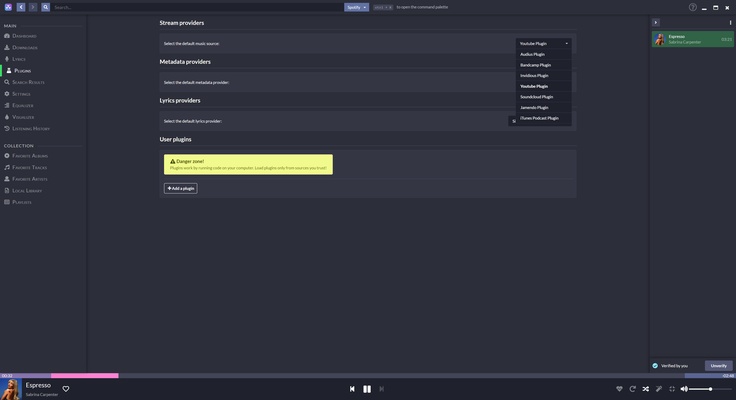
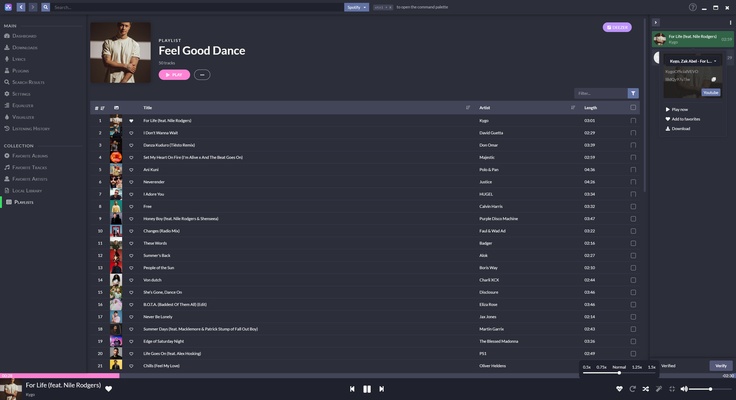
Nuclear Music Player not only allows you to listen to music online, it also gives you the option to download your favorite songs in MP3 format. This is especially useful if you want to listen to music offline or if you prefer to keep a local copy of your favorite tracks. When selecting a song, you can choose between several available sources, comparing the sound quality and choosing the version that best suits your needs. Once downloaded, your songs are stored in the desired folder on your Mac, ready to be played at any time.
For those who prefer a continuous listening experience, Nuclear Music Player allows you to add songs to a play queue, which will always show you the next song on the playlist. This way, you can organize your music efficiently and avoid unwanted interruptions.
Song lyrics
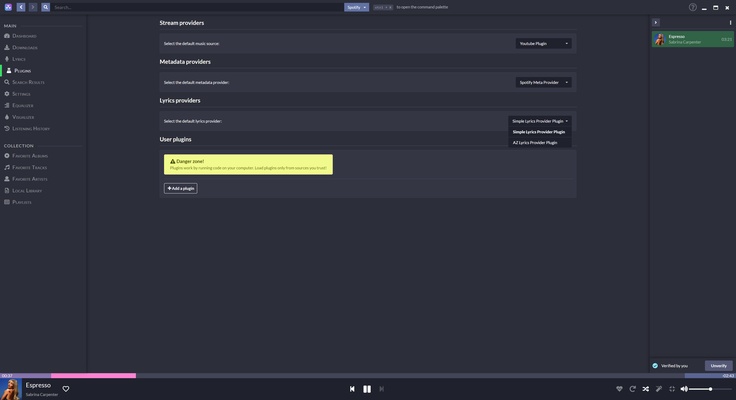
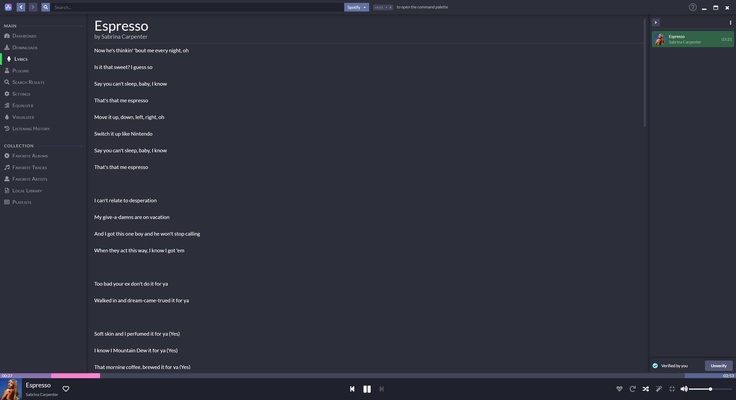
Like most popular music players, Nuclear Music Player includes a lyrics function that allows you to follow the lyrics as you listen to your favorite songs. These are taken from recognized sites like AZLyrics and are automatically loaded for supported songs.
No ads or tracking
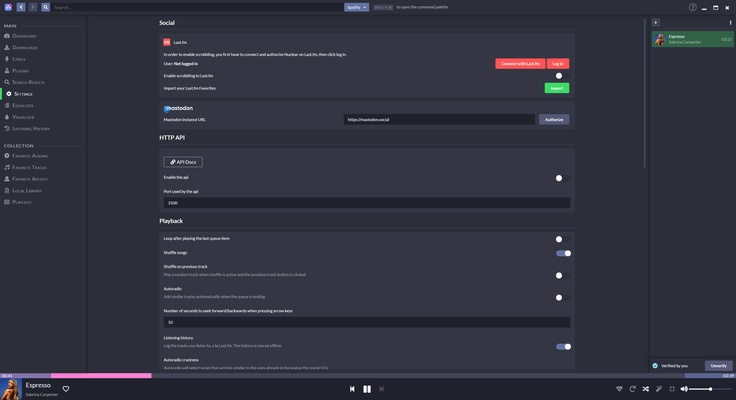
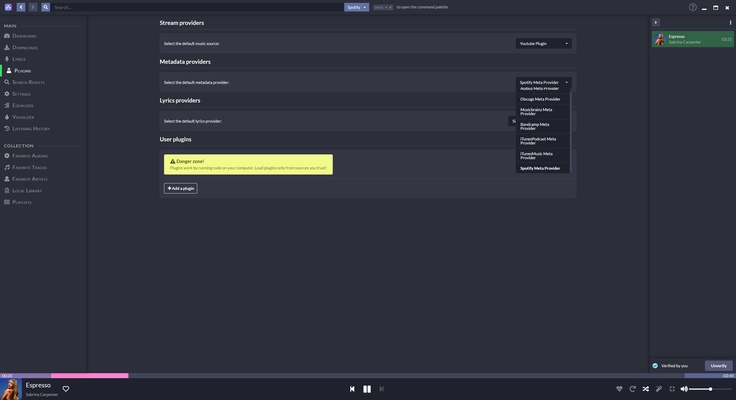
One of the main advantages of Nuclear Music Player is that it is ad-free and does not track users, ensuring a clean and uninterrupted listening experience. As it is not based on recommendation algorithms that analyze your behavior, all the content you see on the platform is determined by total plays across the user base and the songs you have "liked". What's more, Nuclear Music Player allows you to import playlists from other platforms like Spotify, Deezer or YouTube, facilitating the transition to this new tool.
When you select a specific song, Nuclear Music Player automatically generates a "radio" based on that song, playing similar songs that might interest you, without the need for you to manually search for related songs. Download Nuclear Music Player and enjoy a complete music experience on your Mac for free.