

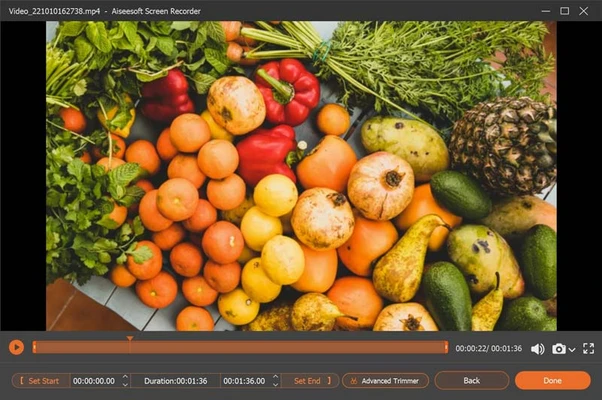
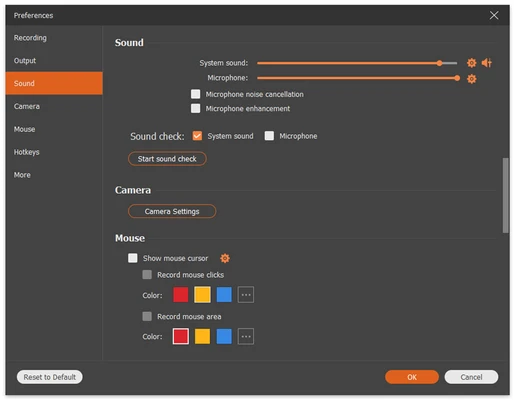
Aiseesoft Screen Recorder is a screen recording software for Windows that allows users to capture screen activity, system audio, microphone input, and webcam video. It supports recording full screen, selected areas, or specific application windows.
The software can be used to record videos, gameplay, online meetings, tutorials, webinars, and streaming content. It also includes screenshot tools with basic annotation features.
Features
- Record full screen, selected area, or window
- Record system audio and microphone
- Record webcam video
- Capture gameplay and online videos
- Take screenshots while recording
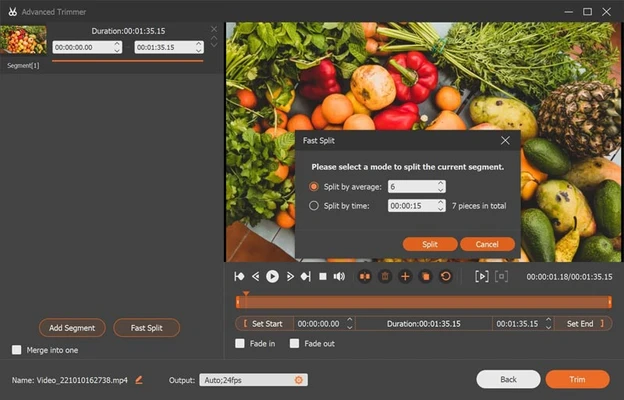
- Basic editing and annotation tools
- Mouse cursor highlighting
- Lock window recording mode
- Hotkey support for recording control
- No watermark output (depending on version)
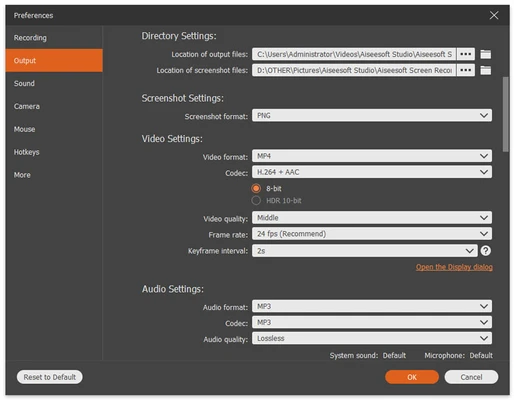
- Support for multiple output formats
Recording Modes
- Full Screen Recording
- Custom Area Recording
- Window Recording
- Lock Window Recording
- Webcam Recording
Audio Recording
- System sound recording
- Microphone recording
- Simultaneous audio recording
Screenshot Tool
The software allows users to capture screenshots during recording and edit them with basic tools.
Supported actions include:
- Add text
- Draw arrows
- Highlight areas
- Freehand drawing
Supported Output Formats
Video
MP4, MOV, AVI, WMV, TS, GIF
Audio
MP3, AAC, M4A, WMA, OGG, FLAC
Image
PNG, JPG, BMP, GIF, TIFF
Use Cases
- Screen tutorials
- Online meetings recording
- Game recording
- Streaming video capture
- Webinar recording
- Video presentations
- Software demonstrations
System Requirements
Operating System
- Windows 11
- Windows 10
- Windows 8 / 8.1
- Windows 7
Hardware
- Intel / AMD processor
- 2 GB RAM or higher
- 200 MB free disk space
- Microphone and sound support for audio recording
Pros
- Easy to use interface
- Multiple recording modes
- Supports system + microphone audio
- Screenshot + annotation tools included
- Hotkey support
- Lightweight and stable
Cons
- Limited advanced video editing features
- Some functions require paid version
- No built-in cloud storage
Alternatives
- OBS Studio
- Bandicam
- Camtasia
- Movavi Screen Recorder
Note
A free trial version is available with limited features. Full functionality requires a paid license.