

Beyond Compare is a professional file and folder comparison tool developed by Scooter Software. It allows users to compare, synchronize, and merge files, folders, and data quickly and accurately.
Designed for developers, IT professionals, and everyday users, Beyond Compare provides a visual interface for identifying differences between files, comparing directories, managing backups, and synchronizing data between multiple locations.
With support for text, source code, images, binary files, FTP servers, and structured data, it is a powerful solution for file management and comparison tasks.
Key Features
- Compare files and folders side by side
- Synchronize files between different locations
- Merge changes from multiple file versions
- Compare source code and text documents
- Compare binary and hexadecimal files
- Image comparison with visual differences
- FTP and SFTP support
- Custom comparison rules and filters
- Automated comparison and synchronization scripts
- Three-way file merging support
Main Features Explained
File and Folder Comparison
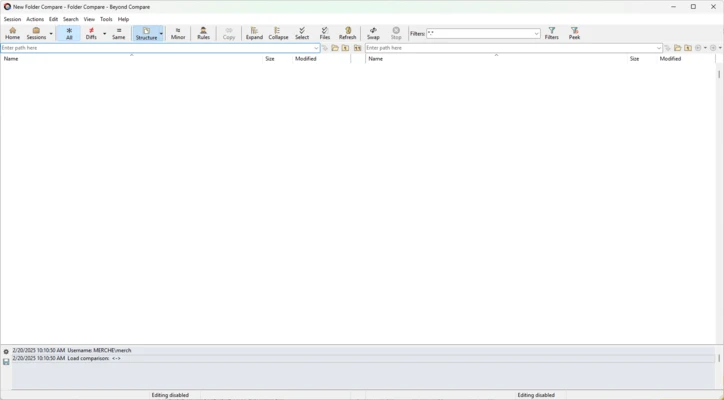
Beyond Compare displays differences between files and folders using an intuitive side-by-side layout. Users can quickly identify changed, missing, or duplicate files.
File Synchronization
The synchronization feature helps users keep folders updated across local drives, external storage devices, network locations, and remote servers.
Code and Text Comparison
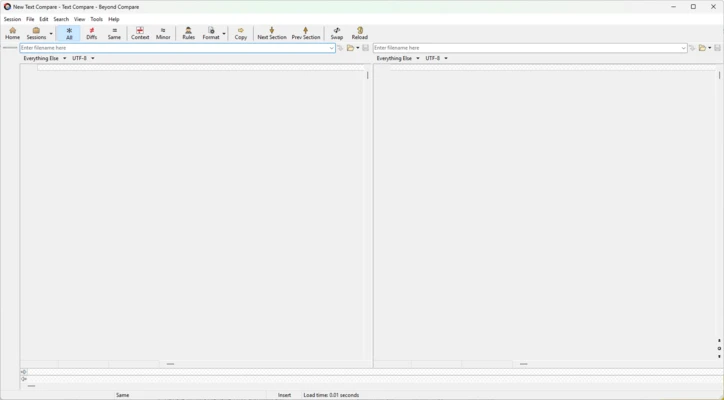
Developers can compare programming files, scripts, and documents with syntax highlighting and detailed difference tracking.
Folder Merge
The merge function allows users to combine changes from multiple versions of files, making it useful for software development and team collaboration.
FTP/SFTP Comparison
Beyond Compare can compare and synchronize files stored on remote servers through FTP and SFTP connections.
How to Use Beyond Compare
- Download and install Beyond Compare.
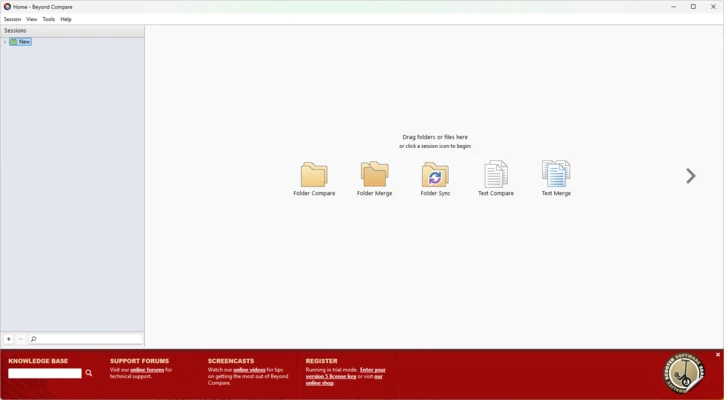
- Launch the application and create a new comparison session.
- Select file or folder comparison mode.
- Choose the files or directories you want to compare.
- Review highlighted differences.
- Merge changes or synchronize files when needed.
- Save comparison settings for future tasks.
System Requirements
- Operating System: Windows 10/11 (also available for macOS and Linux)
- Processor: Intel or AMD processor
- Memory: 2GB RAM or higher
- Storage: Around 100MB free disk space
- Display: 1024×768 resolution or higher
Pricing
Beyond Compare offers a trial version with limited usage time.
Available editions include:
- Standard Edition
- Professional Edition
- Enterprise Licensing
Pricing varies depending on license type and usage requirements.
Pros
- Fast and accurate file comparison
- Powerful synchronization tools
- Supports many file formats
- Excellent merge functionality
- Custom rules and automation support
- Useful for developers and IT professionals
Cons
- Paid software after trial period
- Advanced features require learning
- No built-in support for some cloud storage platforms
- Interface design is functional rather than modern
Alternatives
- WinMerge – Free and open-source file comparison tool for Windows.
- Meld – Cross-platform visual comparison and merge application.
- UltraCompare – Professional file comparison software with advanced features.
Conclusion
Beyond Compare is a reliable file comparison and synchronization tool for users who need accurate difference analysis and efficient file management.
Its powerful comparison engine, merge capabilities, automation support, and remote file handling features make it suitable for software developers, system administrators, and users managing large amounts of data.
Although it requires a paid license and may feel complex for beginners, Beyond Compare remains a powerful choice for professional file comparison and synchronization tasks.
Note: 30-day trial version available.