Go to Windows platform Display platforms icon
Go to Windows platform Go to Mac platform Go to Android platform
BYOND icon

BYOND

516.1660
BYOND Software
1
7.41 MB size

Develop your own games and play games from others

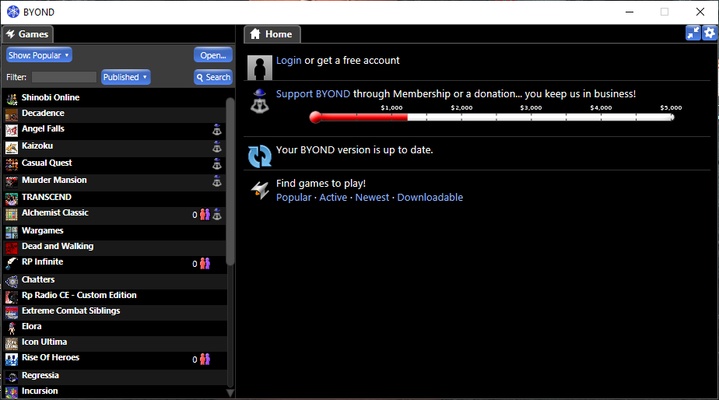
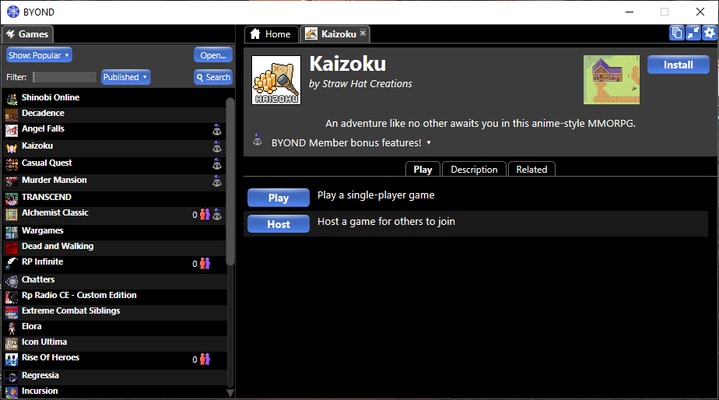
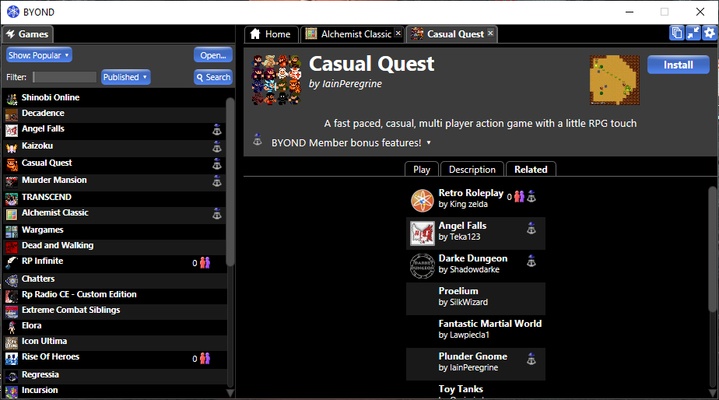
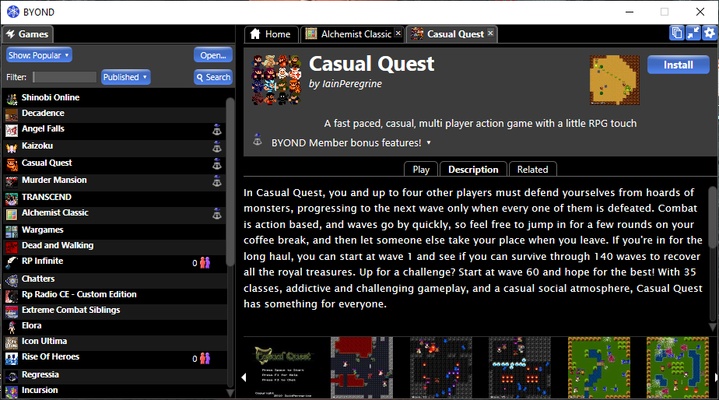
BYOND is a very useful program for anyone who wants to develop their own game for Windows but doesn't have the tools to do so. This platform provides everything you need to create a solid foundation for your game, whatever its genre. It also includes a long list of community creations that you can try out with a single click.

Before you begin developing your game, it's wise to read the BYOND tutorial, which explains everything you need to know in order to get started. This program uses its own programming language, which is very similar to C and C++. With it, you can generate your own worlds, then populate them with whatever you need for your game. Best of all, you have the choice of creating games in 2D or from a bird's eye view.

One of the biggest advantages of using BYOND is its countless tutorials and guides to improve your development. Between its active community and these guides, you can figure out just about anything, either by yourself or by asking for help on the forum.

BYOND is a great way to develop games for one or more players. No matter your idea, this tool is an excellent way to build your game from the ground up, even if you have limited experience. Enjoy games from others, too, and the wide variety of ideas they contain. You can install them in seconds and see how other people have taken advantage of all BYOND has to offer.

Information about BYOND

License Free
Op. System Windows
Category Development
Language English
Author BYOND Software
permission icon Permissions Not applicable
Date 2026-06-02
Size 7.41 MB
File type EXE

Apps recommended for you

dbForge Studio for PostgreSQL icon
dbForge Studio for PostgreSQL for Windows is a powerful IDE that enables users to design, manage, and administer PostgreSQL databases efficiently.
WeBuilder 2025 18.9 icon
Create and edit web page code faster and easier!
TurboWarp icon
Design all types of creative projects
FMSLogo Files icon
FMSLogo Files for Windows is a simple logo programming environment designed for learning basic programming concepts through visual graphics and commands.
GitHub Desktop icon
Develop in Windows, share in GitHub
Visual Paradigm Community Edition 18.1 icon
Create diagrams for Windows PC in order to analyze the data flow
soapUI icon
Web service testing PC software for service-oriented architectures
Microsoft Visual C++ Redistributable icon
Run games and applications smoothly with Microsoft Visual C++ Redistributable for Windows, the essential runtime package required by software built with Visual C++.
Codex 26.1103.4239.0 icon
OpenAI's official companion for programming with ChatGPT
Beekeeper Studio 6.2.1 icon
A modern, elegant, and open source SQL client
InnoExtractor 12.2.0.187 icon
Complete GUI for Inno Setup.
Orca 1.4.246 icon
An environment for coordinating multiple AI agents
cc-switch 4.0.4 icon
Manage multiple AI models from one place
Twine 2.12.1 icon
A tool to create non-linear interactive stories
Codex 26.930.3930.0 icon
OpenAI's official companion for programming with ChatGPT
Python 3.14.8150.0 icon
Accessible multi-paradigmatic programming language
Visual Studio Code icon
Visual Studio Code is a lightweight, open-source code editor with powerful features for debugging, version control, and code editing.
Protocol Buffers 36.0 icon
Open-source cross-platform data format used to serialize structured data
RStudio 2026.08.2 icon
Take control of your R for Windows code!
Sourcetree icon
Sourcetree
Inno Setup icon
Inno Setup for Windows is a free installer creation tool that helps developers package and deploy Windows applications easily.
Insomnia Core 13.2.0 icon
Debug APIs like a human, not a robot! Cross-platform app for PC
Python 3.14.8150.0 icon
Accessible multi-paradigmatic programming language
RStudio 2026.07.1 icon
Take control of your R for Windows code!