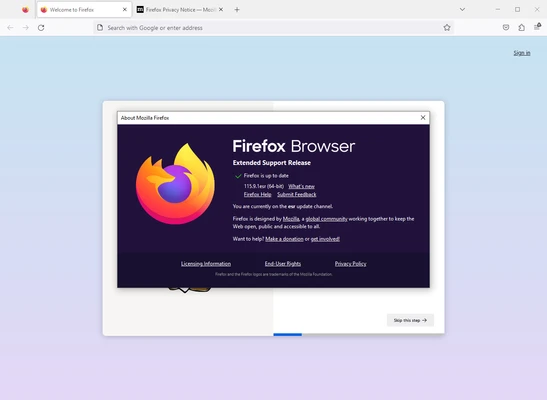
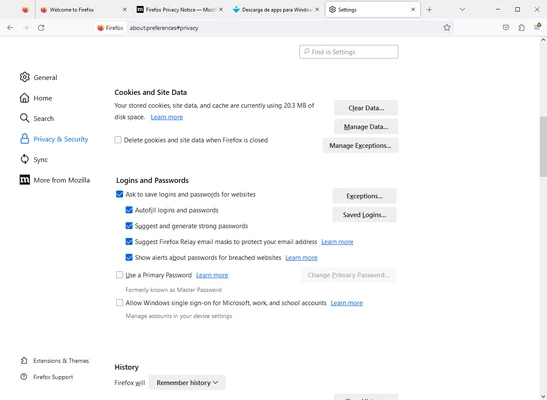
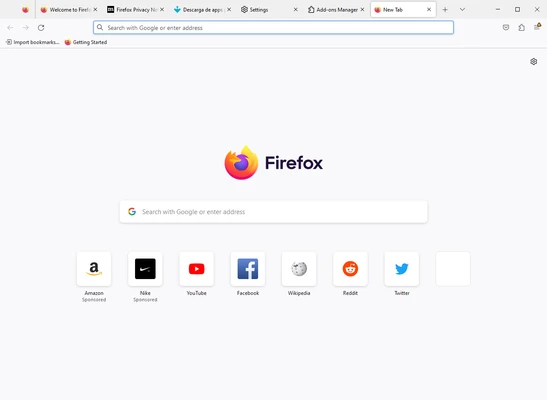
Mozilla Firefox 64-bit is a free web browser focused on fast performance, privacy, security, and customization. It supports tabbed browsing, integrated search, private browsing, tracking protection, extensions, themes, device synchronization, and built-in tools for screenshots and PDF editing. Firefox is available for Windows, macOS, and Linux and supports a wide range of modern web standards.
Key Features
-
Fast Web Browsing – Uses a modern browser engine designed for responsive page loading and smooth navigation.
-
Private Browsing – Browse without saving local browsing history for the private session.
-
Tracking Protection – Blocks many known trackers and helps limit cross-site tracking.
-
Total Cookie Protection – Isolates cookies by website to reduce cross-site tracking.
-
Tabbed Browsing – Open multiple websites in tabs and quickly switch between them.
-
Extensions – Customize Firefox with a large selection of browser extensions.
-
Themes – Change the browser's appearance with built-in and custom themes.
-
Firefox View – Provides access to recently visited pages, open tabs, and tabs available from other synced devices.
-
Sync – Synchronize bookmarks, passwords, browsing history, open tabs, and other browser data across supported devices.
-
PDF Tools – Open PDF files and perform supported editing, form-filling, and annotation tasks directly in the browser.
-
Screenshots – Capture web page content without requiring a separate screenshot application.
-
Developer Tools – Includes tools for inspecting pages, debugging websites, and analyzing web performance.
-
Customizable Toolbar – Rearrange browser controls and frequently used functions to suit your workflow.
User Interface
Firefox uses a clean, tab-based interface centered around the address and search bar. Frequently used browser controls are easily accessible, while the toolbar can be customized to fit individual preferences.
The browser also provides dedicated areas for bookmarks, history, downloads, extensions, and synchronized tabs. Its interface is designed to work well for both basic browsing and more advanced workflows.
Installation and Setup
-
Download the Firefox 64-bit installer.
-
Run the installer and follow the on-screen instructions.
-
Launch Firefox after installation.
-
Choose your preferred browser settings and privacy options.
-
Sign in to a Firefox account if you want to synchronize browser data between devices.
-
Install extensions or select a theme if additional customization is required.
How to Use
-
Open Firefox and enter a website address or search term in the address bar.
-
Press Enter to open the requested page or perform a web search.
-
Open additional websites using new tabs.
-
Use the back, forward, and reload controls to navigate between pages.
-
Open Private Browsing when you do not want the session added to normal browsing history.
-
Manage privacy, permissions, and tracking protection from Firefox Settings.
-
Add extensions and themes through the browser's add-on management interface.
-
Use Firefox View to access recent pages and tabs from synchronized devices.
-
Sign in to Firefox Sync to keep supported browsing data available across devices.
Pros
-
Strong privacy and tracking protection
-
Highly customizable
-
Large extension ecosystem
-
Built-in PDF and screenshot tools
-
Cross-platform support
-
Syncs browsing data between devices
-
Regular security and performance updates
Cons
-
Can consume significant memory with many tabs open
-
Some websites may perform differently compared with Chromium-based browsers
-
Certain advanced features require additional configuration
Conclusion
Mozilla Firefox 64-bit is a capable desktop browser that combines fast web browsing with strong privacy controls and extensive customization options. Its tracking protection, Total Cookie Protection, extension support, synchronization, PDF tools, and developer features make it suitable for everyday browsing as well as more advanced users.
For users who want a flexible browser with a strong focus on privacy and control over their browsing experience, Firefox remains a solid choice.