

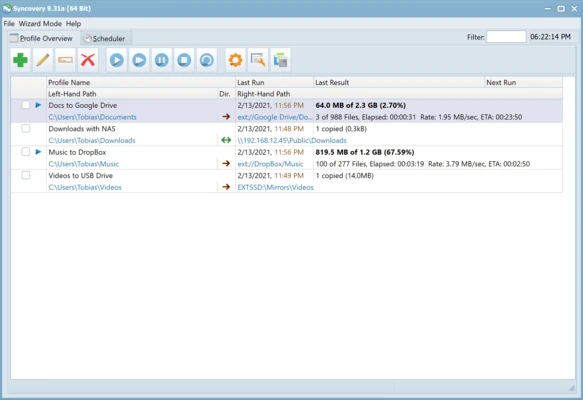
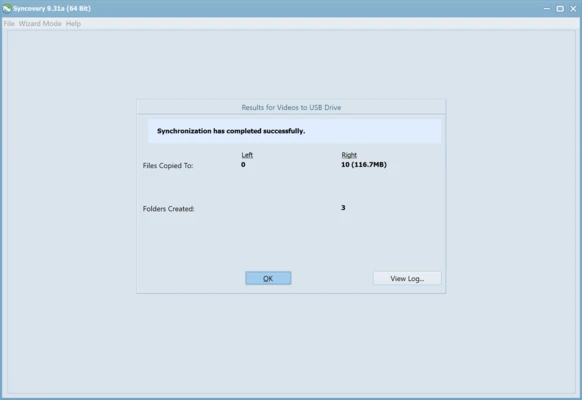
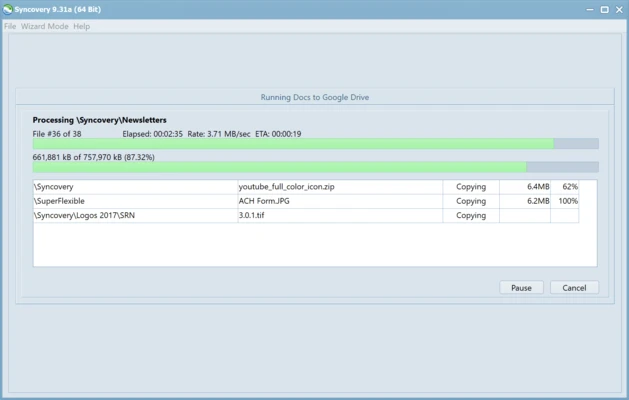
Syncovery is a powerful file synchronization and backup application for Windows that helps users keep files updated across multiple devices and storage locations. It supports local drives, external storage devices, network shares, servers, NAS systems, and cloud storage services.
Designed for both personal and business use, Syncovery offers flexible synchronization methods, automated backup jobs, file versioning, and advanced scheduling options. Whether you need to back up important documents or maintain identical copies of data across several systems, it provides a reliable and efficient solution.
Key Features
- Synchronize files and folders between multiple locations
- Backup data to local, network, and cloud storage
- Create exact mirror copies of folders
- Detect moved and renamed files automatically
- Keep multiple backup versions of files
- Schedule backup and sync jobs automatically
- Support for large files and 64-bit file operations
- Advanced include and exclude file filters
- Database-aware backup support
- Run multiple synchronization profiles simultaneously
Why Use Syncovery?
Syncovery goes beyond basic file synchronization tools by offering advanced automation and backup features. It can intelligently detect file changes, reduce unnecessary copying, and automate complex backup tasks through customizable profiles.
The software is suitable for daily backups, data migration, disaster recovery planning, and maintaining synchronized data across multiple computers.
Best For
- File synchronization between computers
- Automated backup tasks
- NAS and server backups
- Cloud storage synchronization
- Business and enterprise environments
- Power users and IT professionals
Pros
- Flexible synchronization and backup options
- Powerful scheduling system
- Supports versioned backups
- Detects moved files to reduce transfer time
- Works with local, network, and cloud storage
Cons
- Interface may appear complex for new users
- Advanced features require some configuration
- More feature-rich than casual users may need
System Requirements
- Windows 11, 10, 8, or 7
- 64-bit operating system recommended
- Minimum 2 GB RAM
- Available disk space for backups and logs
Conclusion
Syncovery is a feature-rich backup and synchronization tool that offers far more control than standard file copy utilities. With support for automation, versioning, cloud storage, and advanced synchronization rules, it is a solid choice for users who need dependable data protection and file management across multiple devices and locations.