

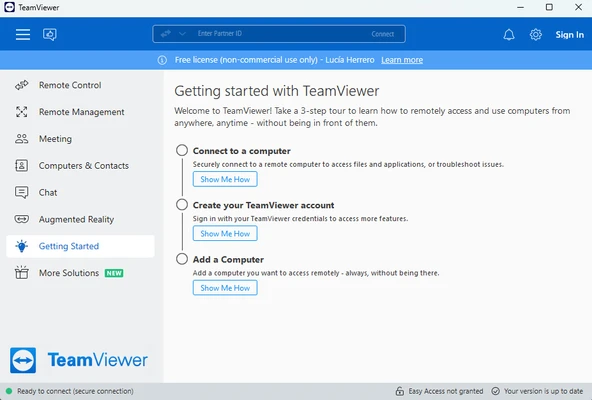
TeamViewer is a remote access and support program that lets you connect to computers and mobile devices regardless of their operating systems. You can use it to access your office computer from anywhere, provide remote technical assistance, transfer files, or collaborate with others without being physically present.
A flexible app that adapts to you
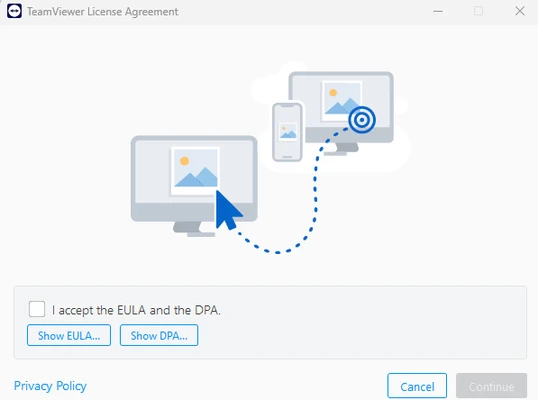
During installation, TeamViewer offers three setup options for different usage scenarios. The first installs the standard version, which is suitable for most users. The second configures the computer for unattended access, allowing you to connect even when nobody is present at the remote device. The third lets you run the program without installing it, making it useful for quick support sessions and temporary troubleshooting.
Easy to use
TeamViewer establishes secure, encrypted connections between supported devices, including Windows PCs, Macs, Android smartphones and tablets, iPhones, and iPads. Once connected, you can control the remote device as if you were sitting in front of it. This makes it possible to install software, troubleshoot problems, transfer files, and collaborate remotely. To establish a connection, you generally need the other participant's session code or their device ID and password. Keep these credentials private and share them only with people you trust.
100% cross-platform
One of TeamViewer's main advantages is its compatibility with multiple operating systems. It is available for Windows, macOS, Linux, Android, iOS, and iPadOS, allowing you to connect devices across different platforms. For mobile devices, the required TeamViewer app or compatible support component must be installed. Keeping the software updated on both devices can also help prevent connection and compatibility problems.
Much more than remote control
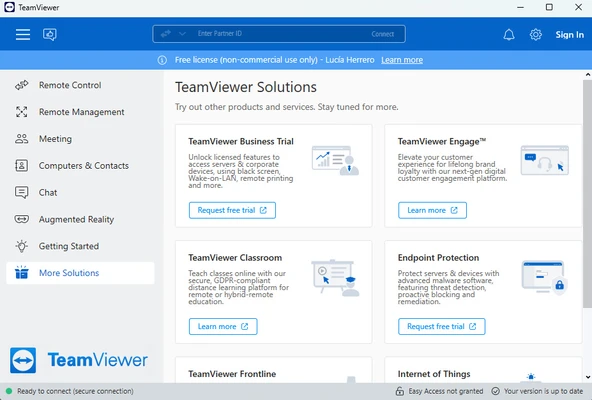
TeamViewer includes additional communication tools such as text chat, video conferencing, and voice calls. These features let you communicate with the person receiving assistance or collaborate with colleagues during a remote session. The software also offers augmented reality-based support options for situations where visual guidance can make troubleshooting easier.
Security is a foundational element of the app
TeamViewer includes security features such as end-to-end encryption and two-factor authentication to help protect remote connections and prevent unauthorized access. It also supports integrations with business platforms such as Microsoft Teams, Salesforce, Jira, and Freshworks, making it suitable for organizations that use remote support as part of their daily workflows.
Remote technology for all
TeamViewer is a versatile remote access solution for both personal and professional use. Whether you need to troubleshoot a computer at home, access an office PC while traveling, or provide technical support across an organization, it offers tools for managing devices and working remotely.