

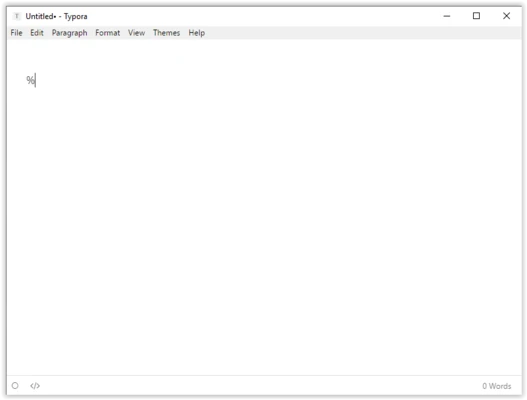
Typora is a modern Markdown editor designed to provide a clean and distraction-free writing experience.
It combines Markdown editing and live preview in a single interface, allowing users to write documents without switching between editing and preview modes.
Typora is suitable for writers, developers, researchers, students, and content creators who need a simple yet powerful tool for creating Markdown documents, technical notes, documentation, and articles.
With support for multiple export formats, document organization tools, and advanced formatting features, Typora provides an efficient workflow for creating and managing text-based content.
Features of Typora
Live Markdown Preview
Typora provides real-time rendering of Markdown syntax directly in the editor.
Users can write and format documents without dealing with complex Markdown symbols or using a separate preview window.
Distraction-Free Writing
The clean interface removes unnecessary elements and allows users to focus on writing.
Focus Mode and Typewriter Mode help improve concentration by highlighting the active writing area.
Document Outline Navigation
Typora automatically generates an outline based on document structure.
Users can quickly view headings and jump between different sections of large documents.
File Management
The built-in file management features help users organize Markdown documents efficiently.
Users can browse folders, manage files, and work with documents stored locally or through synchronization services.
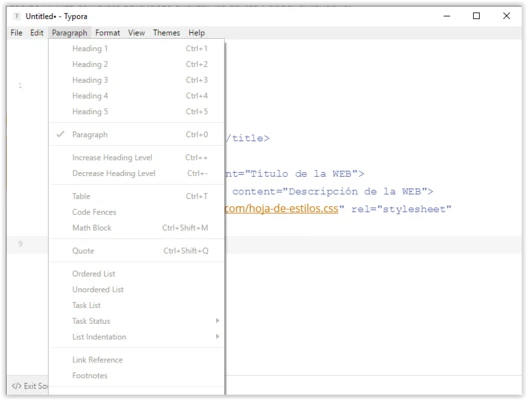
Rich Markdown Support
Typora supports advanced Markdown features, including:
- Headings
- Tables
- Code blocks
- Lists
- Task lists
- Mathematical formulas
- Footnotes
- Images
- Links
Code Block Support
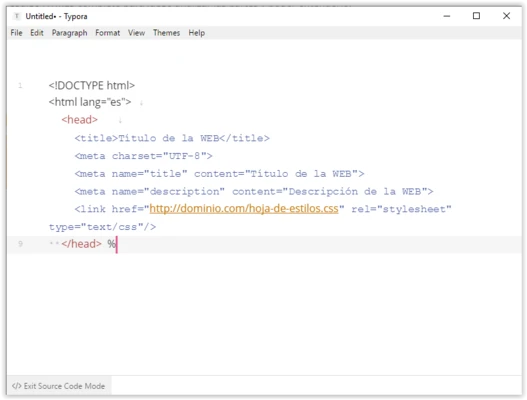
Typora provides syntax highlighting for multiple programming languages.
It is suitable for developers writing technical documentation, tutorials, and code-related notes.
Export Multiple Formats
Typora supports exporting documents to various formats, including:
- HTML
- Microsoft Word (DOCX)
- LaTeX
- EPUB
- OpenDocument formats
Custom Themes and Styling
Typora supports customizable themes and CSS-based styling.
Users can adjust the appearance of documents and create personalized writing environments.
Images and Diagrams Support
The software supports embedded images, diagrams, and other rich content elements to enhance document presentation.
Cross-Platform Support
Typora is available for multiple operating systems, including:
- Windows
- macOS
- Linux