


Visual Studio Community is a free, full-featured integrated development environment (IDE) from Microsoft for building applications for Windows, Android, iOS, the web, and cloud platforms. It supports a wide range of programming languages and development workloads, making it suitable for students, individual developers, and small development projects.
Key Features
Customizable Installation
Choose development workloads for .NET, C++, web development, desktop applications, mobile development, game development, and other programming tasks.
Multiple Programming Languages
Supports C#, C++, Visual Basic, F#, Python, JavaScript, and other languages through built-in tools and extensions.
Advanced Code Editor
Provides IntelliSense, code navigation, refactoring, live code analysis, syntax highlighting, and other productivity features.
Debugging and Profiling
Debug applications, inspect variables and code execution, identify errors, and use profiling tools to analyze performance.
Web Development
Includes tools for ASP.NET, JavaScript, Python, and modern web development frameworks.
Git Integration
Work with Git repositories directly from the IDE and manage source code, branches, commits, and other version-control operations.
Extensions
Extend the IDE with thousands of extensions for additional languages, frameworks, development tools, and customization options.
Game Development
Provides development tools and integrations for game engines such as Unity.
Cross-Platform Development
Create applications targeting Windows, mobile platforms, web technologies, and cloud services from the same development environment.
User Interface
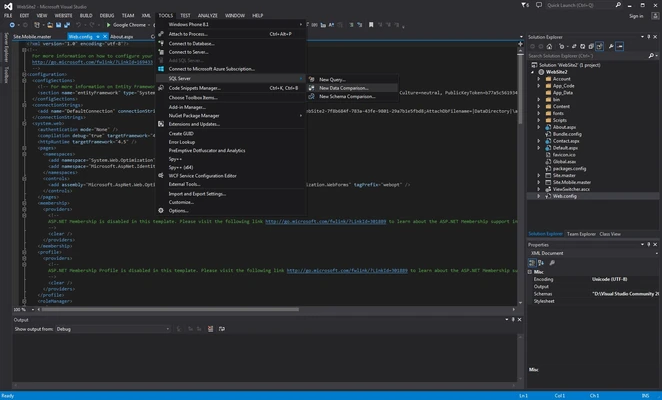
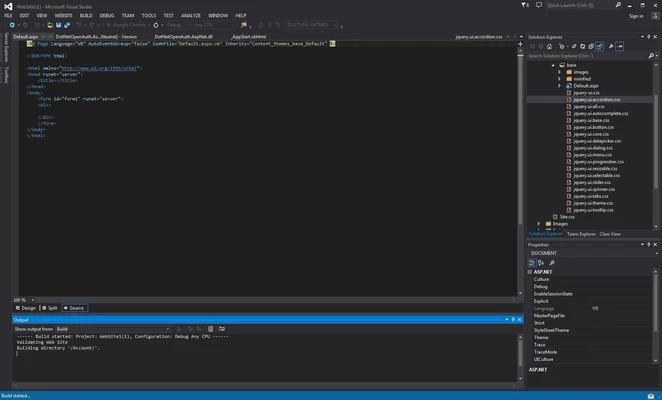
Visual Studio Community uses a feature-rich interface designed around the code editor, Solution Explorer, debugging tools, terminal, and other development panels. Windows can be rearranged and customized to match different programming workflows.
The extensive toolset may take some time for new developers to learn, but it provides quick access to coding, debugging, project management, and source-control features.
Installation and Setup
The Visual Studio installer uses a workload-based system, allowing you to select only the development tools and components required for your projects.
After installation, launch Visual Studio and sign in with a Microsoft account if required. You can then create a new project or open an existing solution and configure the required development environment.
How to Use
Create a Project
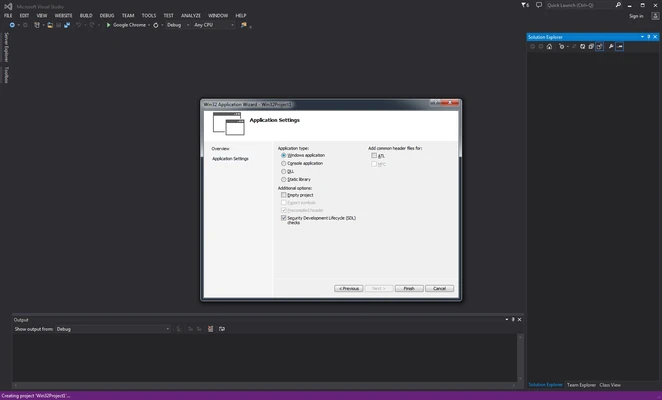
Launch Visual Studio and select a project template for the language or application type you want to develop.
Write Code
Use the integrated editor with IntelliSense, navigation, refactoring, and code analysis tools.
Build the Project
Compile your application and review any errors or warnings reported by the IDE.
Debug Applications
Run the application using the debugger to identify and fix programming problems.
Manage Source Code
Connect your project to a Git repository and manage changes directly within Visual Studio.
Extend the IDE
Install extensions when additional languages, frameworks, or development tools are needed.
Pros
-
Free for individual developers.
-
Powerful code editing and debugging tools.
-
Supports many programming languages.
-
Integrated Git and source-control features.
-
Extensive extension ecosystem.
-
Supports multiple development platforms.
Cons
-
Resource-intensive compared with lightweight code editors.
-
Installation can require substantial disk space.
-
Large feature set can be overwhelming for beginners.
-
Some workloads require significant additional components.
Conclusion
Visual Studio Community is a comprehensive development environment for building desktop, web, mobile, cloud, and game applications. Its combination of advanced code editing, debugging, profiling, Git integration, and extensibility makes it a capable choice for developers who need a full-featured IDE rather than a lightweight code editor.