


Wireshark for Windows Download – Powerful Network Protocol Analyzer for Advanced Users
Wireshark for Windows is a leading network protocol analyzer that helps users capture and interact with data traveling through a network. Whether you're a network administrator, cybersecurity professional, or hobbyist, Wireshark provides an in-depth view of network traffic, enabling you to troubleshoot issues, analyze protocols, and detect anomalies in real-time. This open-source software supports hundreds of protocols, making it a must-have tool for anyone working with network security, performance optimization, or network analysis.
With Wireshark, you can capture, filter, and analyze packets with ease, offering a detailed look at network activity and helping you identify any potential issues or threats. This powerful tool is suitable for advanced users who require a comprehensive solution for monitoring and analyzing network traffic.
Capture and Analyze Network Traffic
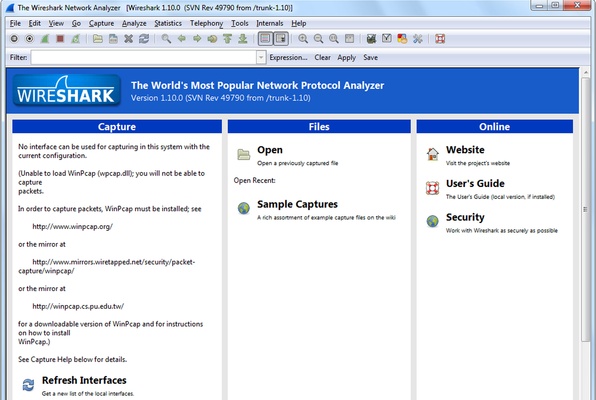
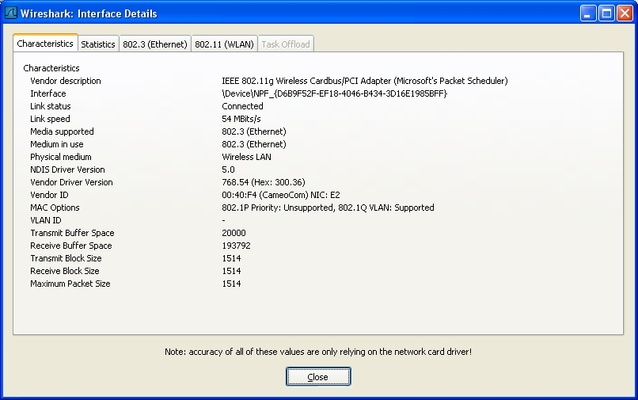
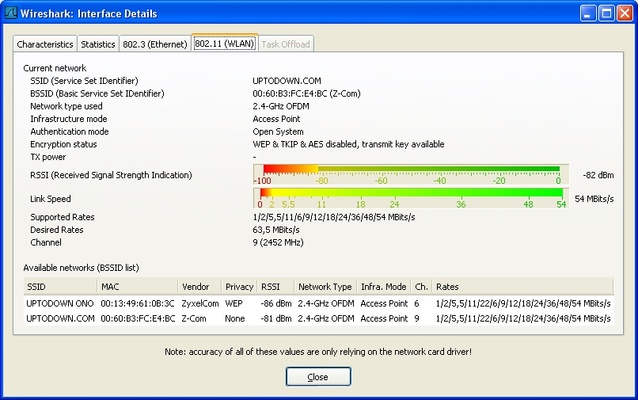
Wireshark allows you to capture packets from various network interfaces and display the data in real time. With its comprehensive packet analysis tools, you can examine the content of network traffic in great detail, helping you pinpoint performance bottlenecks, troubleshoot connection issues, and detect any unusual activity. The software supports a wide range of network protocols, giving you deep insight into the communication between devices on the network.
Deep Protocol Analysis
Wireshark supports over 1,000 protocols, making it ideal for analyzing traffic across different network environments. Whether you're working with TCP/IP, HTTP, DNS, or other protocols, Wireshark provides a thorough and detailed breakdown of packet content, headers, and payload. This enables you to troubleshoot complex network issues or optimize your network’s performance based on detailed protocol analysis.
Powerful Filtering and Search Capabilities
Wireshark offers advanced filtering options to help you zoom in on specific packets or data points of interest. With powerful filters, you can easily isolate network traffic from a particular IP address, port, or protocol, making it easier to pinpoint issues. Additionally, the search function helps you find specific packets within large capture files, saving you time when analyzing extensive network traffic.
Real-Time Network Monitoring
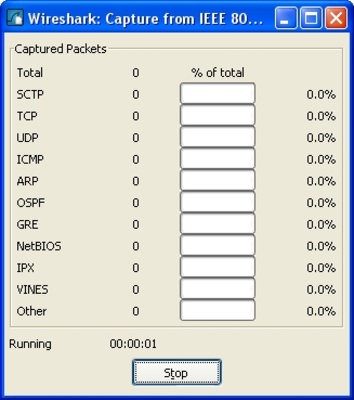
Wireshark’s real-time network monitoring capabilities allow you to see data packets as they flow through the network. This live monitoring feature helps network engineers and IT professionals quickly identify network performance issues or security threats as they happen. With real-time capture and display, Wireshark is invaluable for real-time troubleshooting and threat detection.
User-Friendly Interface with Advanced Features
While Wireshark is a powerful tool for advanced users, it also offers a user-friendly interface that simplifies the process of capturing and analyzing packets. With features like detailed packet summaries, protocol dissectors, and intuitive navigation, you can quickly get started with network analysis. Despite its robust capabilities, Wireshark remains accessible to users who need detailed network data but may not have extensive experience with packet analysis tools.
Final Overview
Wireshark for Windows is an essential tool for anyone working with network traffic and protocol analysis. Its ability to capture, analyze, and filter network packets, combined with support for hundreds of protocols, makes it an invaluable resource for network administrators, cybersecurity experts, and IT professionals. Whether you're troubleshooting network issues, monitoring performance, or analyzing security threats, Wireshark provides the depth and power needed to manage and optimize your network efficiently.