


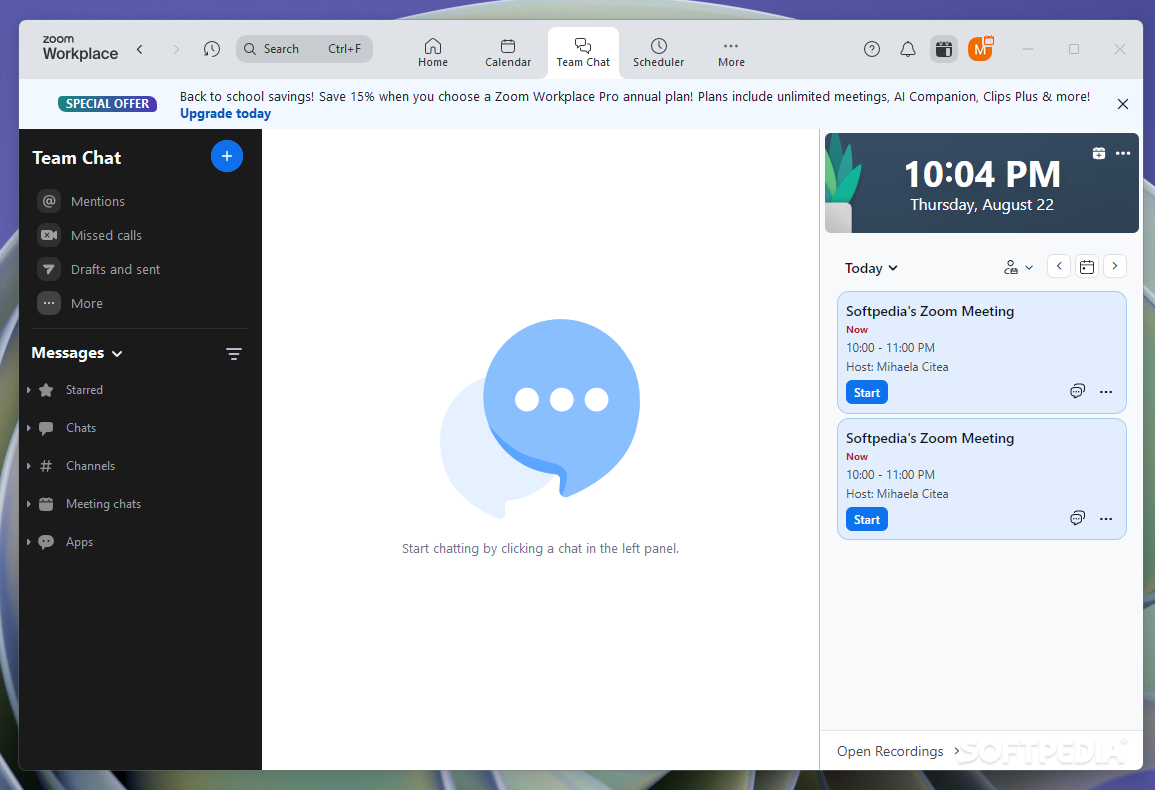
Zoom Workplace for Windows - Advanced Video Conferencing and Collaboration Platform
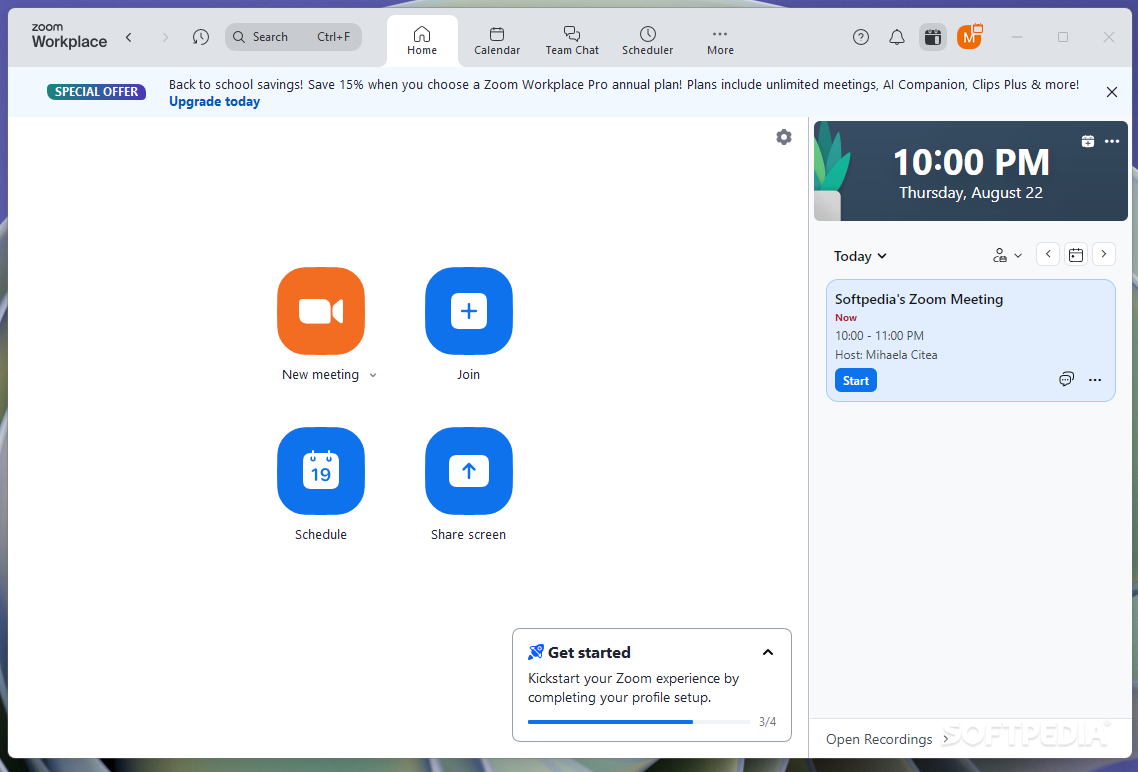
Zoom Workplace is a highly efficient and feature-packed video conferencing software that allows users to host and join meetings with ease. Perfect for business professionals, remote teams, and personal users, Zoom brings together multiple communication channels, such as video calls, screen sharing, and team chats, all in one application. With over 300 million daily active users worldwide, Zoom has become the go-to solution for seamless virtual meetings, webinars, and collaboration.
Key Features of Zoom Workplace for Windows:
- High-Quality Video and Audio: Enjoy HD video conferencing with crystal-clear audio, making remote communication more effective than ever before.
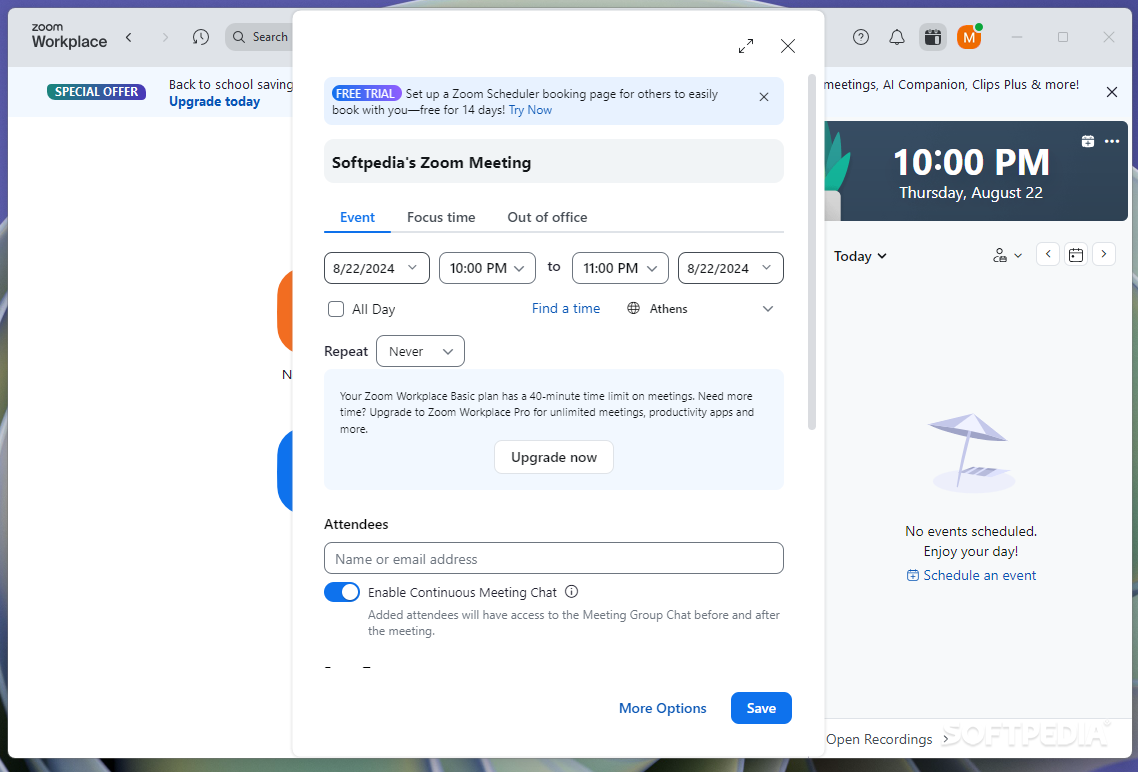
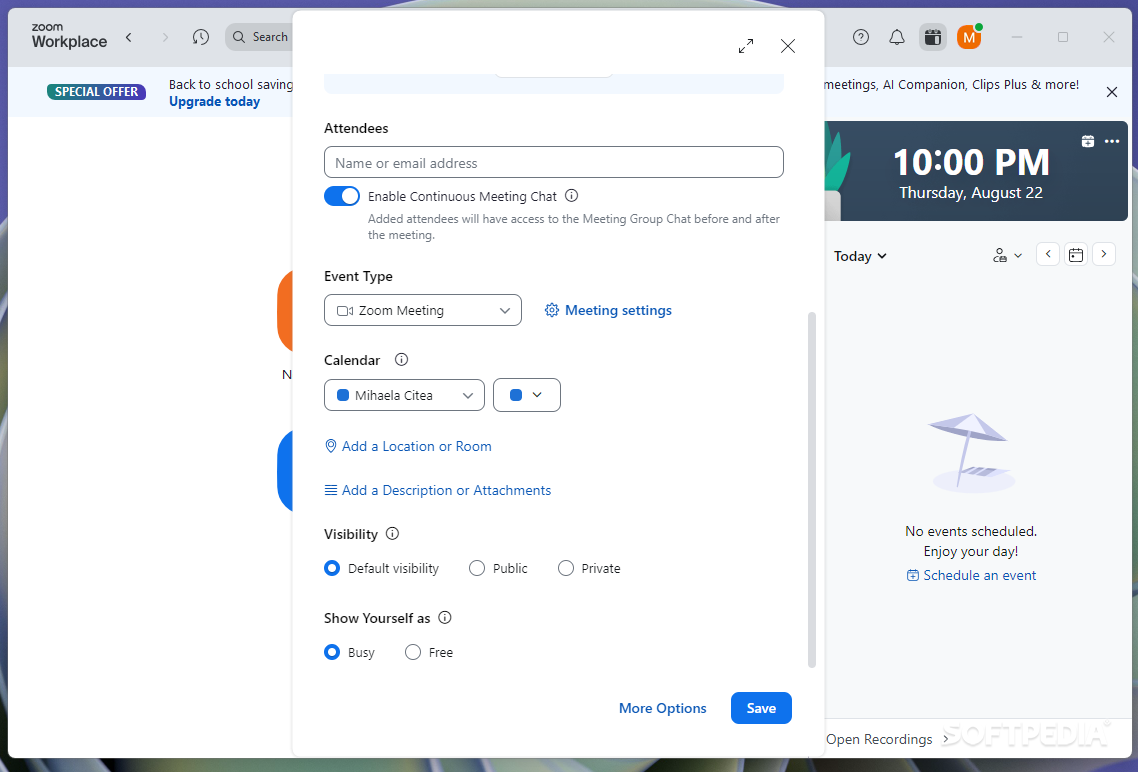
- AI-Driven Collaboration Tools: Zoom integrates AI-powered features to streamline your workflow. You can now schedule meetings automatically, take meeting notes, and even have AI help you summarize meetings.
- Screen and File Sharing: Effortlessly share your screen, documents, and files with participants in real time to make your presentations or collaborations smoother.
- Host Webinars and Large Meetings: Host webinars, workshops, and large team meetings with ease. You can invite up to 100 participants in the free version, with larger capacities available in premium versions.
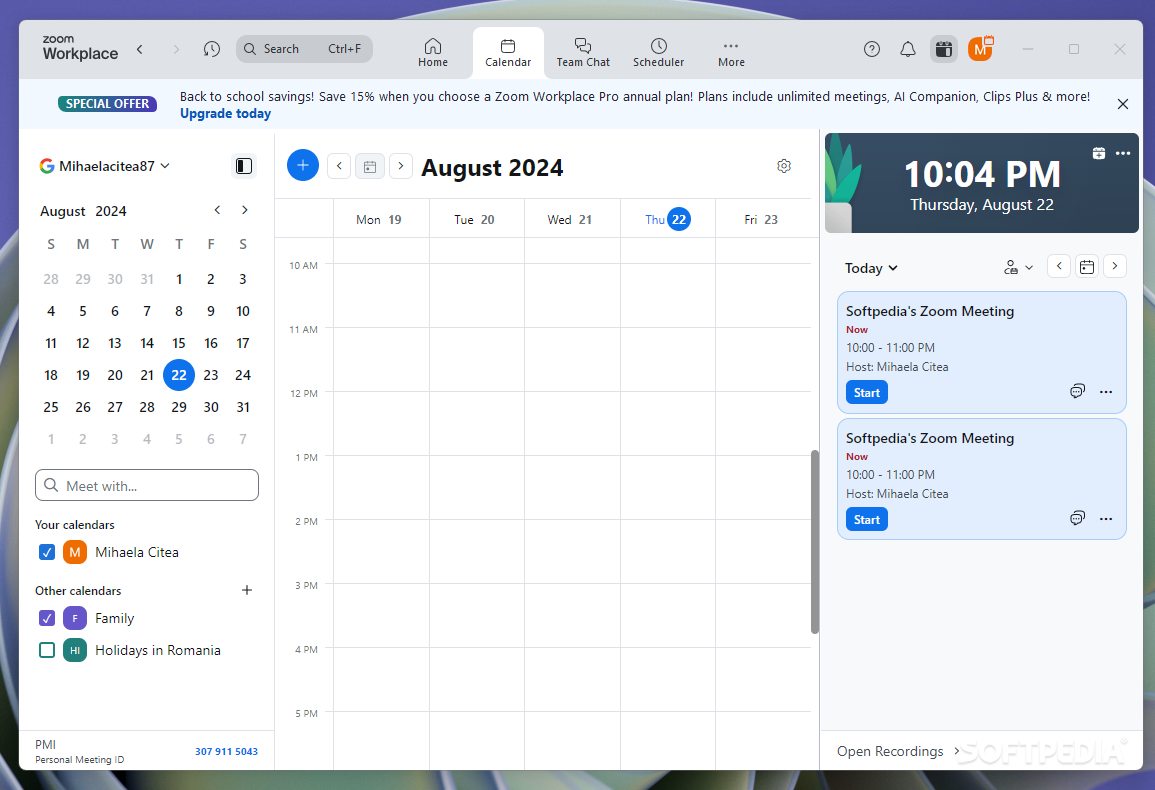
- Seamless Cross-Platform Syncing: Zoom for Windows syncs perfectly with the mobile app, so you never miss a meeting or message, no matter where you are.
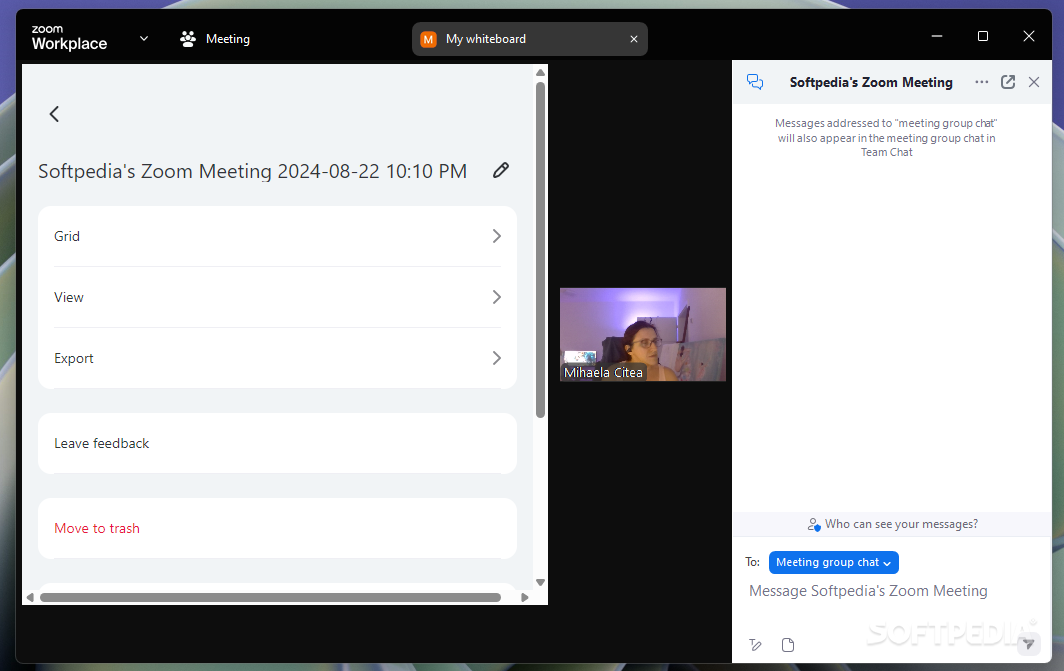
- Enhanced Productivity Tools: Use tools like shared notes, whiteboards, polls, and surveys to increase team collaboration and engagement during meetings.
- Cloud Storage for Easy Access: Record meetings and store them on the cloud, making it easy to review and share content with others.
Zoom also provides a unique workspace that brings teams together to brainstorm, share ideas, and collaborate on projects using real-time document editing and interactive whiteboards.
Why You Should Download Zoom for Windows:
- Efficient Communication: With its powerful video calling and messaging features, Zoom allows you to stay connected with your team, clients, or friends seamlessly, no matter where they are.
- Boost Team Productivity: Zoom’s integrated collaboration tools, including shared notes and real-time file editing, increase productivity during meetings and ensure smooth teamwork.
- User-Friendly Interface: The intuitive interface ensures that even first-time users can easily navigate through the software, making it a hassle-free experience for everyone.
- Works Across Devices: Zoom is not just for desktops – it’s compatible with mobile devices, making it easy to switch between devices while keeping all your meetings synced and secure.
For businesses and individuals looking for a comprehensive, all-in-one solution for video conferencing and collaboration, Zoom for Windows is the perfect choice. Download Zoom today and take your communication and collaboration to the next level.