


Bitvise SSH Client for Windows Download – Secure SSH and SFTP Connection Tool
Bitvise SSH Client for Windows is a powerful and reliable SSH client designed to help users securely connect to remote servers, transfer files, and manage network tasks. It is ideal for IT professionals, system administrators, and developers who want a complete and easy-to-use solution for secure remote access.
Connect, transfer, and manage servers securely with Bitvise SSH Client!
Secure Remote Access
Bitvise SSH Client allows users to connect to remote servers using SSH, providing encrypted communication and secure authentication to protect sensitive data.
File Transfer and Management
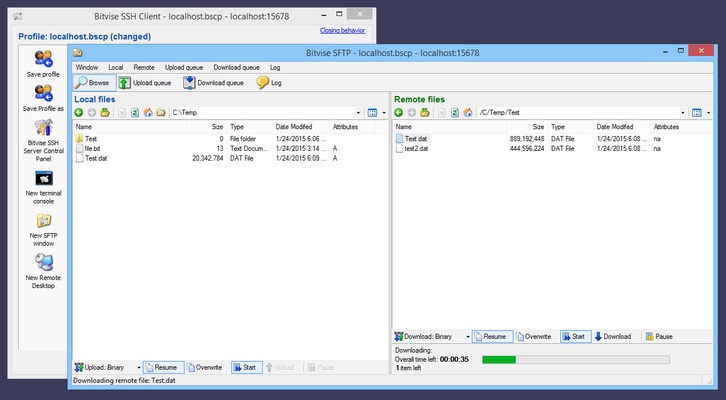
The software includes SFTP support, enabling users to transfer files between local and remote machines efficiently and securely.
Terminal and Command-Line Support
Users can execute remote commands through a built-in terminal with advanced features, allowing powerful server management and automation.
Flexible Authentication Options
Bitvise SSH Client supports password, public key, and two-factor authentication, giving users secure and flexible login methods for various environments.
User-Friendly Interface
With an intuitive interface, Bitvise SSH Client makes SSH connections, file transfers, and remote administration simple, even for users who are new to SSH.
Final Overview
Bitvise SSH Client for Windows is a complete solution for secure remote connections and file management. With features like encrypted SSH access, SFTP file transfer, terminal support, flexible authentication, and a user-friendly interface, Bitvise SSH Client empowers users to connect, manage, and transfer data securely and efficiently. Download Bitvise SSH Client today and streamline your secure remote operations!