Go to Windows platform Display platforms icon
Go to Mac platform Go to Windows platform Go to Android platform
Logitech G HUB icon

Logitech G HUB

2025.3.6161.0
Logitech
3.5
6.18 MB size

Customize your Logitech devices

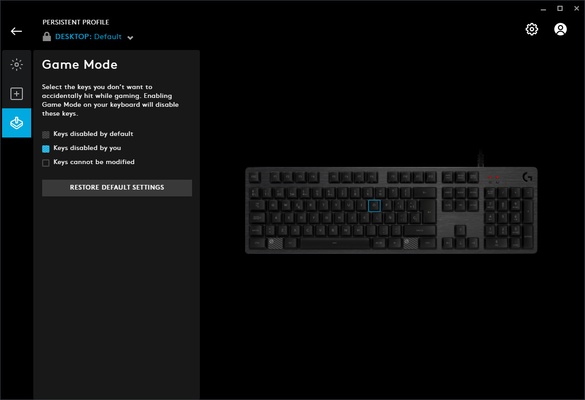
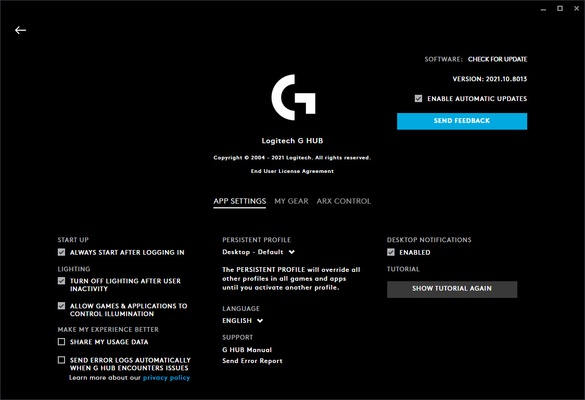
Logitech G HUB is a program that lets you customize your experience using any device from the Logitech G Gaming range, among which can be found keyboards, mouses, headphones, microphones and speakers, among others. This program helps you to get the most out of them and unlock all their features.

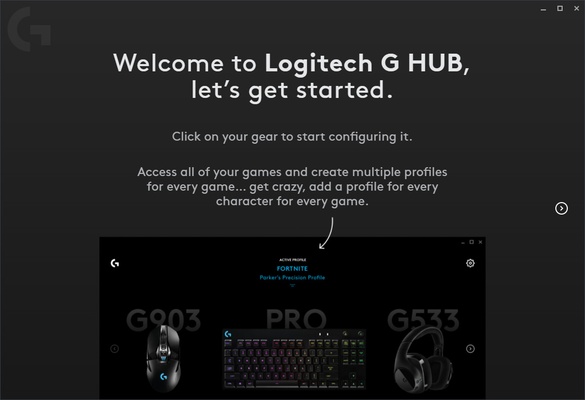
The first thing that Logitech G HUB will do once you open it will be to determine which compatible devices are connected to your Mac. This process will take just a few seconds. After this, you can log in with your Logitech G account or, if you prefer, continue as a guest, although you won't be able to save your profiles on the cloud.

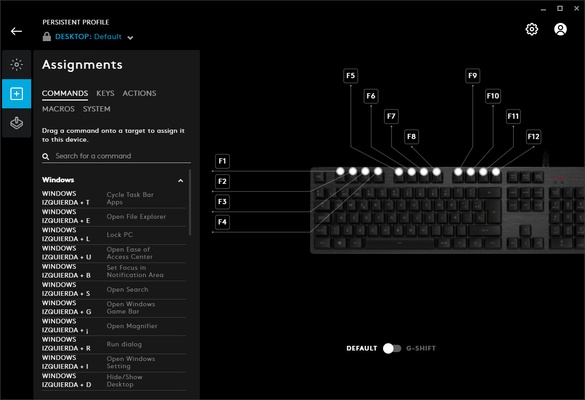
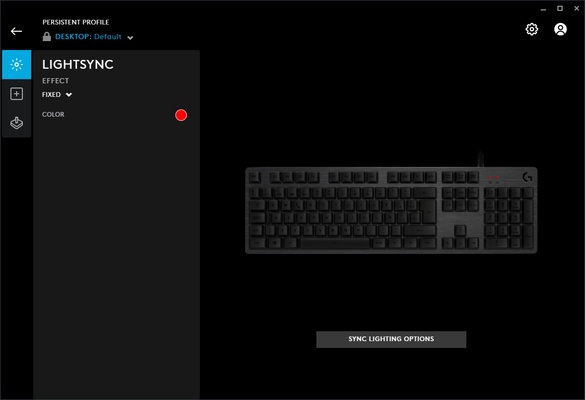
Creating profiles for your devices is one of Logitech G HUB's strong points. Thanks to this feature, you can get certain settings on your Logitech devices to change when you start playing a game. For example, you can create customized keyboard shortcuts for certain games, or make your keyboard backlight change color for different games. Like this, you can get your keyboard to light up red and black when playing Dark Souls, and it will automatically turn off when you stop playing.

Logitech G HUB is a virtually essential program for Logitech G Gaming range device users, as you will need this software to unlock many of their features. If you want to customize almost all Logitech keyboard lights, you will have to do it directly from this app.

Information about Logitech G HUB

License Free
Op. System Mac
Category Utilities
Language English
Author Logitech
permission icon Permissions Not applicable
Date 2026-06-03 01:08:34
Size 6.18 MB
File type ZIP

Apps recommended for you

FreeFileSync icon
Compare and sync the contents of your folders on Mac
Baidu Netdisk icon
Free cloud storage
Treesheets icon
aardappel
RAR icon
RAR
Compress and decompress RAR files from Terminal
iDrive icon
Save a backup of your files in the cloud
iStat menus icon
Take a look at your whole system from your menu bar
Remote Desktop Manager icon
Free application to control your computer remotely
Douyin icon
The Chinese version of TikTok
OnyX 5.0.1 for Mac icon
You can use to verify the startup disk and the structure of its system files
Syncovery 11.15.15 for Mac icon
Syncovery will copy your files the way you need it!
Tresorit 3.5.3467.4810 for Mac icon
Work with your team without worrying about hacker attacks
Cocktail 19.8.1 for Mac icon
Lets you clean, repair and optimize your Mac
TinkerTool 11.6 for Mac icon
Access to additional preference settings Apple has built into OS X
Deeper 3.3.0 for Mac icon
Enable and disable the hidden functions of the Finder, Dock, Safari, iTunes..
Logi Options+ 2.4.903778 for Mac icon
It enables even more customization of all your supported devices
Tenorshare ReiBoot iOS for Mac 9.5.8 icon
Put iPhone/iPad/iPod touch in/out of Recovery Mode Easily without iTunes
Navicat Premium icon
A robust, all-in-one solution for database development
Ant Commander Pro icon
Powerful file manager
TinkerTool 11.6 for Mac icon
Access to additional preference settings Apple has built into OS X
Logi Options+ icon
Conveniently manage your Logitech peripherals
UFS Explorer Professional Recovery icon
Recover any kind of deleted or defective files
Tails icon
Privacy and anonymity for all
MacSonik CSV Duplicate Remover icon
Download the best CSV Duplicate Remover Software
coconutBattery icon
Stay on top of your laptop's battery status