

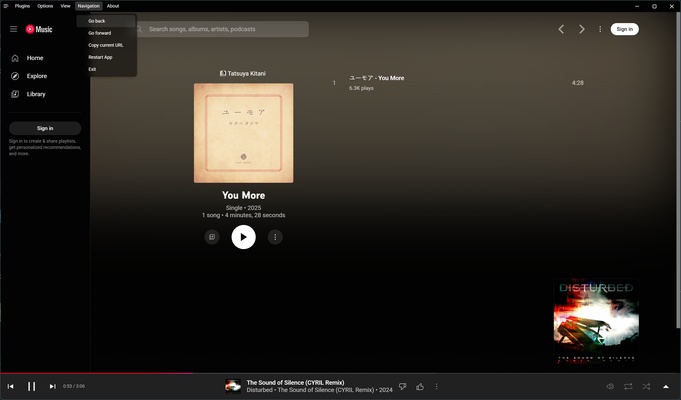
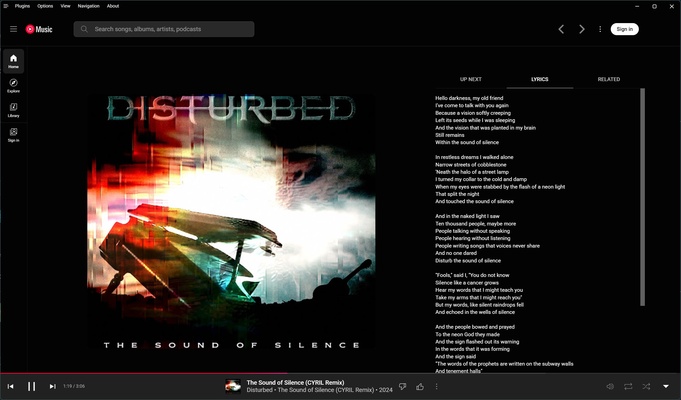
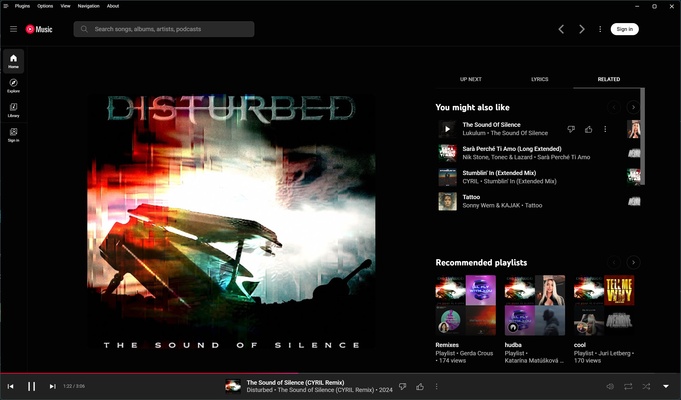
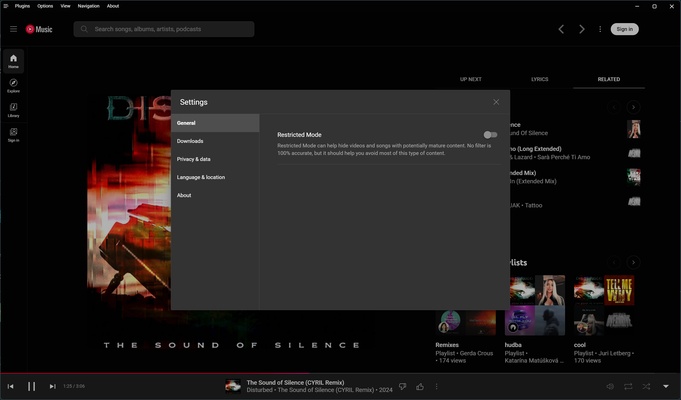
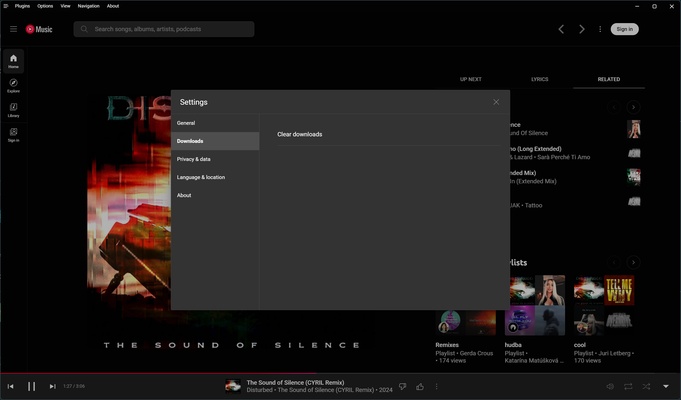
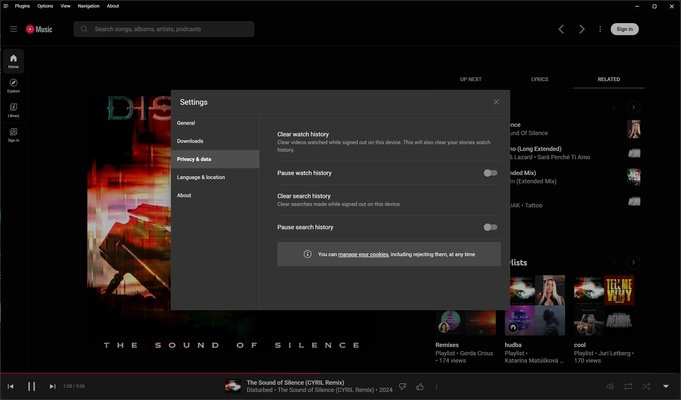
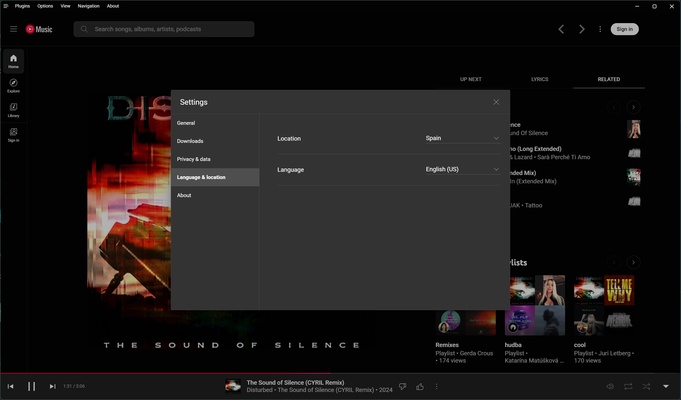
YouTube Music Desktop App (Unofficial) is an open source music player designed for you to enjoy YouTube Music natively on your Mac. It offers a streamlined experience with additional enhancements and features, as well as seamless integration with macOS. Thanks to this app, you can access millions of songs without relying on a browser. In addition, you can follow the lyrics of each song as you listen and even discover new personalized recommendations.
How to use YouTube Music Desktop App (Unofficial) on macOS
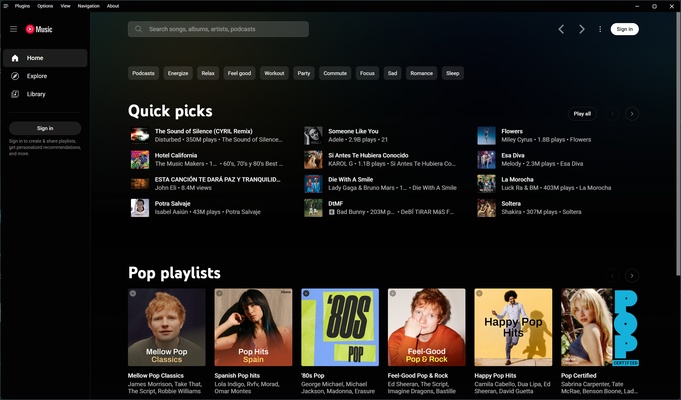
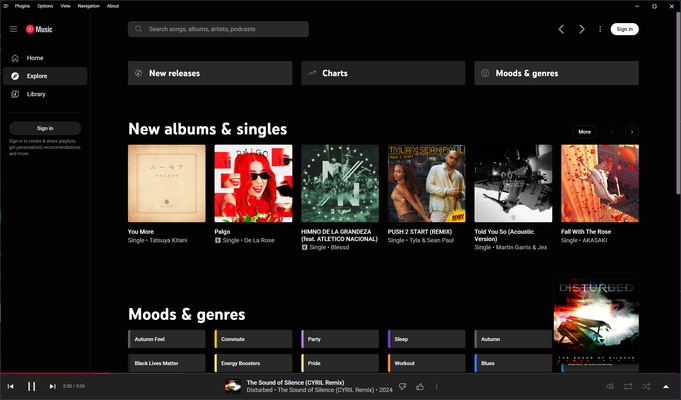
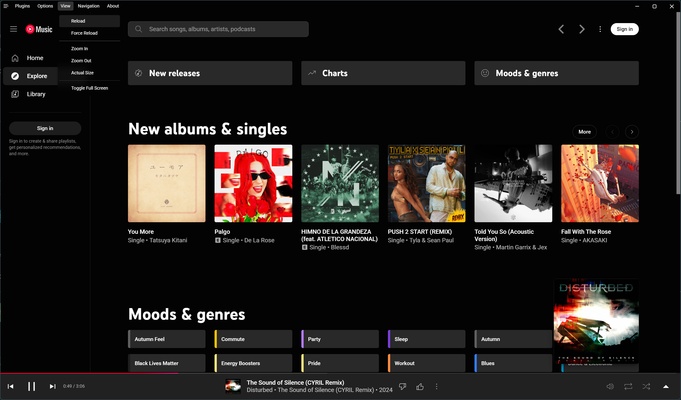
When you open YouTube Music Desktop App (Unofficial), you will be greeted by an intuitive and well-organized interface with a home page where you can explore the latest music trends. You will find the most popular songs of the moment and featured playlists for different moods and activities, such as relaxation, sports, and work. As you use the app, you'll also get personalized recommendations according to your preferences.
Explore and discover new music
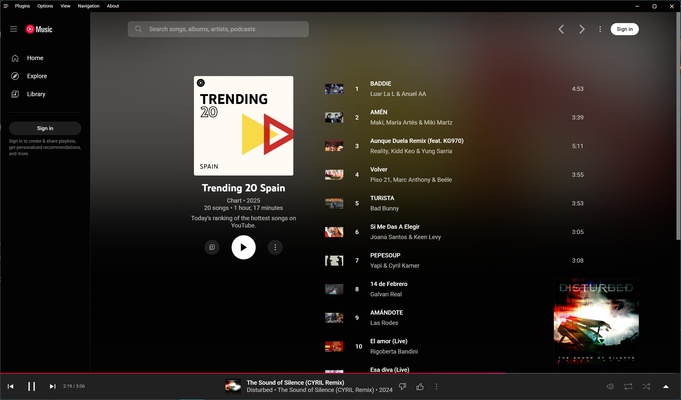
The "Explore" tab allows you to discover the latest releases and most popular songs. You can browse through different genres and enjoy music with continuous playback, allowing you to listen for one or several hours without needing to constantly interact with the platform. It offers an ideal way to find new artists and genres effortlessly.
Sign in with your Google account
By signing into YouTube Music Desktop App (Unofficial) with your Google account, you can easily sync your playlists and listening history. Like this, you can access your personal library and enjoy a seamless music experience between YouTube Music on other devices and the app on your Mac.
Get more features with plugins
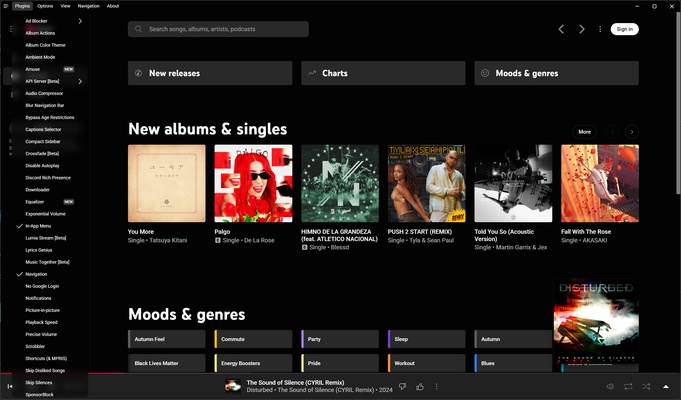
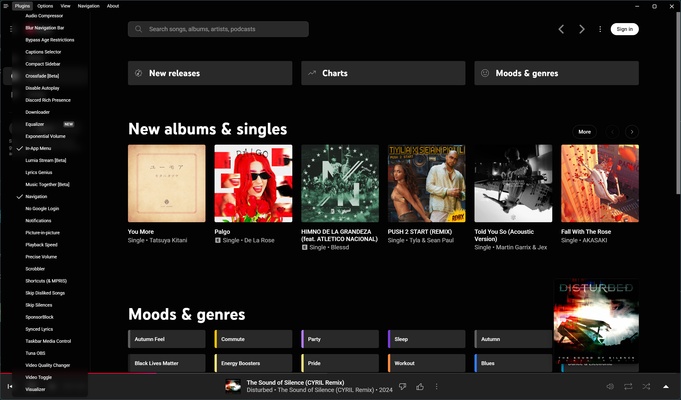
One of the most outstanding features of YouTube Music Desktop App (Unofficial) is its support for a wide variety of plugins. This includes various options, such as ad blockers and music downloading tools for offline listening. You can choose to download songs manually or set up automatic downloads for your favorite tracks. It's even possible to automatically download a song after playing it up to a certain time if you want to make sure you always have your favorite music available.
Background playback and multimedia controls
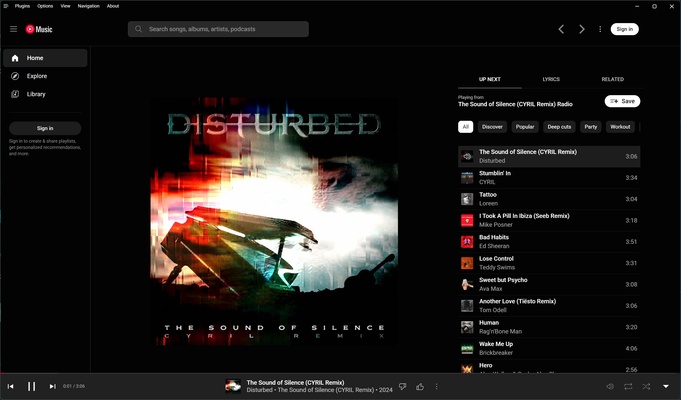
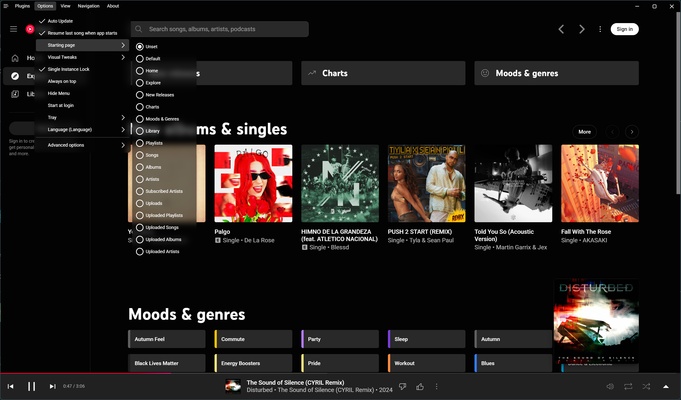
YouTube Music Desktop App (Unofficial) allows background playback, so you can minimize the app or turn off the screen without interrupting the music. It also supports macOS media controls, allowing you to adjust the volume and pause or change songs directly from your keyboard, trackpad, or by using system shortcuts.
Download this music player for macOS if you're looking for a native YouTube Music client for your Mac.