

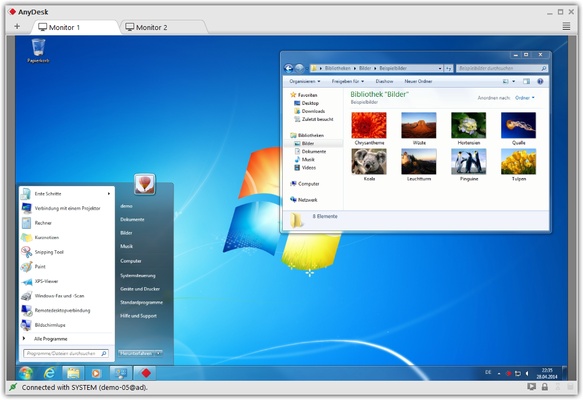
AnyDesk for Windows Download – Fast and Secure Remote Desktop Access
AnyDesk for Windows is a fast, secure, and reliable remote desktop software that allows users to access and control remote computers with ease. Whether you're providing IT support, working from home, or accessing your files remotely, AnyDesk offers a seamless experience with low latency and high-quality connections. Its lightweight design and cross-platform support make it an ideal solution for both personal and professional remote desktop needs.
With its advanced encryption and easy setup, AnyDesk is perfect for users who require a stable and secure connection to manage remote systems from anywhere.
High-Speed and Low-Latency Remote Access
AnyDesk provides lightning-fast remote desktop performance, even over low-bandwidth connections. Using its proprietary DeskRT codec, AnyDesk ensures smooth and responsive access to remote systems with minimal lag. This makes it ideal for tasks that require real-time interaction, such as technical support, graphic design, or remote work sessions. Whether you are controlling a PC, managing files, or running applications remotely, AnyDesk’s speed and reliability offer a seamless experience.
Secure and Encrypted Connections
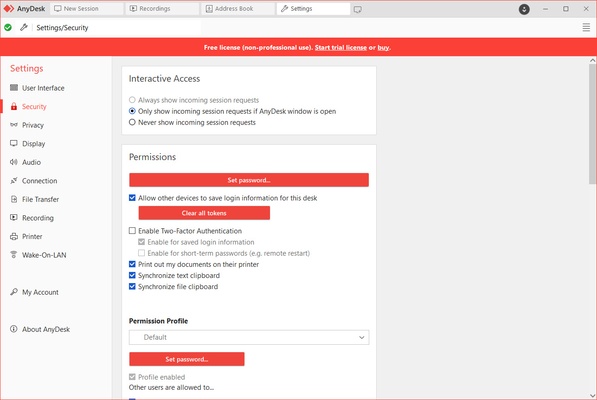
Security is a top priority with AnyDesk. The software uses end-to-end encryption to ensure that your data remains secure during remote sessions. With its AES-256 encryption and two-factor authentication options, AnyDesk offers robust protection for all your remote interactions. Whether you're handling sensitive data or providing remote support, you can trust AnyDesk to maintain your privacy and security at all times.
Easy to Set Up and Use
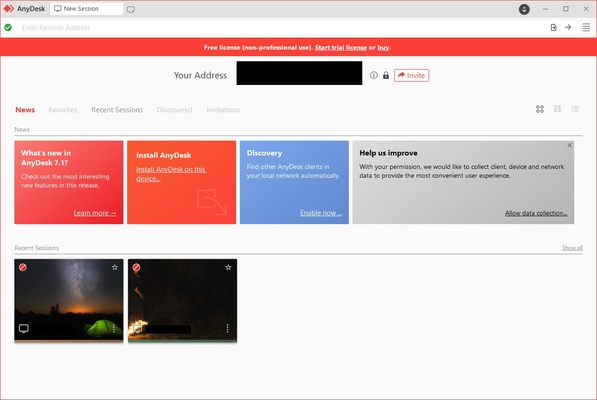
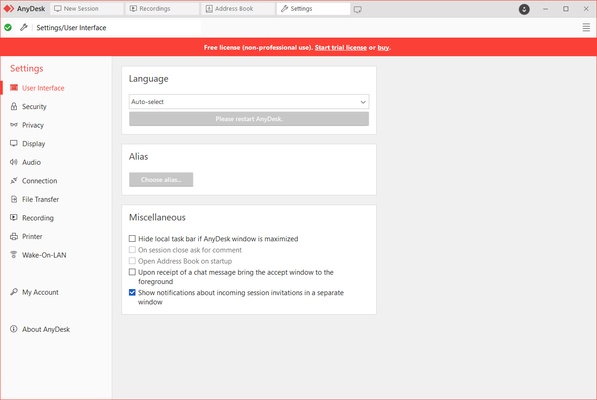
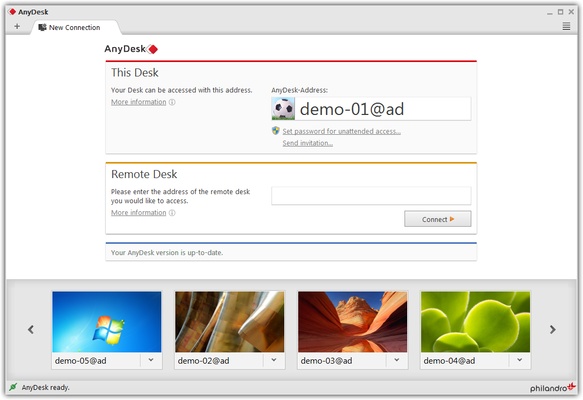
AnyDesk is incredibly easy to set up and use. With a simple installation process, users can quickly connect to remote devices without complicated configurations. The intuitive user interface makes it easy to navigate, whether you’re connecting to a single remote system or managing multiple machines. You can connect to devices by entering the unique AnyDesk ID or using a simple address book feature, making remote access fast and hassle-free.
Cross-Platform Compatibility
AnyDesk works across multiple platforms, including Windows, macOS, Linux, Android, and iOS, allowing you to access remote systems no matter the operating system. Whether you’re on your desktop, tablet, or smartphone, AnyDesk ensures that you can control and manage your remote systems with the same level of functionality and ease. This cross-platform support makes AnyDesk an excellent choice for teams and individuals who need flexibility in their remote access solutions.
Final Overview
AnyDesk for Windows is the ideal remote desktop solution for users who need fast, secure, and reliable access to remote systems. With its low-latency performance, strong security features, and user-friendly interface, AnyDesk is perfect for professionals, IT support teams, and individuals working remotely. Whether you’re troubleshooting a device, accessing files, or providing remote assistance, AnyDesk ensures that you have the tools you need for efficient and secure remote desktop management.
Frequent questions
Is AnyDesk free?
Yes, AnyDesk is free. Any user can download and use the program free of charge without needing to purchase a license. All basic features are available to users of the free version.
Is AnyDesk dangerous?
No, AnyDesk is not dangerous. The program shows zero positives in VirusTotal, and all the connections it makes are encrypted, so in theory, its users should be safe.
Can I control another computer with AnyDesk?
Yes, you can control other computers with AnyDesk. That is the main objective of the program, in fact. However, the owner of the other device will need to allow you to do so.