


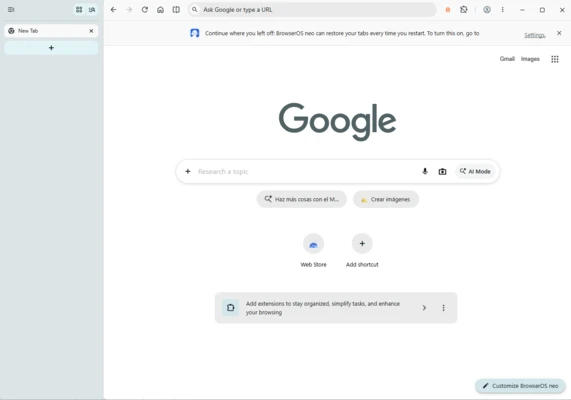
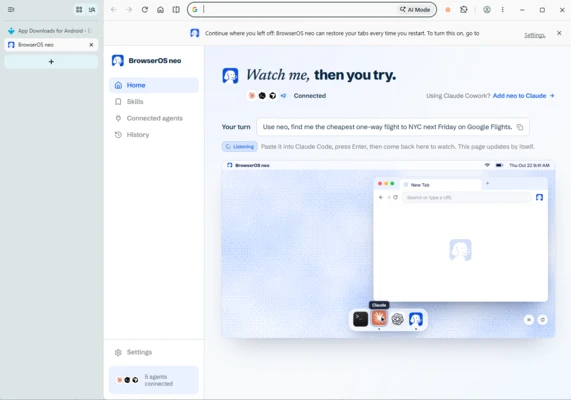
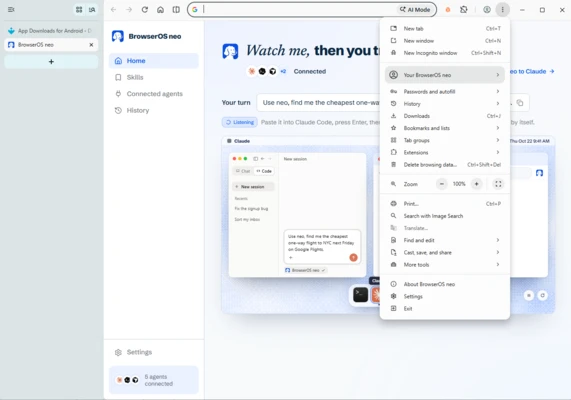
BrowserOS Neo is an open-source web browser designed for AI agents to access websites and perform tasks using your existing browser sessions. It allows AI tools to open pages, navigate websites, read information, and interact with forms through a dedicated browser environment. You can automate web tasks while continuing to use your regular browser, supervise agent activity, and review their sessions afterward.
Connect your artificial intelligence agents
BrowserOS Neo supports AI agents compatible with the MCP protocol, allowing different tools and AI models to communicate with the browser. You can integrate it with solutions such as Claude Code, Codex, Cursor, and other compatible agents so they can access web pages whenever a task requires it. Connections can be configured directly through the interface, without manually editing configuration files for each integration.
Browse with your usual sessions and accounts
BrowserOS Neo allows agents to work with authenticated browsing sessions. You can import sessions from Chrome and give agents access to services where you are already logged in, subject to the configured permissions. This makes it possible to automate tasks such as managing email, working with online documents, researching information, and filling out web forms.
Run multiple tasks in parallel
BrowserOS Neo supports multiple agents working simultaneously, each with its own browser tabs. For example, one agent can research information across several websites while another manages email and a third retrieves data from a different service. This approach lets you distribute tasks among agents without performing them one after another or interrupting your own browsing.
My thoughts after trying BrowserOS Neo
BrowserOS Neo is an interesting option for users who want AI tools to do more than generate text responses. Its ability to connect with different AI agents and use existing browsing sessions makes it particularly useful for interacting with websites that require authentication. Overall, it offers considerable potential for automating web tasks, especially for developers and users who regularly work with AI-powered tools.
The best and worst things about BrowserOS Neo
-
What I liked the most is the ability to delegate web tasks to AI agents using existing sessions and run multiple jobs in parallel.
-
What I liked least is that it requires compatible AI agents and some initial configuration. Using authenticated accounts also means paying close attention to permissions and the actions delegated to agents.