


Discord is a cross-platform communication platform for text, voice, and video chat. Originally designed around gaming communities, it is also widely used for study groups, hobby communities, online teams, and other private or public communities.
Key Features
-
Voice and Text Chat: Communicate through low-latency voice channels and organized text channels.
-
Video and Screen Sharing: Make video calls, share your screen, or stream gameplay to other members.
-
Servers and Channels: Create communities with separate text and voice channels for different topics.
-
Roles and Permissions: Control member access and moderation privileges with customizable roles.
-
Bots and Automation: Add bots for moderation, notifications, games, and other server functions.
-
Game Overlay: The Windows client can display who is talking and provide selected Discord controls while gaming.
-
Rich Media Sharing: Share images, videos, links, files, and other content directly in chats.
-
Cross-Platform Support: Available on Windows, macOS, Linux, Android, iOS, and through web browsers.
-
Streaming: Use Go Live to share gameplay or applications with other members.
-
Activity and Integrations: Connect supported games and services to display activity information and add functionality.
User Interface
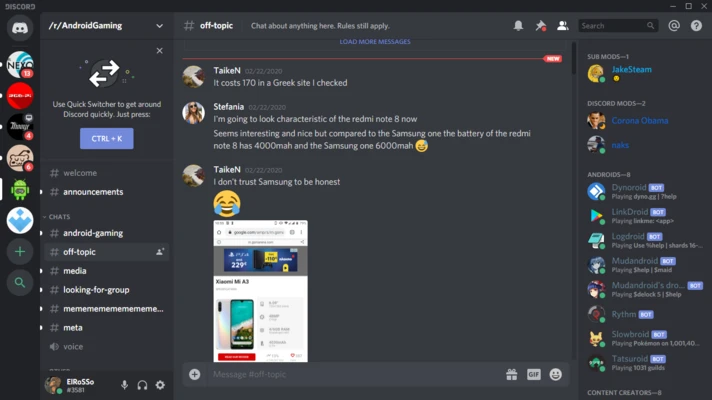
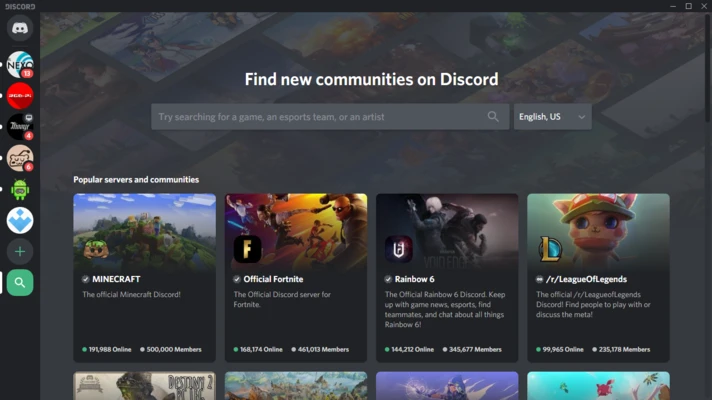
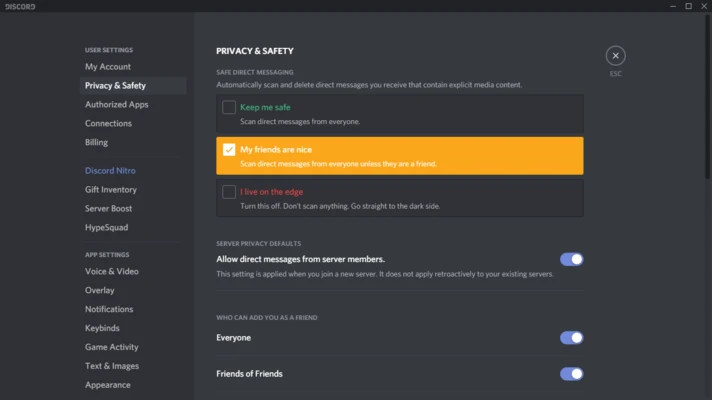
Discord uses a modern interface organized around servers, channels, conversations, and member lists. The left sidebar provides quick access to servers, while the main area displays text conversations or voice/video sessions. Server administrators can customize channels, roles, permissions, notifications, and other community settings.
Installation and Setup
Download and install the Windows client, then sign in or create a Discord account. After signing in, you can join an existing server through an invitation or create a new server.
The application also works through supported web browsers, while the desktop version provides additional integration such as the gaming overlay.
How to Use
-
Sign in or create a Discord account.
-
Join a server using an invitation or create your own.
-
Select a text or voice channel.
-
Send messages, share files, or communicate through voice and video.
-
Create additional channels to organize different topics.
-
Assign roles and permissions when managing a server.
-
Add supported bots when additional automation or moderation features are needed.
-
Use Go Live or screen sharing to stream games or applications.
Discord's core communication features are free, while optional Nitro subscriptions provide additional features such as larger file uploads and enhanced streaming.
System Requirements
-
Windows 10 or later recommended
-
64-bit processor
-
4 GB RAM recommended
-
Approximately 200 MB of storage for installation
-
Stable Internet connection
-
Discord account required
Pros
-
Feature-rich text, voice, and video communication
-
Easy server and channel organization
-
Strong role and permission system
-
Screen sharing and game streaming
-
Extensive bot and integration support
-
Cross-platform availability
-
Free core functionality
Cons
-
Large communities can require considerable management
-
The number of features can be overwhelming for new users
-
Bots and third-party integrations require careful permission management
-
Some advanced features are limited to paid Nitro plans
Conclusion
Discord is a versatile communication platform that combines text chat, voice communication, video calls, screen sharing, streaming, and community management in one application. It remains particularly useful for gamers, but its flexible server and channel system also makes it suitable for many other online communities and groups.