

Ship of Harkinian is a port of the source code of the Nintendo 64 video game The Legend of Zelda: Ocarina of Time, which was first released in 1998. The software does not include any copyrighted material, so it is up to the player to find and use a legal copy of the original game (the European version) in order to play the game correctly.
Verify your ROM and start playing
Although at first it may not seem like it, the truth is that Ship of Harkinian is very easy to set up. The first thing you have to do is unzip the compressed file in a folder, without installing anything. Next, dump the ROM of your game into the same folder. Then double-click on the program executable. First you will have to confirm that you want to generate the OTR files, then select your ROM and extract it. This process will only take a few seconds. It is important to note that the program is only compatible with ROMs in PAL format.
Better graphics and better performance
One of the most noticeable aspects when playing Ship of Harkinian is its improved visuals. Without abandoning either its original graphics or aesthetics, this version of the game offers a much higher resolution, better textures and a much higher frame rate. From the options menu you can set the frame rate limit which, although by default is set at 60FPS, can go up to 250FPS. You can also apply different filters and additional graphical enhancements.
Randomizer, the star feature of the game
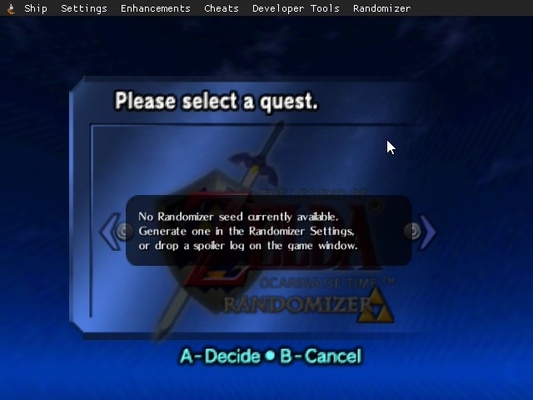
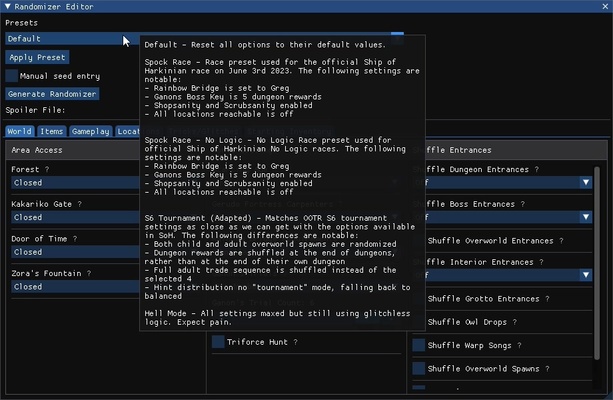
Ship of Harkinian offers an almost overwhelming amount of features, but the most interesting by far is the Randomizer. This feature basically allows you to get a completely different experience every time you start a new game. How? It's simple, it will randomize the appearance of different objects, zones and enemies. As a result, you can turn your favorite Zelda into a sort of roguelike that is capable of surprising you time and time again, no matter how many times you play.
A host of interesting features
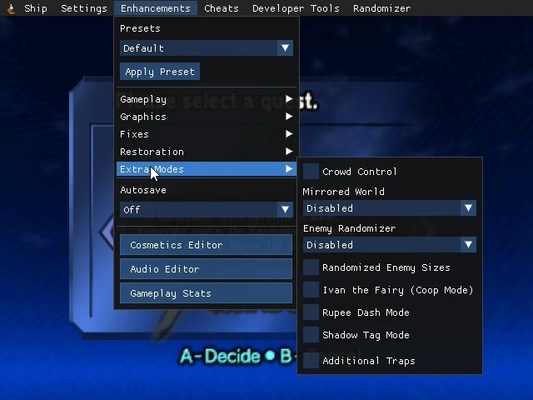
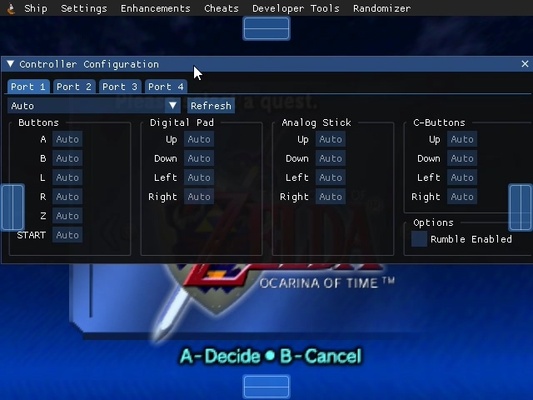
Apart from the Randomizer and the graphical enhancements, Ship of Harkinian has a number of interesting features. You can save your game at any time, thanks to more than half a dozen different save slots. You can also activate a cheat menu, which allows you to alter several key aspects of the game, making it much more accessible. What's more, you can play online with a friend (who will control the fairy) and even add mods.
A classic, improved
Download Ship of Harkinian and enjoy what is considered by many players as one of the best video games in history, in the best possible way. Playing on the original console with the original cartridge has a lot of charm, but this version of the game offers a number of additional benefits and features, making it by far the best choice: both for those who have never played it, and for those who have played it so much that they are looking for a new challenge.