

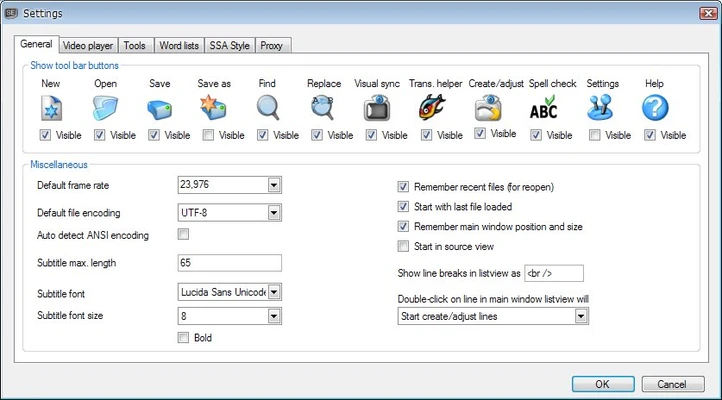
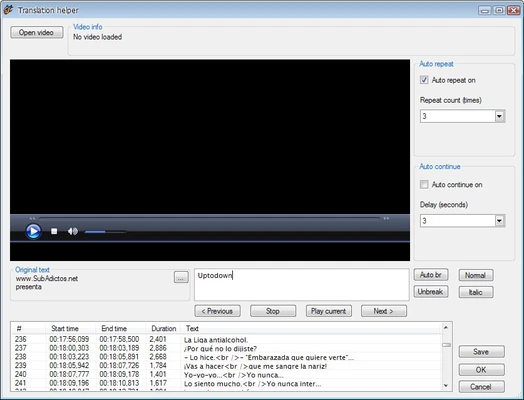
Subtitle Edit is a free and open-source subtitle editor for Windows designed for creating, editing, synchronizing, translating, and converting subtitle files.
Supporting more than 300 subtitle formats, Subtitle Edit provides powerful tools for working with subtitles, including timing adjustment, audio waveform synchronization, video preview, subtitle translation, and automatic speech recognition.
With professional-level features and an easy-to-use interface, Subtitle Edit is widely used by video editors, translators, content creators, and subtitle enthusiasts.
Features
Subtitle Creation and Editing
Subtitle Edit allows users to create and modify subtitle files with precise control over:
- Subtitle text
- Timing
- Position
- Formatting
- Line length
It supports popular formats such as:
- SRT
- SSA/ASS
- VTT
- SUB
- SUP
and many other subtitle standards.
Advanced Synchronization Tools
The built-in synchronization tools help users easily adjust subtitle timing by:
- Changing delays
- Scaling subtitle timing
- Aligning subtitles with audio
- Correcting synchronization errors
Video Preview Support
Subtitle Edit includes integrated video preview features and works with popular players such as:
- VLC
- MPC-HC
- mpv
Users can edit subtitles while watching the video in real time.
Audio Waveform and Spectrogram
The waveform and spectrogram views allow users to match subtitle timing with spoken audio more accurately.
This is especially useful when creating subtitles from scratch.
Automatic Speech Recognition
Subtitle Edit supports speech-to-text technologies, including:
- Whisper
- Vosk
These tools can automatically generate subtitles from video or audio recordings.
Subtitle Translation
Built-in translation features help users translate subtitle files using supported online translation services.
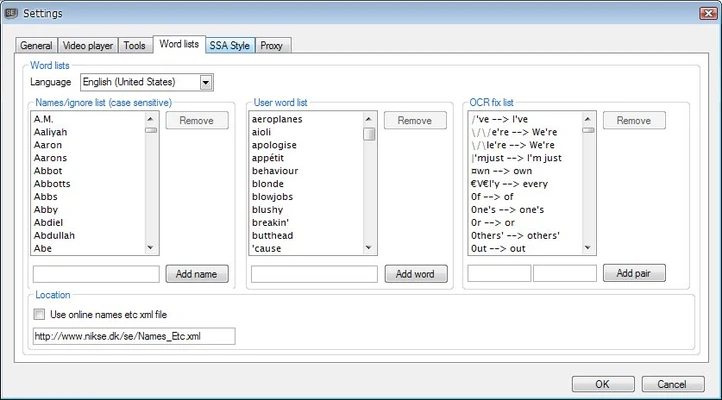
OCR Subtitle Extraction
The software can extract text from image-based subtitles, including:
- DVD subtitles
- Blu-ray SUP subtitles
- VobSub files
This allows users to convert graphical subtitles into editable text.
Subtitle Conversion
Subtitle Edit can read, write, and convert hundreds of subtitle formats, making it compatible with various video editing and broadcasting workflows.
Portable Version
A portable edition is available, allowing users to run Subtitle Edit without installation.
User Interface
Subtitle Edit features a practical multi-panel interface designed for efficient subtitle editing.
The main window displays subtitle lines and timestamps, while additional panels provide video preview, waveform visualization, and editing tools.
The interface may appear feature-rich for beginners, but it provides everything needed for advanced subtitle work.
FAQ
Is Subtitle Edit free?
Yes. Subtitle Edit is completely free and open-source software.
Can Subtitle Edit create subtitles from videos?
Yes. Users can manually create subtitles or generate them automatically using speech recognition tools.
Does Subtitle Edit support SRT files?
Yes. Subtitle Edit fully supports SRT and many other popular subtitle formats.
Can Subtitle Edit translate subtitles?
Yes. It includes translation features to help convert subtitles into different languages.
Is Subtitle Edit available as a portable application?
Yes. A portable version is available and can run without installation.
System Requirements
- Operating System: Windows 7 / 8 / 10 / 11
- RAM: 2 GB minimum
- Storage: About 100 MB free space
- Optional video players: VLC, MPC-HC, or mpv
Pros
- Free and open-source
- Supports 300+ subtitle formats
- Powerful synchronization tools
- Audio waveform editing
- Speech recognition support
- Portable version available
Cons
- Windows-focused application
- Advanced features require some learning
- Interface may feel complex for beginners
Conclusion
Subtitle Edit is one of the most powerful free subtitle editing tools for Windows.
With extensive format support, precise synchronization features, video preview, OCR capabilities, and automatic subtitle generation, it provides a complete solution for creating and editing subtitles.
Whether you are a translator, video creator, or casual user, Subtitle Edit offers professional subtitle tools without the cost of commercial software.