

Valentina Studio brings you powerful, visual editors for your data including:
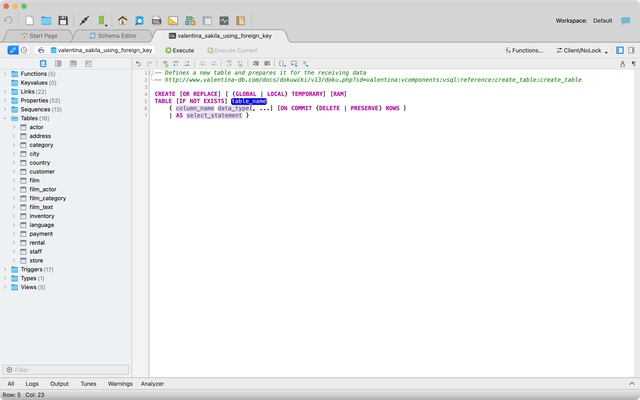
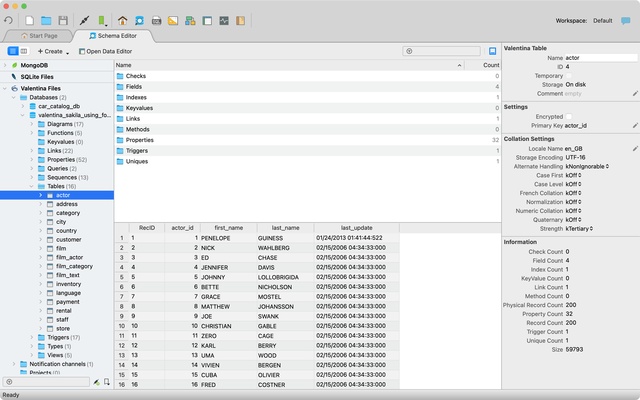
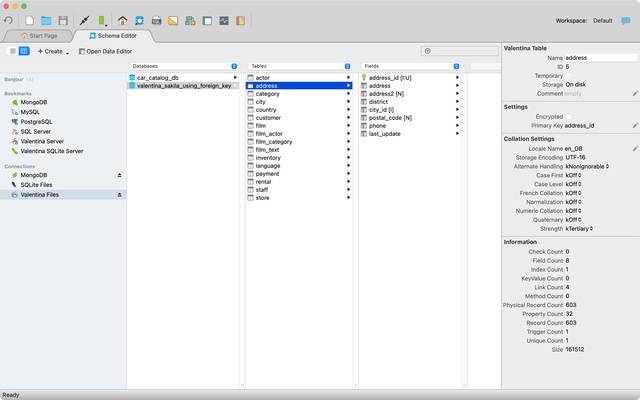
* Schema Editor (tree view and column view) - create and modify all schema objects of supported databases: Tables, Views, Fields, Enums, Links, Constraints, Triggers, Indexes, Stored Procedures, ...
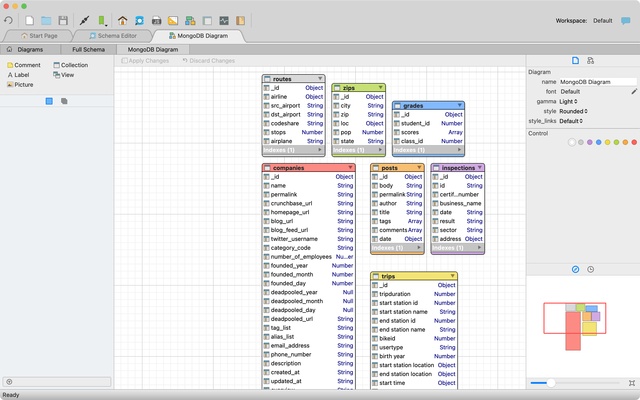
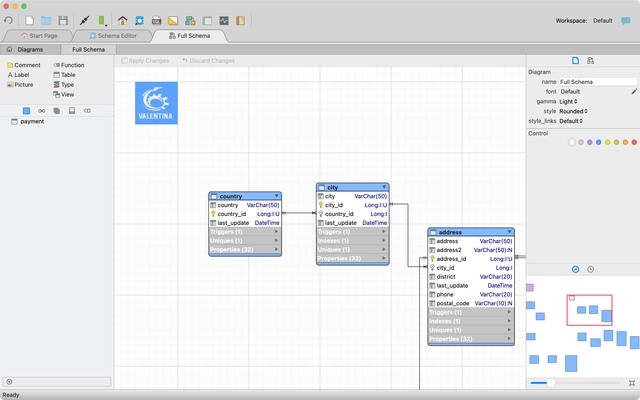
* Diagram Editor - design new diagrams or do reverse engineering, e.i explore existing databases visually.
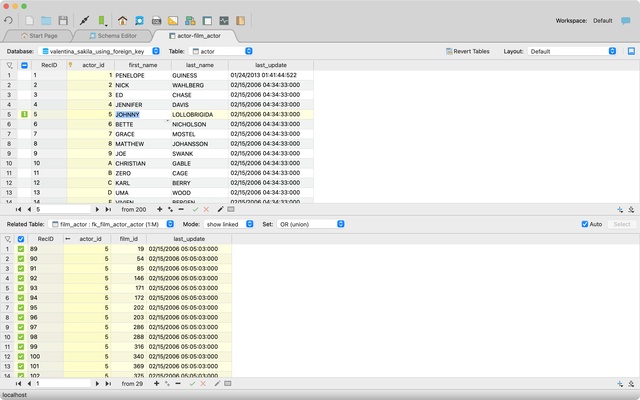
* Data Editor - easily browse table records in the grid, modify records, an inline edit of values, sort, filter records and save favorite filters, preview images, hex editors for binary values, ...
* Related Data Editor - easily learn and manage linked records of two tables, link/unlink records by a mouse click, do set operations over linked records, ...
* SQL Editor - with color syntax, auto-completion, recent and saved favorite queries, templates, console with error/warning reporting, ...
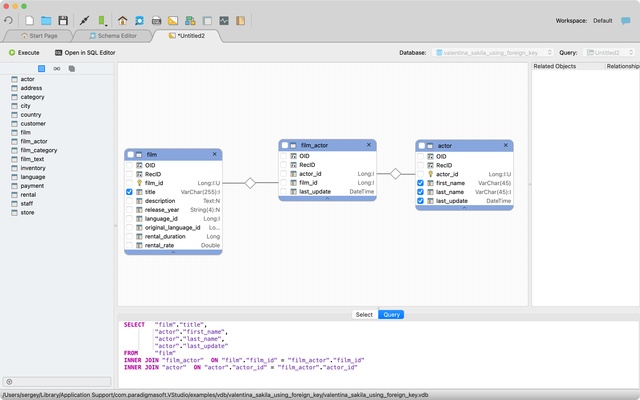
* Query Editor - build SQL queries visually using just a few mouse clicks
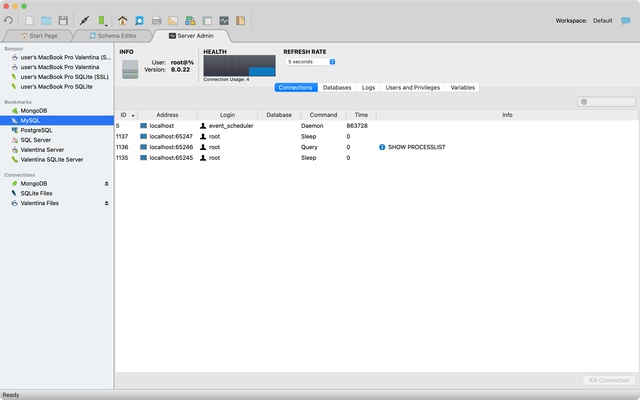
* Server Admin - where you can manage users, learn logs and other parameters of servers.
Open as many editors as you like at the same time for different databases/servers opened in tab-panels. You also get different DB-related utilities, including Import/Export, Dumps, Diagnose, Clone and Reindex, ...
(!) Free Valentina Studio can work as Read-only Launcher and Executor of Reports and Forms prepared with Valentina Studio Pro.
Valentina Studio Pro adds advanced pro-features such as:
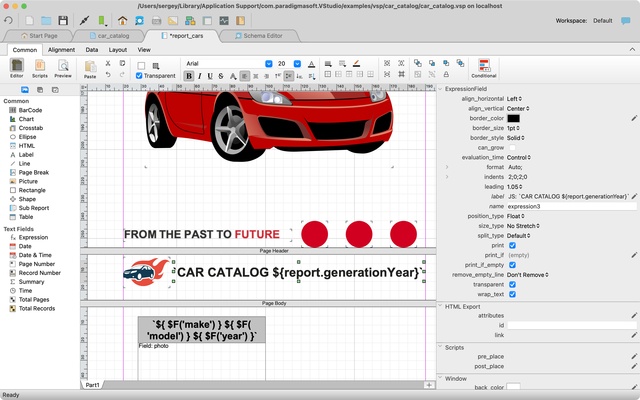
* Report Editor - visual editor of Valentina Reports that are saved into Valentina Project file (.vsp). Reports can use as data source MS SQL, MySQL, PostgreSQL, SQLite, Valentina DB, ODBC and MongoDB.
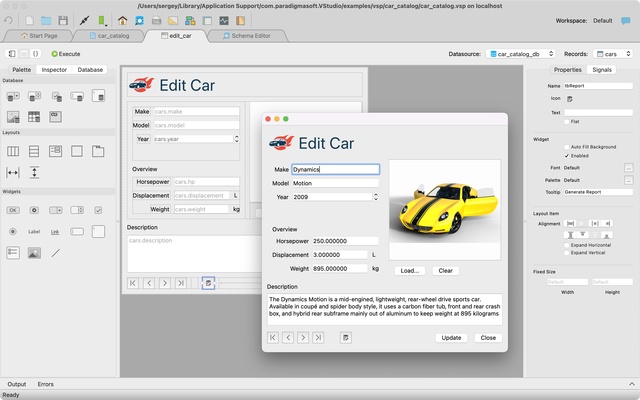
* Form Editor - visual editor of Valentina Forms that can be saved into Valentina Project file (.vsp). Forms can use all supported databases as the data source.
* Data Editor - enables go to the parent record.
* Data Editor Layouts - save columns and their order as a named layout.
* Data Editor Multiple Update - update few records at once.
* Data Transfer - copy data between different databases.
* Diagram Editor - enables forward engineering - i.e. generation of SQL scripts for new/changed database objects.
* Dump Wizard - enables filter for tables to select them for a dump.
* Error Lookup - search for error description by its code.
* Keyboard Shortcuts - enables the ability to redefine the shortcuts and create own shortcut sets.
* Object Colors - enables marking objects with specific colors.
* Query Editor - enables the ability to copy the generated query.
* Schema Cache - save and reuse the schema cache.
* Schema Editor - copy one or few schema objects using drag&drop mechanism.
* Schema Editor - expanding and collapsing the tree items with subitems using OPTION + click
* Schema Snapshot - save and load schema in structured format.
* Source Control - develop database using any VCS.
* SQLDiff - find differences between two states of a databases and generate SQL script to move between these states.
* SQL Search - search of schema objects.
* SQL Editor - format SQL queries.
* SQL Editor - edit the result of SQL queries.
* SQL Editor - use bind parameters in SQL queries.
Get Valentina Studio Single as an in-app purchase (pay only once)
to get additional advanced pro-features for a single database engine,
except for Valentina Project development functionality (reports, forms, JavaScript).