
Go to Windows platform Display platforms icon
Go to Windows platform Go to Mac platform Go to Android platform
Advanced Installer icon

Advanced Installer

22.6
Caphyon
5
298.61 MB size

The easiest way to create Windows installers

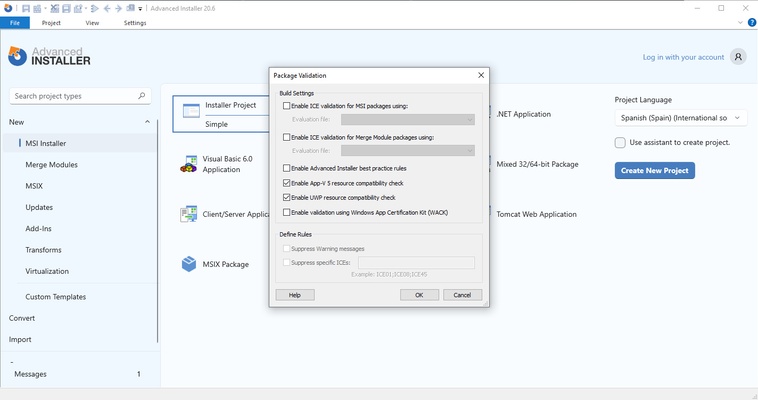
Advanced Installer is a program that allows you to easily package and update your own software, creating a Windows installer that is perfectly compatible with the latest versions of the operating system. This means that in a matter of minutes you will be able to package your software in a convenient MSI installer, ready to be distributed through your preferred channels.

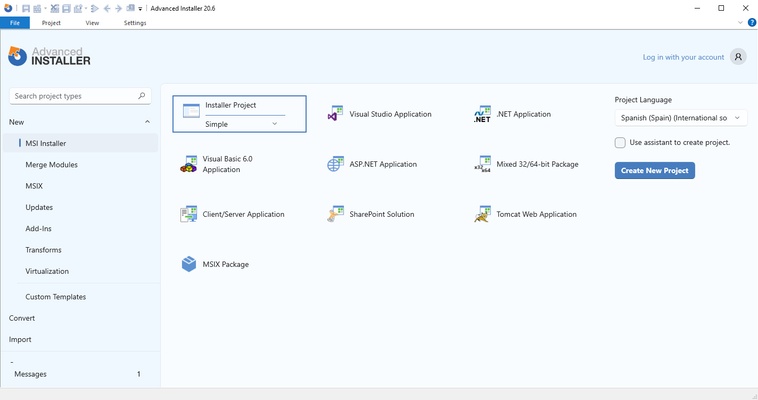
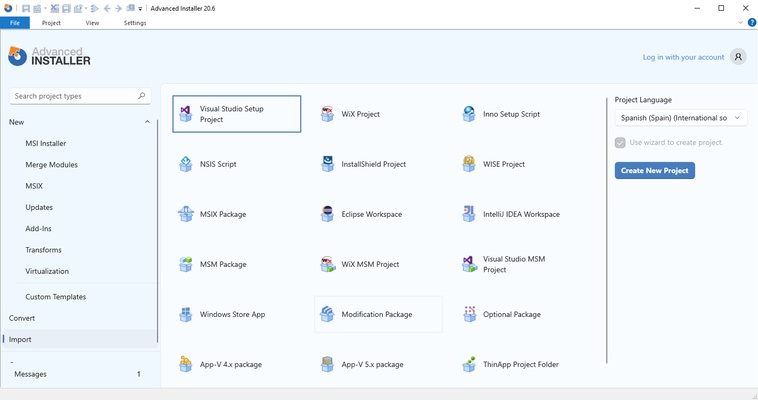
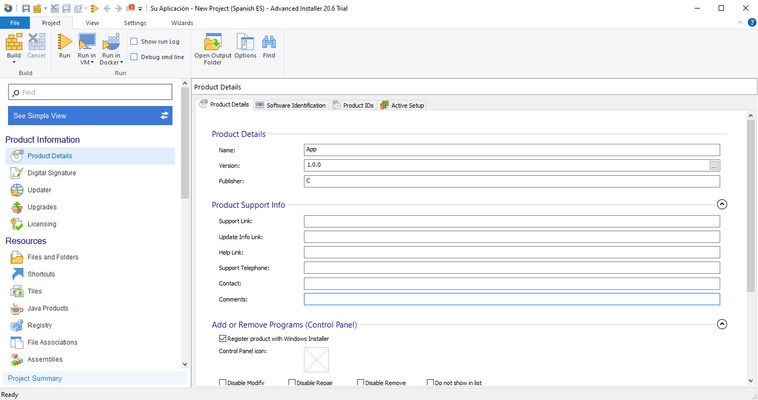
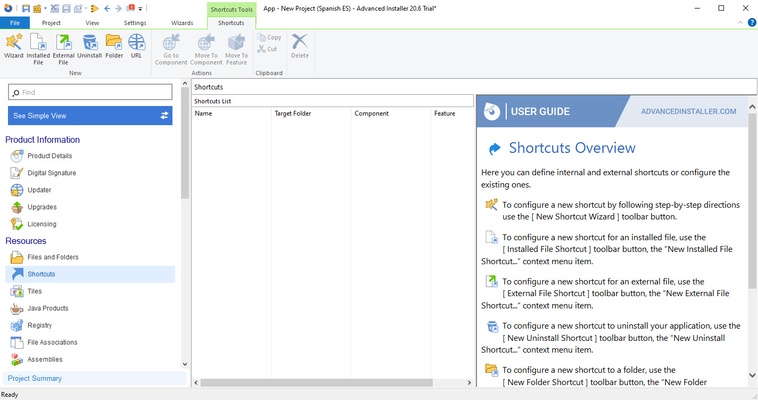
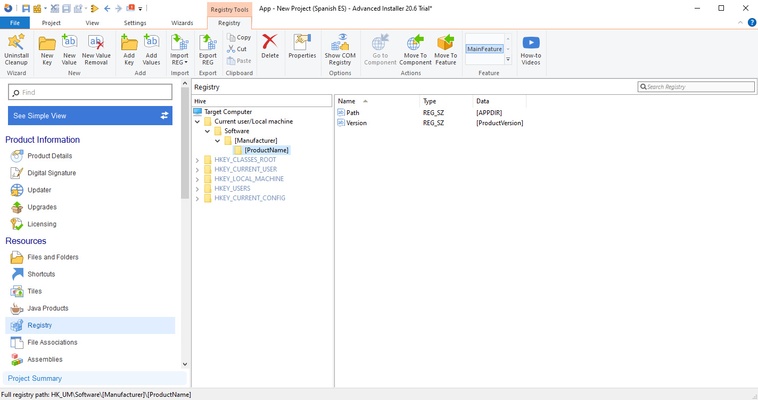
The first thing that strikes you about Advanced Installer is its interface. Despite being a program oriented to an audience that should already have a relatively advanced knowledge of computers, the interface is a real delight, so that any new user will need to take no more than five minutes to learn where everything is and how to use almost any of the various tools available. And, just in case you missed something, the program itself comes integrated with an interactive tutorial that will guide you step by step.

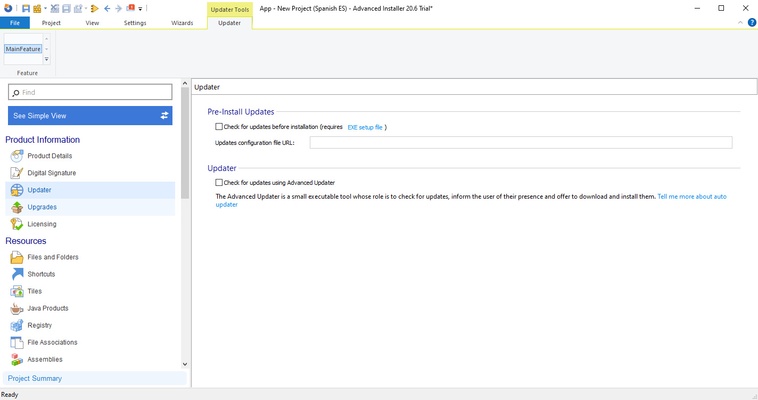
One of the most valued aspects of Advanced Installer is that it will not only simply allow you to build an MSI and nothing more, no. You will also be able to integrate an update tool, a launcher, a serial number validator, a system for test versions, and much more. What does that mean? In short, you will be able to save a lot of time and money. The efficiency of the installer, in fact, also guarantees good savings, thanks to the reduced possibility of problems during installation, which will result in fewer technical incidents to solve.

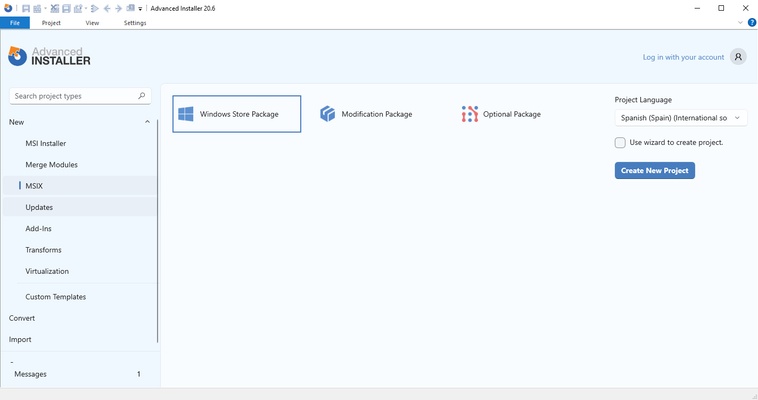
Advanced Installer is an excellent tool for developers, which allows you to set up an MSI or MSIX in a matter of minutes. And all from an intuitive interface, in which you will only have to fill in the necessary fields, one by one. Thanks to Advanced Installer, your main concern will choosing an attractive icon for your software.

Information about Advanced Installer

License Free
Op. System Windows
Category Development
Language English 47 more
Author Caphyon
permission icon Permissions Not applicable
Date 2026-06-02
Size 298.61 MB
File type MSI

Apps recommended for you

SoftEther VPN Gate Client Plugin 2026.06.18 build 9807 icon
Create a high-performance Virtual Private Network and hide your IP address!
HeidiSQL icon
Manage MySQL, MariaDB, PostgreSQL, and SQL Server databases efficiently with HeidiSQL for Windows, the lightweight database management and SQL editing tool.
Mono icon
Mono for Windows is an open-source framework that enables developers to run .NET applications on Windows with cross-platform compatibility.
Postman 12.17.5 icon
Postdot Technologies, Inc
TablePlus 26.10.0 Build 388 icon
Modern, native, and friendly GUI tool for relational databases!
Unity 6000.5.11 icon
Powerful 3D and 2D gaming development software for Windows
cc-switch 4.0.4 icon
Manage multiple AI models from one place
DBeaver 26.1.1 icon
Awesome Universal Database Tool for multiple tables, scripts, triggers。
Codex 26.1103.4239.0 icon
OpenAI's official companion for programming with ChatGPT
Beekeeper Studio 6.2.1 icon
A modern, elegant, and open source SQL client
InnoExtractor 12.2.0.187 icon
Complete GUI for Inno Setup.
Orca 1.4.246 icon
An environment for coordinating multiple AI agents
cc-switch 4.0.4 icon
Manage multiple AI models from one place
Twine 2.12.1 icon
A tool to create non-linear interactive stories
Codex 26.930.3930.0 icon
OpenAI's official companion for programming with ChatGPT
Python 3.14.8150.0 icon
Accessible multi-paradigmatic programming language
InnoExtractor icon
Complete GUI for Inno Setup.
NClass icon
NClass for Windows is a simple, open-source UML class diagram tool that helps developers design and visualize object-oriented software structures.
Free Pascal icon
Free Pascal for Windows is an open-source Pascal compiler that allows developers to create cross-platform applications with ease and efficiency.
Go icon
Go
A fast, secure and scalable language for the cloud
lessmsi icon
View and extract content from MSI files
EmEditor Professional icon
Advanced text editor for programmers
wsltty icon
mintty
RStudio 2026.08.1 icon
Take control of your R for Windows code!