

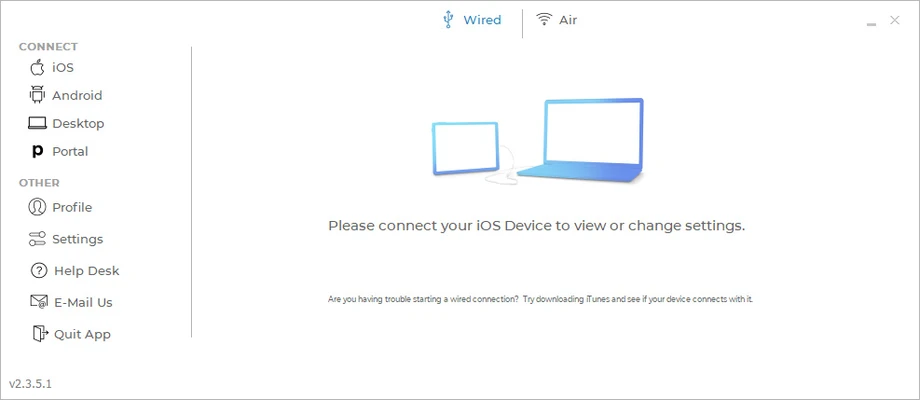
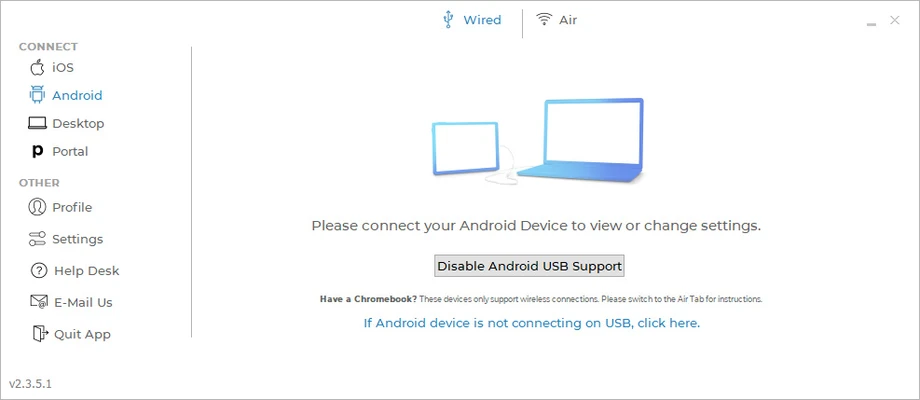
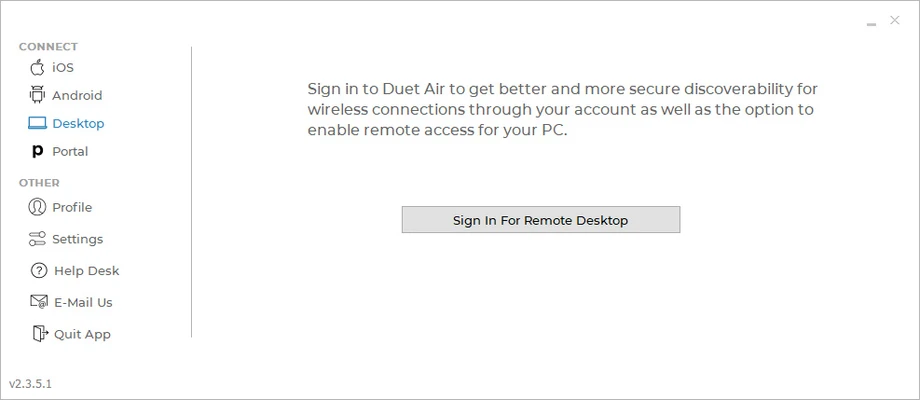
Duet Display is a screen extension and remote desktop application that allows you to use an iPhone, iPad, Mac, or Android device as an additional display for your computer. It can extend or mirror your desktop, giving you more workspace without requiring a separate monitor.
The software is useful for multitasking, remote access, presentations, and creative work. Compatible devices can also provide touchscreen and stylus input.
Key Features
-
Extend or mirror your computer screen
-
Use iPhone, iPad, Mac, or Android devices as additional displays
-
Support for touchscreen and stylus input on compatible devices
-
Low-latency screen extension
-
Adjustable resolution and display settings
-
Support for wired and wireless connections
-
Remote desktop access
-
Drawing tablet functionality
-
Retina display support on compatible Apple devices
-
Support for Windows and macOS computers
How to Use
-
Install Duet Display on your computer.
-
Install the Duet companion app on your mobile or tablet device.
-
Launch Duet on both devices.
-
Connect the devices using a supported wired or wireless connection.
-
Choose whether to extend or mirror your computer display.
-
Adjust resolution and performance settings if necessary.
-
Use the second device as an additional monitor.
FAQ
What is Duet Display?
Duet Display allows compatible mobile devices and computers to be used as an additional screen or remote display for your PC or Mac.
Can I use an iPad as a second monitor with Duet Display?
Yes. An iPad can be used as an extended or mirrored display for a compatible computer.
Does Duet Display support Android devices?
Yes. Duet supports Android devices in addition to Apple devices, depending on the feature and subscription plan.
Can I use a stylus with Duet Display?
Yes. Supported devices can be used with stylus input, making the software useful for drawing and other creative applications.
Does Duet Display work wirelessly?
Wireless connectivity is available with supported plans and device configurations. A wired connection can provide lower latency and more consistent performance.
Is Duet Display free?
Duet Display offers a trial, while advanced features are available through paid subscription plans.
Pricing
Duet Air: $4 per month when billed annually.
Duet Pro: $5 per month when billed annually.
Duet Teams: $5 per user per month when billed annually.
A 7-day trial is available.
System Requirements
-
Operating System: Windows 7 or later, or compatible macOS versions
-
Mobile Device: Compatible iOS or Android device
-
Connection: USB or supported wireless network connection
-
Internet connection required for some features and activation
PROS
-
Turns compatible devices into additional displays
-
Supports screen extension and mirroring
-
Touchscreen and stylus support
-
Low-latency performance
-
Wired and wireless connectivity
-
Remote desktop features
CONS
-
Advanced features require a paid plan
-
Performance depends on hardware and connection quality
-
Some features vary by device and platform
Conclusion
Duet Display is a convenient solution for expanding your desktop workspace with devices you already own. It supports screen extension, mirroring, remote access, touchscreen input, and stylus functionality, making it useful for productivity and creative work.
For users who need an occasional second screen without buying another monitor, Duet Display provides a flexible alternative.