Google Chrome 64-bit is a fast, secure, and widely used web browser developed by Google. It combines a clean interface with powerful browsing features, allowing users to search the web, manage multiple tabs, install extensions, and sync browsing data across devices.
Chrome is designed for speed, security, and convenience. It includes built-in protection against dangerous websites, password management, automatic updates, private browsing, and integration with Google services.
With support for extensions and themes from the Chrome Web Store, users can customize Chrome for productivity, entertainment, development, and everyday browsing.
Key Features
- Fast Web Browsing – Quickly load websites and web applications with a responsive browsing experience.
- Tabbed Browsing – Open multiple websites in a single window and organize tabs into groups.
- Built-in Security – Includes Safe Browsing protection against phishing, malware, and other online threats.
- Password Manager – Save, manage, and autofill passwords securely across supported devices.
- Sync Across Devices – Sync bookmarks, passwords, browsing history, settings, and open tabs after signing in.
- Incognito Mode – Browse privately without saving local browsing history, cookies, or form data.
- Chrome Extensions – Add new features and tools through the Chrome Web Store.
- Automatic Updates – Receive security patches, performance improvements, and new features automatically.
- Built-in Translation – Translate websites into different languages directly from the browser.
- Tab Management – Pin tabs, create tab groups, and organize open pages more efficiently.
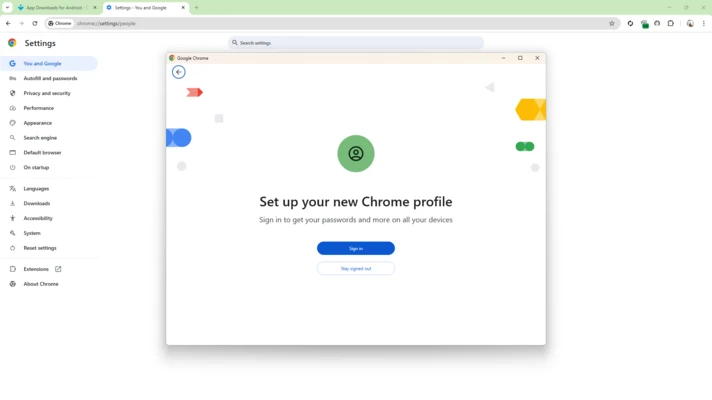
- Multiple Profiles – Keep personal, work, and other browsing data separated with different Chrome profiles.
- Developer Tools – Provides built-in tools for web developers to inspect, debug, and optimize websites.
- Google Services Integration – Works seamlessly with services such as Google Search, Gmail, Google Drive, and Google Docs.
What's New
- Improved browser performance and startup speed.
- Enhanced memory management for inactive tabs.
- Improved Energy Saver features for laptops.
- Stronger Safe Browsing and security protections.
- Improved password management and autofill.
- More flexible privacy and site permission controls.
- Improved WebGPU support for compatible graphics hardware.
- Performance and usability improvements in Chrome DevTools.
- Various stability fixes and security updates.
User Interface
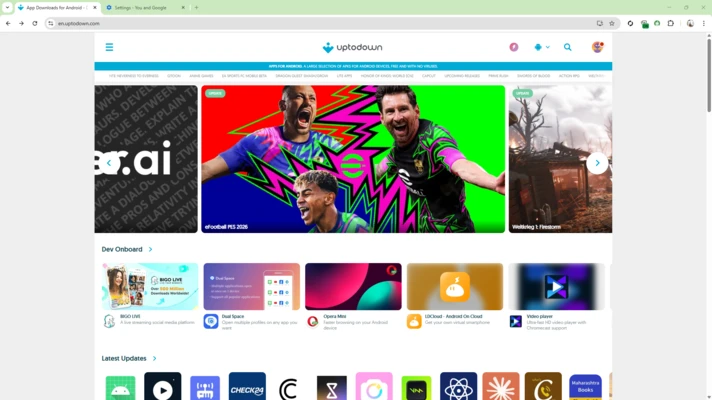
Google Chrome features a clean and minimal interface designed for easy navigation. The address bar also functions as a search box, allowing users to enter website addresses or search queries from the same location.
Tabs are displayed at the top of the window, while frequently used settings and browser tools can be accessed through the three-dot menu.
Chrome also supports customizable themes, bookmarks, profiles, tab groups, and extensions, allowing users to adapt the browser to their preferred workflow.
How to Use
- Install Chrome – Download and install Google Chrome on your Windows PC.
- Launch the Browser – Open Chrome from the desktop or Start menu.
- Visit a Website – Enter a website address or search term in the address bar.
- Open New Tabs – Press
Ctrl + Tor click the new tab button. - Install Extensions – Visit the Chrome Web Store and install extensions as needed.
- Customize Settings – Open the three-dot menu and select Settings to configure Chrome.
- Sync Your Data – Sign in with a Google Account to sync bookmarks, passwords, history, and other supported data.
- Manage Downloads – Open the Downloads section to view and manage downloaded files.
FAQ
Is Google Chrome 64-bit free?
Yes. Google Chrome is free to download and use on supported devices.
Can I use Chrome without a Google Account?
Yes. You can browse the web without signing in. A Google Account is only required for features such as cross-device synchronization.
Does Chrome support extensions?
Yes. Chrome supports a large collection of extensions available through the Chrome Web Store.
Does Chrome have a private browsing mode?
Yes. Incognito Mode allows you to browse without saving local browsing history, cookies, and certain site data after the session ends.
Can I sync Chrome between my PC and phone?
Yes. After signing in, Chrome can synchronize supported browsing information such as bookmarks, passwords, history, and open tabs across devices.
Is Google Chrome safe?
Chrome includes multiple security features, including Safe Browsing, automatic security updates, sandboxing, and site permission controls.
Does Chrome use a lot of RAM?
Chrome can use significant memory when many tabs and extensions are open. Features such as Memory Saver can reduce memory usage by deactivating inactive tabs.
Can I change the default search engine?
Yes. You can change the default search engine from Chrome's Settings.
Alternatives
Mozilla Firefox – A customizable browser with strong privacy features.
Microsoft Edge – A Chromium-based browser with Microsoft services and Windows integration.
Opera – A feature-rich browser with built-in tools for privacy, productivity, and customization.
Brave – A privacy-focused Chromium browser with built-in ad and tracker blocking.
System Requirements
- Operating System: Windows 10 or later
- Processor: Intel Pentium 4 or later with SSE3 support, or compatible processor
- RAM: 4 GB or more recommended
- Storage: At least 350 MB of available disk space
- Internet: Internet connection required for downloading, updates, and web browsing
PROS
- Fast and responsive browsing
- Simple and user-friendly interface
- Extensive extension ecosystem
- Strong security features
- Cross-device synchronization
- Regular automatic updates
- Excellent compatibility with modern websites
CONS
- Can consume considerable RAM with many tabs open
- Some privacy-conscious users may prefer alternatives
- Large numbers of extensions can affect performance
- Some advanced features require a Google Account
Conclusion
Google Chrome 64-bit is a reliable and feature-rich web browser suitable for everyday browsing, work, entertainment, and web development. Its combination of speed, security, extension support, and cross-device synchronization makes it one of the most versatile browsers available for Windows.
Although Chrome can consume considerable memory when running many tabs or extensions, features such as Memory Saver and Energy Saver help improve resource management. For users looking for a fast browser with broad website compatibility and a large extension ecosystem, Google Chrome remains a strong choice.