

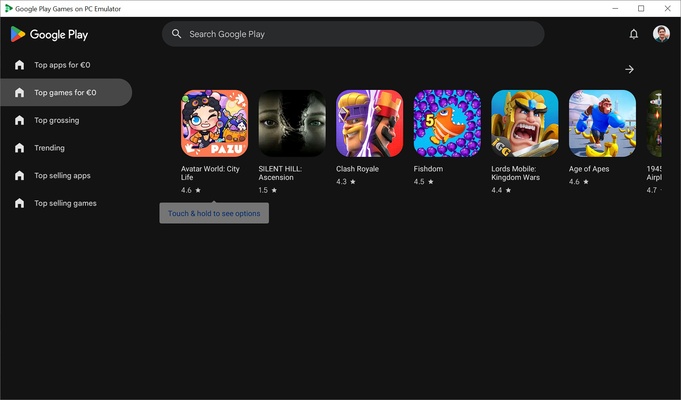
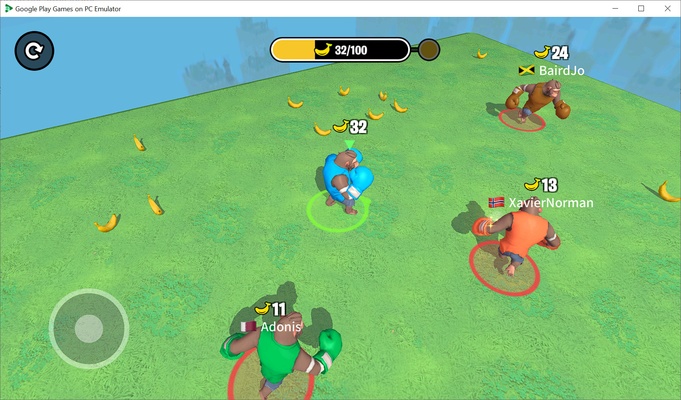
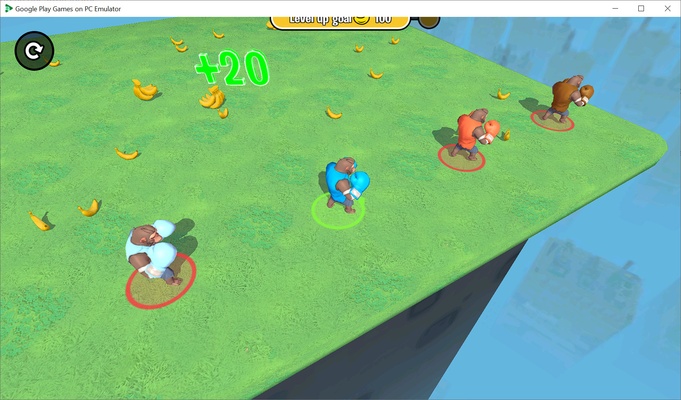
Google Play Games on PC Developer Emulator is the developer-focused version of the Google emulator for Windows. The Google Play emulator for PC allows you to run Android games on Windows, and this tool makes it much easier for developers to test that their games work properly on the Windows operating system.
Install any of your Android games and apps
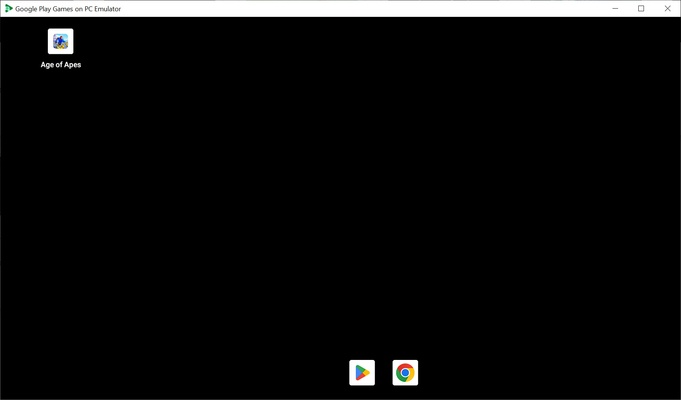
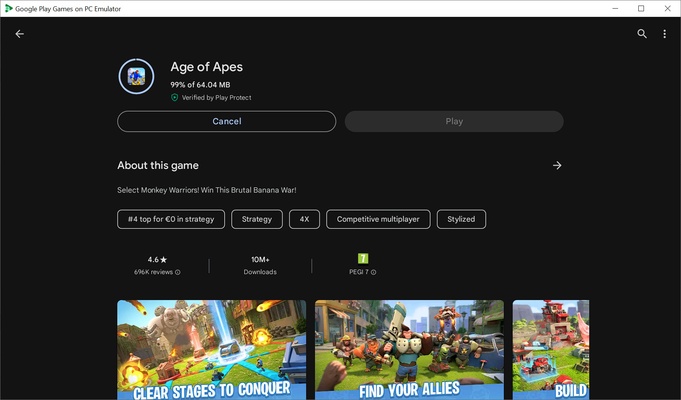
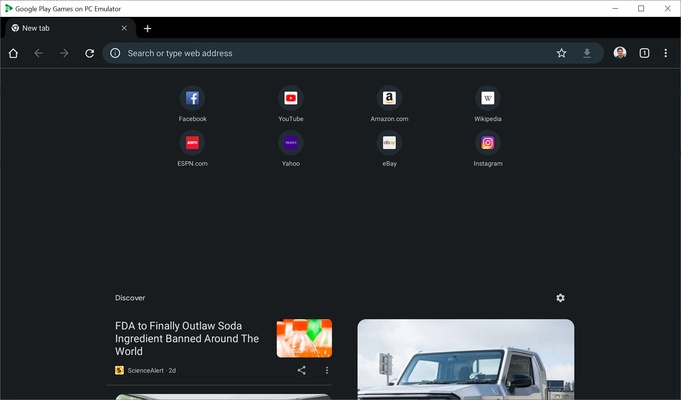
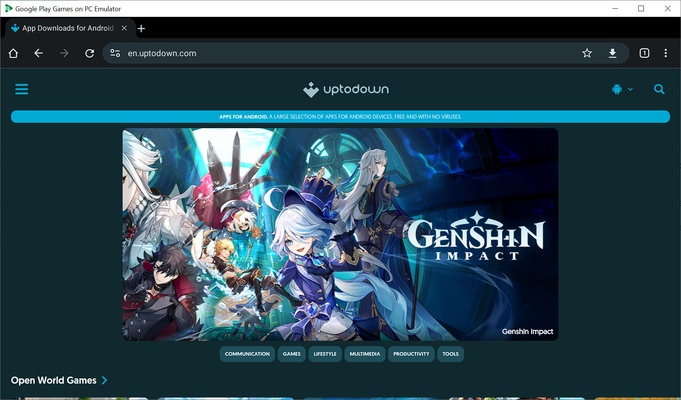
When you start Google Play Games on PC Developer Emulator, a launcher with a tablet interface, similar to the one you find when starting other Android emulators, will appear. When you open it, you will see the Google Play Store and Google Chrome available, so you can browse the Internet and download APK files directly without going through the Google Store.
Thanks to Google Play Games on PC Developer Emulator, you'll be able to test and debug your game much more easily. You can also edit settings such as the graphics API, choose between Vulkan and DirectX for your games, emulate mouse controls or force the screen aspect ratio.
Install APK files using ADB
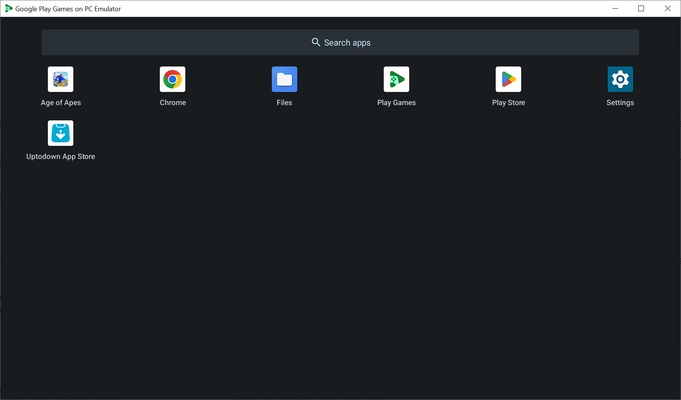
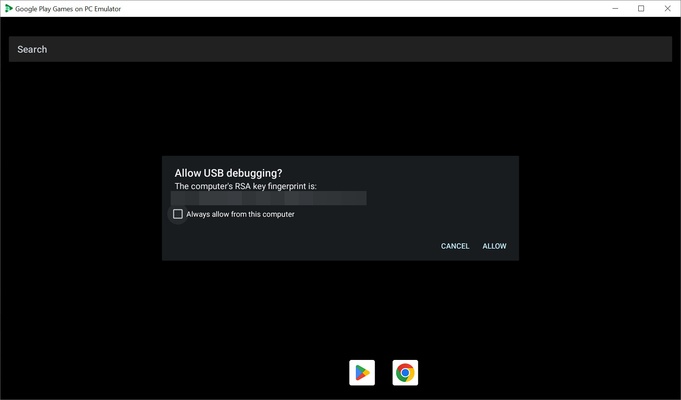
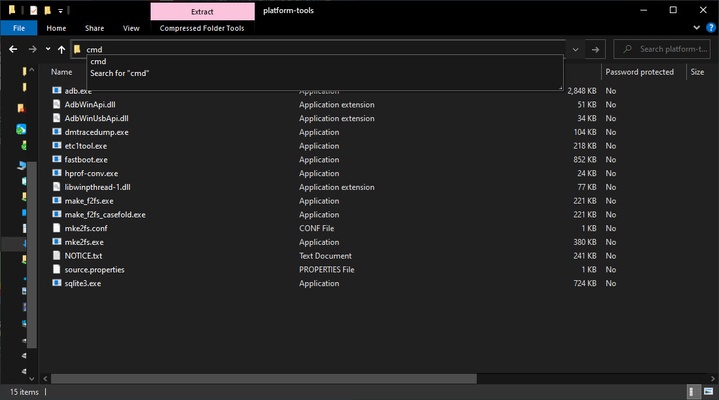
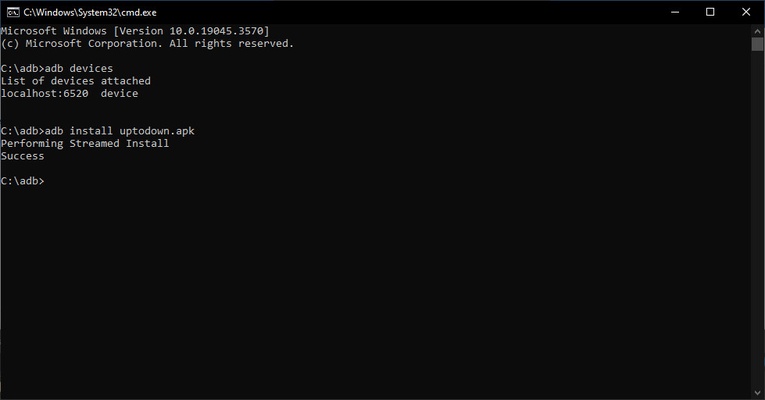
To sideload apps and be able to install your APKs for use or just for debugging, you have to install ADB. After downloading, unzip it in a folder, and in the path of this folder, type and execute "cmd" to open the Windows console in that path. Once inside, you will have to type "adb devices" (without the quotation marks). You should see "localhost:6520 device" and be able to start loading APK files. The next step is to copy the file you want to install to the same folder where you opened ADB. If, for example, the file is called "uptodown.apk", you have to type "adb install uptodown.apk". After that, swipe up on the emulator's home screen to find the app installed.
APKs cannot be directly installed without ADB
In addition to games, Google Play Games on PC Developer Emulator allows you to install any APK using this system. The only drawback is that you cannot install APK files directly from Google Play Games on PC Developer Emulator- you have to use ADB each time. So, even if you install the Uptodown App Store, you won't have permission to install APKs.
Enable Hyper-V to use Google Play Games on PC Developer Emulator
To use Google Play Games on PC Developer Emulator, you must enable virtualization and Hyper-V in Windows in the Control Panel. You will know if you have unsucessfully activated it if you get an error message when trying to start it. If everything is OK, you will be able to access the app without issue, sign in with your Google account and start testing games.
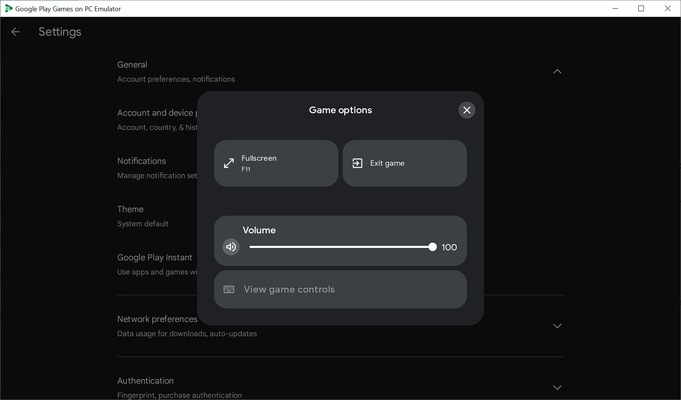
Press the commands "Ctrl + B" to go back and "Ctrl + H" to return to the home screen. If you press F11 or "Alt + Enter", you can toggle between full-screen or windowed mode. If you press "Shift + Tab", you will see a small floating window that allows you to close the game you're in, switch to full screen, adjust the volume or view the game controls.
Download Google Play Games on PC Developer Emulator to test your Android apps on Windows easily and with excellent performance.