

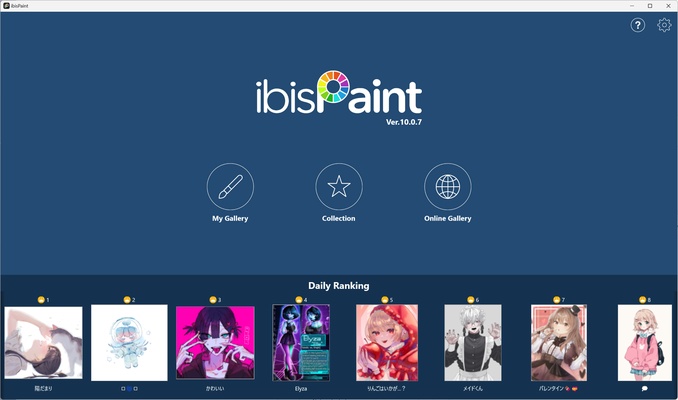
ibis Paint is a digital drawing and painting application for Windows that provides a wide range of brushes, layers, filters, blending modes, and drawing aids. Originally popular on mobile devices, the Windows version is designed for digital artists using a mouse, touch screen, or compatible stylus.
Key Features
-
Large Brush Library – Includes a wide variety of customizable brushes for drawing and painting.
-
Layer Support – Create and manage multiple layers with controls for opacity, blending, duplication, and transformation.
-
Drawing Aids – Provides rulers, grids, symmetry tools, clipping masks, and stroke stabilization.
-
Filters and Effects – Apply various filters, blending modes, and other effects to artwork.
-
Materials and Fonts – Includes a large collection of materials and fonts for illustrations and designs.
-
Stylus Support – Supports compatible pressure-sensitive styluses and Windows Ink devices.
-
Drawing Playback – Records drawing processes and allows users to replay drawing sessions.
-
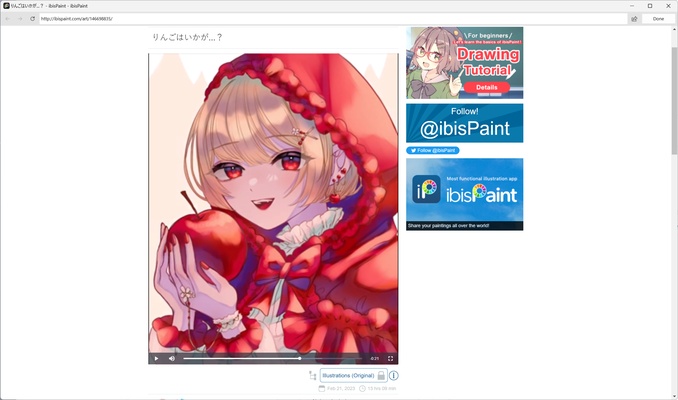
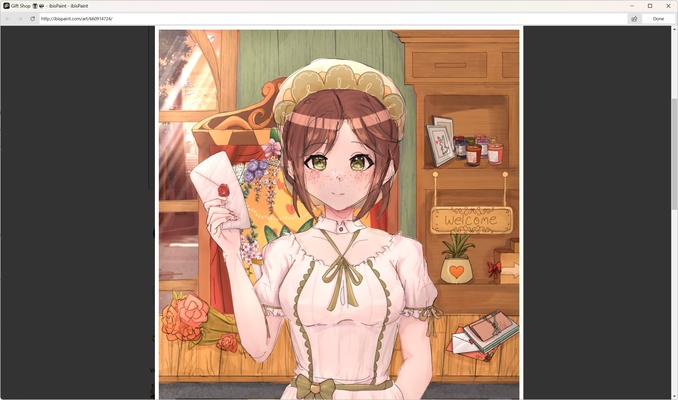
Community Features – Share artwork and explore work created by other ibis Paint users.
-
Multiple File Formats – Supports common image formats as well as PSD and its native project format.
User Interface
ibis Paint uses a tool-focused interface with brushes, layers, colors, filters, and other controls readily accessible while working on the canvas. The workspace is suitable for both touch and stylus input, although the large number of tools may take some time for beginners to learn.
Installation and Setup
The Windows version can be installed through supported Windows distribution channels. After installation, launch ibis Paint and create or open a project. A compatible stylus or drawing tablet can be configured for more precise input.
How to Use
-
Launch ibis Paint and create a new canvas or open an existing project.
-
Select a brush and adjust its size, opacity, and other settings.
-
Use layers to organize different elements of the artwork.
-
Apply drawing aids, filters, and blending modes when needed.
-
Save the project in ibis Paint's native format or export it to a supported image format.
System Requirements
-
Operating System: Windows 10 version 2004 or later, Windows 11
-
Processor: 64-bit Intel or AMD processor
-
RAM: 2 GB minimum, 4 GB or more recommended
-
Graphics: DirectX 11-compatible GPU
-
Storage: At least 2 GB of free space
-
Display: 1024×768 resolution or higher
-
Input: Compatible stylus or touch device with Windows Ink support
-
Internet: Required for installation through supported online distribution channels and some features
Pros
-
Extensive brush and material library
-
Powerful layer and blending tools
-
Useful drawing aids and stabilization
-
Stylus and touch support
-
Supports PSD and common image formats
-
Suitable for illustrations, comics, and digital painting
Cons
-
Large number of tools can be overwhelming for beginners
-
Some features and materials require paid access
-
Windows version may differ from the mobile experience
Conclusion
ibis Paint is a feature-rich digital painting application for Windows users who want a broad selection of brushes, layers, drawing aids, and creative effects. It is particularly suitable for illustration, comic, and general digital art workflows, while beginners may need some time to become familiar with its extensive toolset.