RPCS3 is a free and open-source PlayStation 3 emulator and debugger for Windows. It allows users to run compatible PS3 games on a PC with customizable graphics, audio, controls, and performance settings.
The emulator has an actively developed compatibility layer and supports a large library of PS3 titles. Depending on the game and PC hardware, users can play at resolutions and frame rates beyond the original console experience.
Features
- PS3 Game Emulation – Run compatible PlayStation 3 games on Windows PCs.
- High-Resolution Rendering – Render games at resolutions higher than the original PS3 output, including 4K on supported hardware.
- Graphics Backends – Supports Vulkan and OpenGL rendering, with configuration options for different hardware.
- Custom Controls – Supports keyboard, mouse, and a variety of game controllers.
- Game Patches – Apply game-specific patches and configuration settings to improve compatibility or performance.
- Save Management – Manage game saves and emulator data directly from the application.
- Audio Configuration – Adjust audio settings for different games and hardware configurations.
- Debugging Tools – Includes advanced tools for developers and users troubleshooting compatibility issues.
- Game Library Management – Organize installed games and launch them directly from the main interface.
User Interface
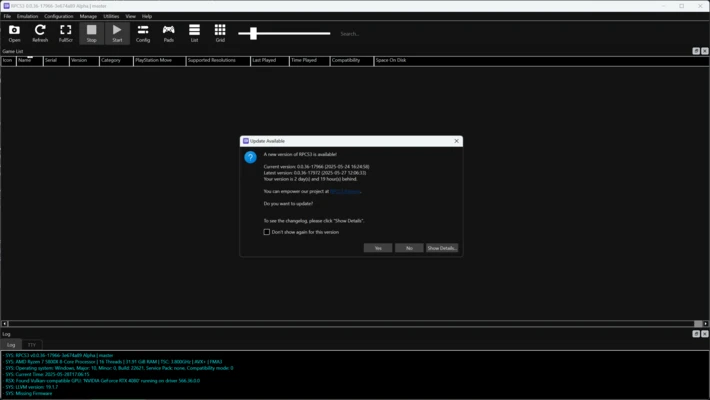
RPCS3 uses a straightforward interface centered around the game library. Users can add games, launch titles, and access system, graphics, audio, and controller settings from the main window.
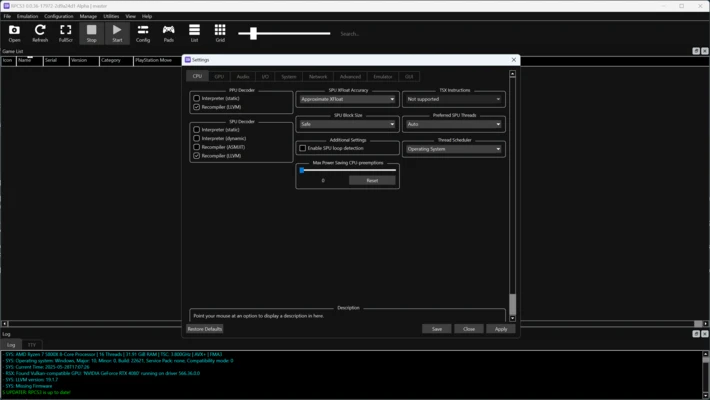
The configuration system provides extensive options for experienced users while allowing basic settings to remain relatively easy to access.
Setup
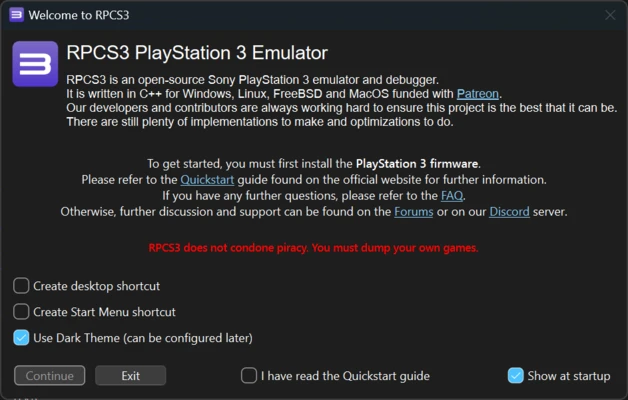
RPCS3 requires the official PlayStation 3 system software to be installed before using the emulator. Users also need legally obtained game files.
After installing the required system software, games can be added to the RPCS3 library and configured individually when necessary. Performance varies considerably between different PS3 games, so some titles may require additional configuration.
Controller Support
RPCS3 supports a range of input devices, including:
- DualShock 3
- DualShock 4
- PlayStation-compatible controllers
- Xbox controllers
- Keyboard and mouse
- Other supported gamepads
Controller settings can be customized on a per-game basis when required.
Compatibility and Performance
Performance depends heavily on the individual game, CPU, GPU, drivers, and emulator configuration. Some titles can run smoothly at high resolutions, while others may still experience graphical problems, crashes, or performance limitations.
A modern CPU with strong single-thread performance and a dedicated GPU is recommended for demanding games.
FAQ
Is RPCS3 free?
Yes. RPCS3 is free and open-source software.
Is RPCS3 legal?
The emulator itself is legal. Users should obtain PlayStation 3 system software and game copies through legal means.
Can RPCS3 play every PS3 game?
No. Compatibility varies between games, and some titles may have graphical issues, crashes, or other limitations.
Can I use a PS3 controller with RPCS3?
Yes. DualShock 3 controllers are supported, along with DualShock 4, Xbox controllers, and other compatible input devices.
Can RPCS3 run games in 4K?
Compatible games can be rendered at resolutions above the original PS3 output, including 4K, provided the hardware and game support it.
System Requirements
Minimum Requirements
- Operating System: Windows 10 or Windows 11 64-bit
- CPU: Modern x64 processor with AVX2 support
- RAM: 8GB
- GPU: Vulkan-compatible graphics card
- Storage: SSD recommended
Recommended Requirements
- Operating System: Windows 10 or Windows 11 64-bit
- CPU: Modern high-performance Intel or AMD processor
- RAM: 16GB or more
- GPU: Modern NVIDIA or AMD graphics card
- Storage: SSD
Actual requirements vary significantly depending on the game being emulated.
PROS
- Free and open-source
- Large PS3 game compatibility
- High-resolution rendering
- Extensive graphics and performance settings
- Wide controller support
- Active development
- Useful debugging tools
CONS
- Performance varies greatly between games
- Some titles remain incompatible or unstable
- Requires relatively powerful hardware
- Configuration can be complicated for beginners
- Requires legally obtained PS3 system software and games
Conclusion
RPCS3 is a powerful PlayStation 3 emulator for Windows that brings a large selection of PS3 games to modern PCs. Its high-resolution rendering, controller support, game patches, and extensive configuration options provide considerably more flexibility than the original console hardware.
While compatibility and performance vary between games, RPCS3 is an excellent option for users who want to experience compatible PlayStation 3 titles on a PC.