
Go to Windows platform Display platforms icon
Go to Windows platform Go to Mac platform Go to Android platform
WhatsApp Desktop Beta icon

WhatsApp Desktop Beta

2.2515.2.0
WhatsApp LLC
4.1
183.54 MB size

Enjoy the latest WhatsApp news on your PC

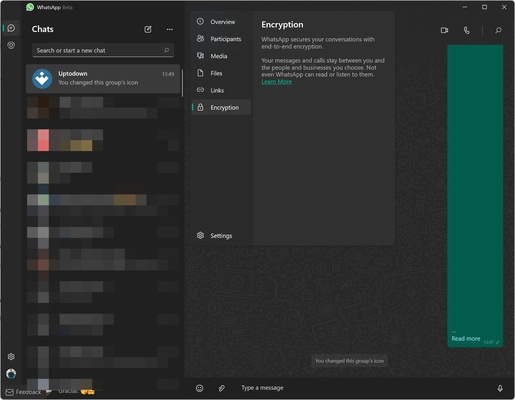
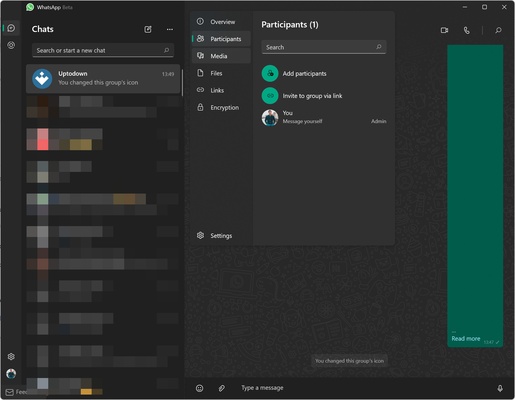
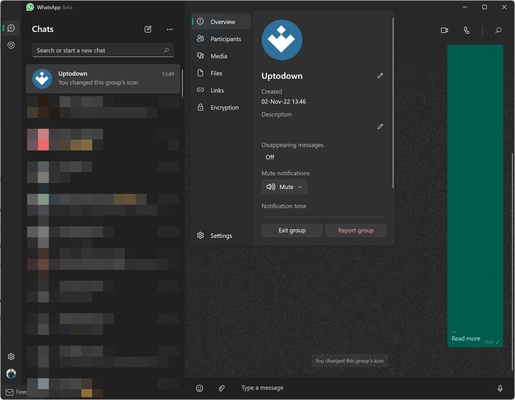
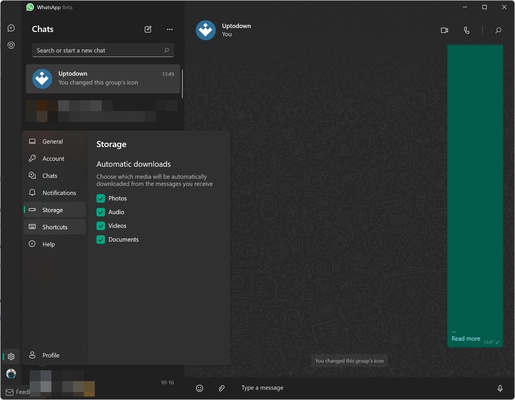
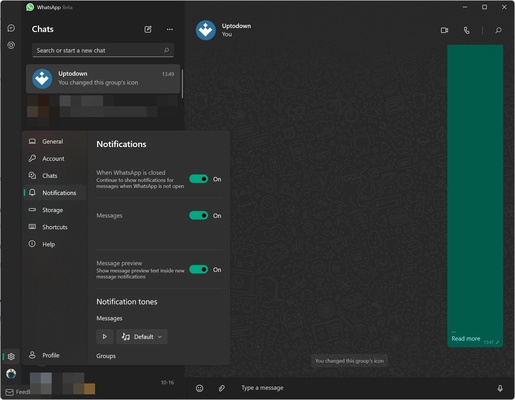
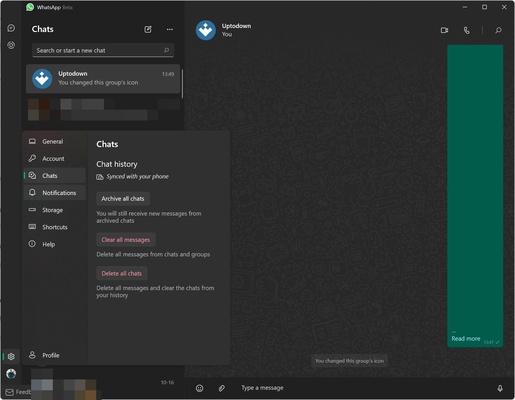
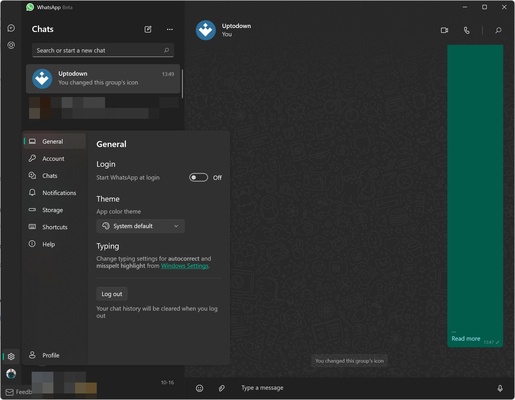
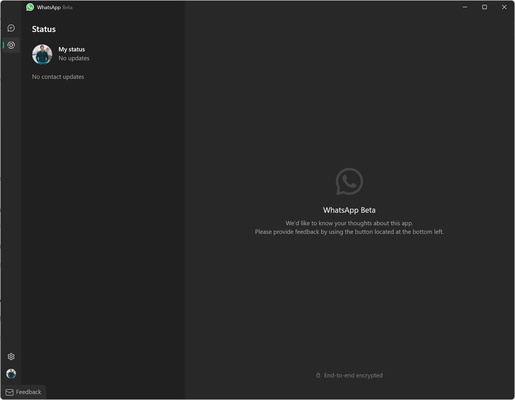
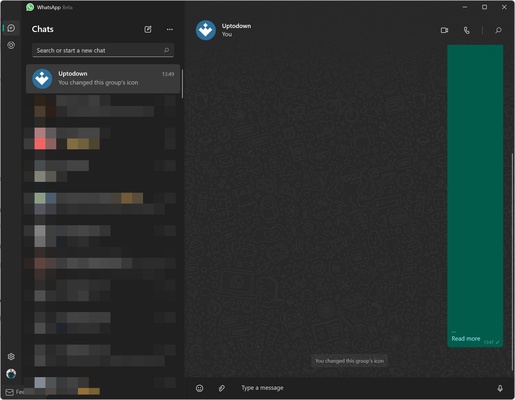
WhatsApp Desktop Beta is the beta version of the official WhatsApp Desktop app. With it, you will have the opportunity to try out the latest features of the Windows app before they reach the stable version.

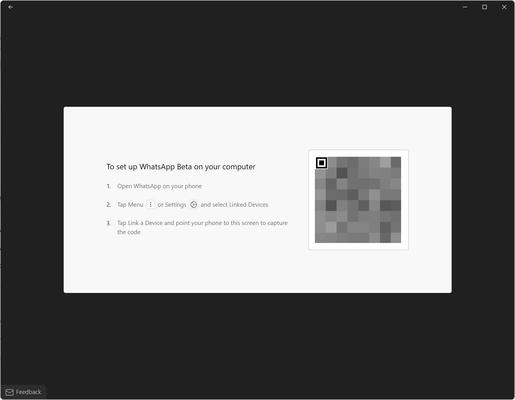
WhatsApp Desktop Beta works in the same way as the normal version. After installing it, you will have to scan a QR code through the WhatsApp app on your smartphone. Once this is done, your account will be paired and you will be able to use it on Windows, even without any Internet connection on your smartphone, since WhatsApp Desktop Beta works independently.

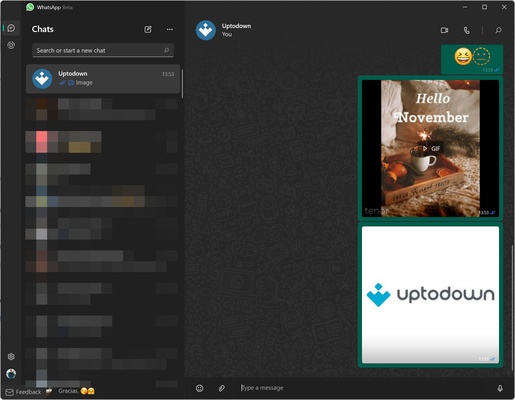
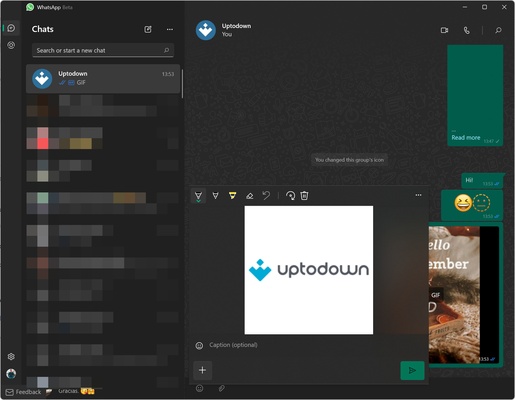
In WhatsApp Desktop Beta, you will be able to write in your chats as per usual. You can create groups, send stickers or GIFs and, basically, use all the basic options related to instant messaging. In addition, you can make voice and video calls directly from your computer.

Since this is a beta version, WhatsApp usually introduces untested code into it. This may cause some stability or performance problems, but it also guarantees that you will enjoy some new features weeks or months before they are released in the stable version.

If you want to use WhatsApp on PC and enjoy the latest news of the app before they reach the stable version, download WhatsApp Desktop Beta.

Information about WhatsApp Desktop Beta

License Free
Op. System Windows
Category Internet
Language English
Author WhatsApp LLC
permission icon Permissions Not applicable
Date 2026-06-02
Size 183.54 MB
File type MSIXBUNDLE

Apps recommended for you

Mailspring icon
Manage multiple email accounts efficiently with Mailspring for Windows, the fast and modern email client designed to improve productivity and communication.
Coc Coc 148.0.7778 icon
Free web browser focused on the Vietnamese market
Discord icon
Discord for Windows is a popular communication platform for gamers and communities, offering voice, video, and text chat features for seamless interaction.
Opera Air icon
Surf the web in a more relaxed way
Canon EOS Webcam Utility icon
Use your Canon camera as a webcam
Tubly Downloader icon
Download YouTube videos, MP3s and YouTube Shorts
DuckDuckGo icon
Browse with maximum privacy on PC too
WhatsApp Desktop icon
WhatsApp Desktop for Windows allows users to send messages, make calls, and sync chats directly from their desktop with a seamless connection to the mobile app.
Remote Desktop Manager Enterprise 2026.2.11.0 icon
An application used to manage all your remote connections!
Vivaldi 8.0.4033.50 (64-bit) icon
An advanced browser made with the power user in mind
Opera GX 132.0.5905.82 (64-bit) icon
The gaming browser built for gamers with RAM and CPU limiters!
Wavebox 10.149.2.96 icon
Join the wave of next generation web-desktop communication tools!
Studio 3T 2026.11.0 icon
The Professional Client, IDE and GUI software for MongoDB!
Firefox 152.0.1 (64-bit) icon
One of the World's Most Popular Web Browsers for Windows
Slack for Windows 4.50.141 icon
Team communication software for the 21st century
Google Chrome 149.0.7827.156 (64-bit) icon
The fast, free browser that's built for the modern web
WholeClear Yahoo Backup Software icon
Backup Yahoo emails to PST, MBOX, PDF & more with secure export.
UltraSearch icon
Instantly find files on your hard drive
Bitvise SSH Client icon
Bitvise SSH Client for Windows is a secure tool that allows users to connect to remote servers via SSH for file transfer and terminal access.
Opera GX 132.0.5905.82 (64-bit) icon
The gaming browser built for gamers with RAM and CPU limiters!
ChrisPC Free VideoTube Downloader icon
Enjoy your favorite YouTube videos, from anywhere
LogMeIn Hamachi icon
LogMeIn Hamachi for Windows is a virtual private network (VPN) service that allows users to create secure networks for remote access and gaming.
Kapsule icon
Reach The Cuboid