


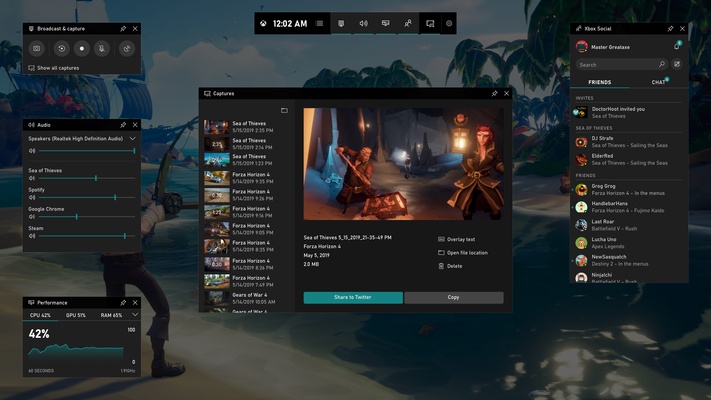
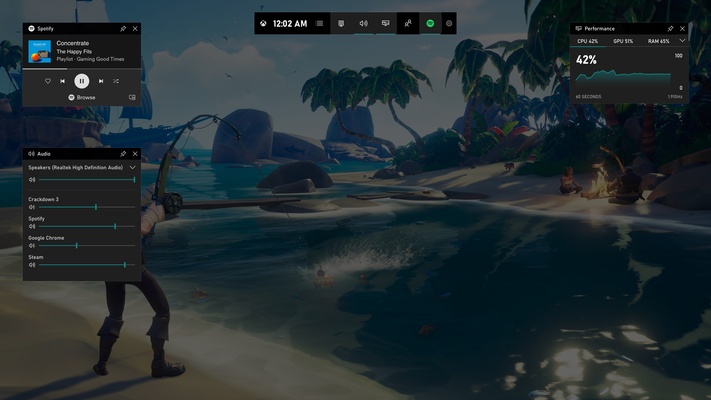
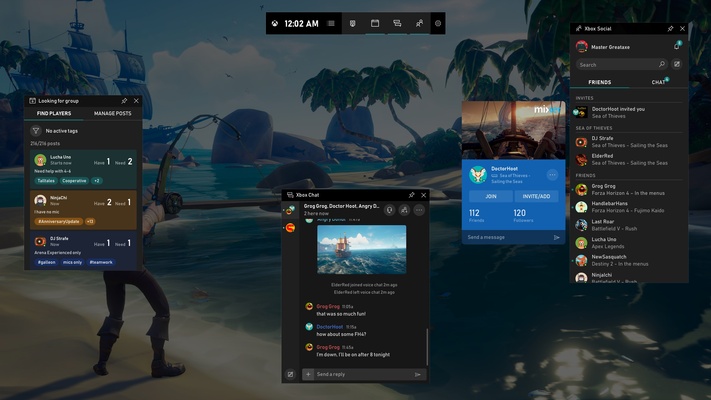
Xbox Game Bar is a built-in Windows tool that gives gamers quick access to screen capture, recording, social features, and other gaming-related widgets without leaving their current game.
You can open Xbox Game Bar by pressing Windows + G on your keyboard. If a compatible Xbox controller is connected, you can also press its Xbox button to launch the overlay.
The available features include taking screenshots, recording gameplay, connecting with friends through Xbox social features, monitoring system performance, and accessing various configurable widgets. These tools let you manage common gaming tasks while keeping your game running in the background.
Xbox Game Bar is particularly useful for players who frequently capture or share gameplay, including those who stream on platforms such as Twitch. Its integrated overlay makes it easier to access essential controls without minimizing or closing the game.