
Go to Windows platform Display platforms icon
Go to Windows platform Go to Mac platform Go to Android platform
DuckStation icon

DuckStation

2025-04-18
Stenzek
5
40.2 MB size

An excellent PSX emulator for Windows

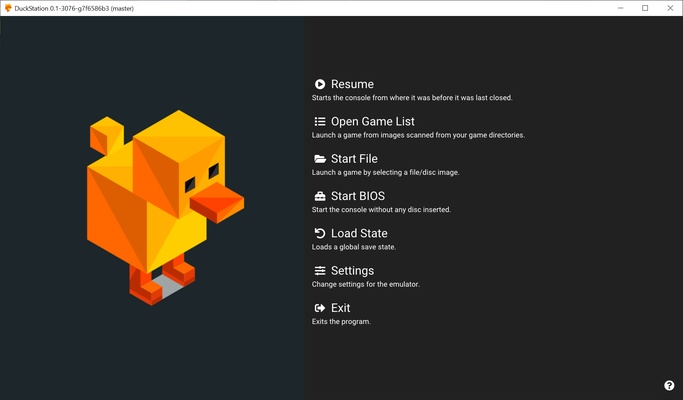
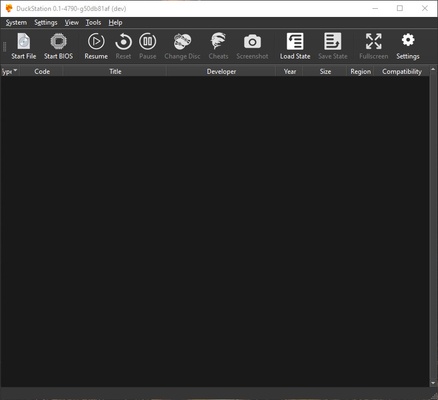
DuckStation is a PlayStation/PSX/PS1 emulator for Windows 10 (although it can also run on Windows 8), which aims to offer an experience that's as close as possible to the original titles. This means you'll be able to enjoy some of the most important classics from the 32-bit era, on your desktop or laptop.

The first thing you'll need to do before you can properly enjoy the emulator, is extract or download the ROM of the PlayStation BIOS. This isn't a difficult process; in fact, you'll be able to find plenty of tutorials on how to do it, but it is absolutely necessary in order to be able to play any of the PSOne titles. Once you've loaded the BIOS, the fun can begin.

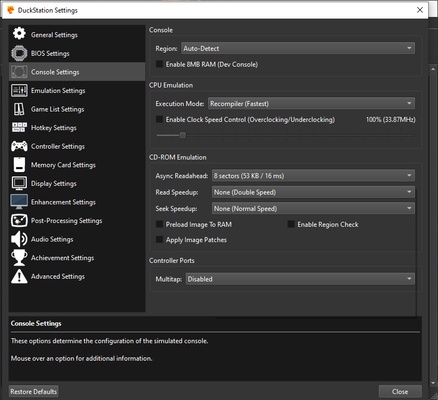
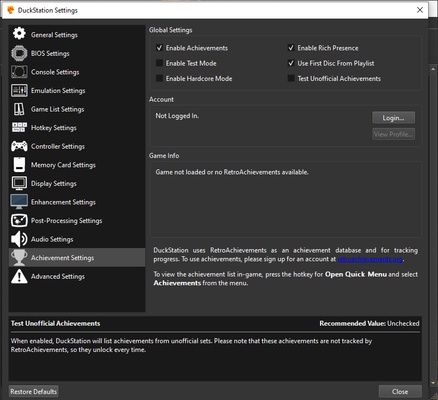
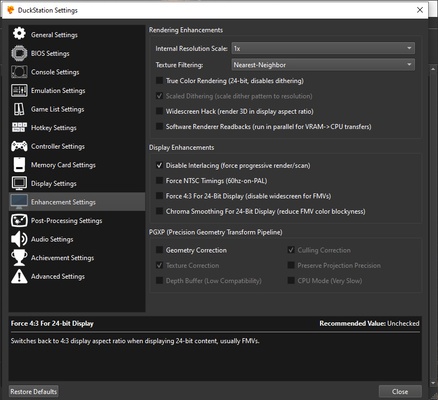
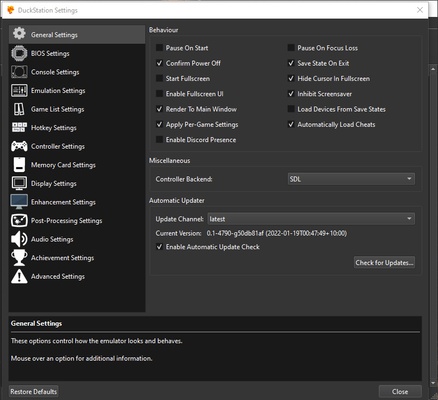
Before loading any game it's a good idea to take a look at the configuration options DuckStation has to offer. You'll find more than twenty different settings to adjust, enable or disable to make your games look better or worse. By default, all games will look exactly the same as on the Sony console. However, all it takes is a few little tweaks to improve the resolution or activate post-processing effects. Changing the resolution can be especially useful on large monitors.

It's also important to take a look at the control options. By default, the controls are the basic "WASD" and the numeric keypad, but of course, you can change it to suit your personal preferences. You'll be able to continue using the keyboard, but with other keys; or even use your PlayStation or Xbox controller. Ultimately, the most important thing is that you're comfortable while playing.

DuckStation is an excellent PlayStation emulator for Windows, that makes it possible to play some of the best video games in history. Although at first glance, the sheer number of options available may seem overwhelming, the truth is that it's not really necessary to touch practically any of the options to be able to start playing and enjoying some of the great gems from the late 90s and early 2000s.

Information about DuckStation

License Free
Op. System Windows
Category Games
Language English
Author Stenzek
permission icon Permissions Not applicable
Date 2026-06-02
Size 40.2 MB
File type ZIP

Apps recommended for you

IMVU icon
IMVU for Windows is a 3D social networking platform that allows users to create avatars, chat, and explore virtual worlds with friends.
Ship of Harkinian icon
The best way to play Ocarina of Time
SRC Repair icon
A tool to boost games that use the Source engine
KytyPS5 2026-10-23 icon
Play PlayStation 5 games on PC with this PS5 emulator
League of Legends icon
Enjoy this spectacular free online MOBA with stunning graphics
WinDS PRO icon
Multi-platform emulators pack for PCs
PCSX2 2.7.394 icon
Free and open-source PlayStation 2 emulator for Windows PC
MEmu 9.5.5 icon
Play Android games on Windows PC with keyboard, mouse and joystick
NVIDIA GeForce NOW 2.0.90.138 icon
NVIDIA's cloud gaming service
BlueStacks 5.22.290.1031 icon
Emulate any Android app on your PC
Vita3K 0.2.1.4317 icon
The best emulator for PS Vita (PlayStation Vita)
Rockstar Games Launcher 1.0.110.3150 icon
The official Rockstar Games client
Ankama Launcher 3.15.14.20606 icon
A portal to the world of Ankama video games and animated movies
Xbox Game Bar 7.326.11042.0 icon
The best Windows tool for gamers
Yandere Simulator 2026-11-01 icon
Stealth and murder in a Japanese high school
KytyPS5 2026-11-02 icon
Play PlayStation 5 games on PC with this PS5 emulator
DBZ Budokai 3 HD Collection 1.2.9 icon
PC port of this classic fighting game
GOG Galaxy 2.1.8.32 icon
Install and update your games with GOG Galaxy for Windows PC Desktop
RPCS3 0.0.42-19803 icon
Open-source PlayStation 3 Emulator, enjoy PS3 games on your PC!
Project64 icon
The best Nintendo 64 emulator
HP OMEN Gaming Hub icon
The official HP app for improving your PC's performance
IMVU icon
An instant-messaging classic with avatars
shadPS4 0.19.0 icon
Functional PS4 emulator written in C++
KytyPS5 2026-11-02 icon
Play PlayStation 5 games on PC with this PS5 emulator