

GIMP is an open-source image and photo editor that provides a wide range of tools for editing photographs and creating professional-quality illustrations from scratch.
For illustration work, GIMP offers a variety of familiar tools, including brushes, pencils, cloning, markers, smudging, and airbrushing. You can also customize your brush collection to suit your needs and workflow.
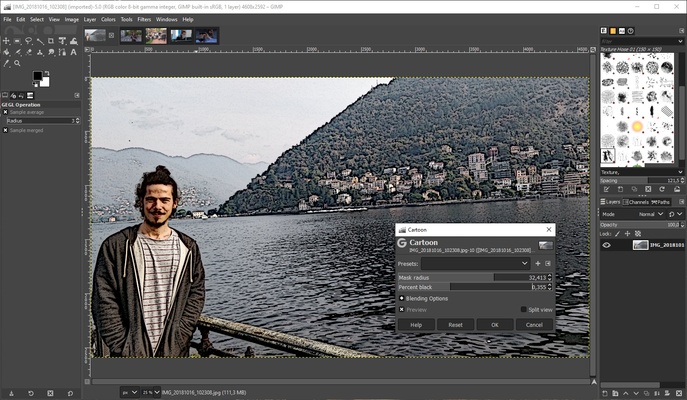
GIMP also includes numerous tools for photo retouching. Its menus provide quick access to color, brightness, and saturation adjustments, white balance, exposure, and other settings that help improve the appearance of your photographs.
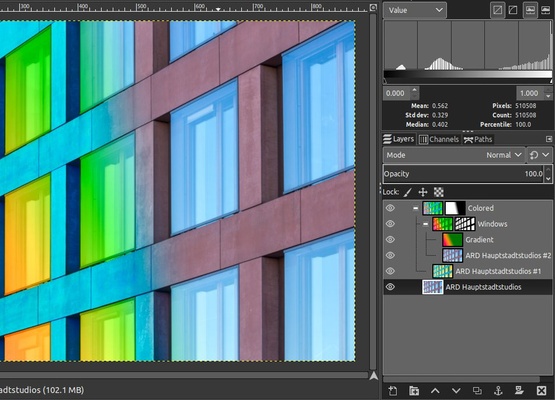
Like other popular image editors, GIMP supports layers, alpha channels, document history, selection and transformation tools, masks, and gradients. Its interface is relatively intuitive, making it easier to learn, and numerous tutorials are available on the official website.
Other useful features include image format conversion, batch processing, vector image composition, and editing animated graphics. You can also extend the program's capabilities by installing free plugins, with more than 100 available.
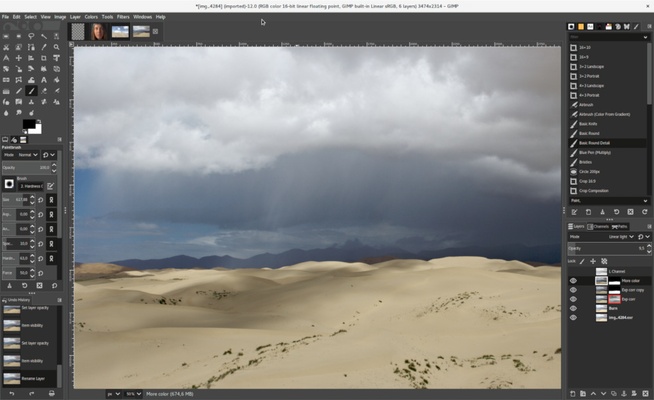
GIMP supports a wide range of image formats, including BMP, GIF, JPEG, MNG, PCX, PNG, PSD, PS, PDF, TIFF, TGA, SVG, and XPM. Its flexible interface allows you to move floating windows and customize the workspace. You can also switch back to the classic layout for a more traditional editing experience.