

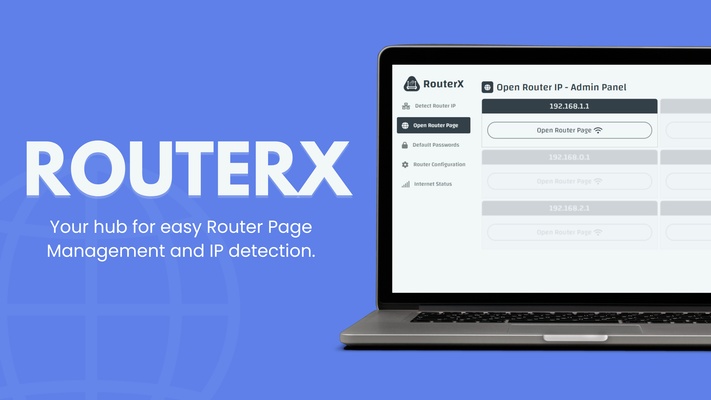
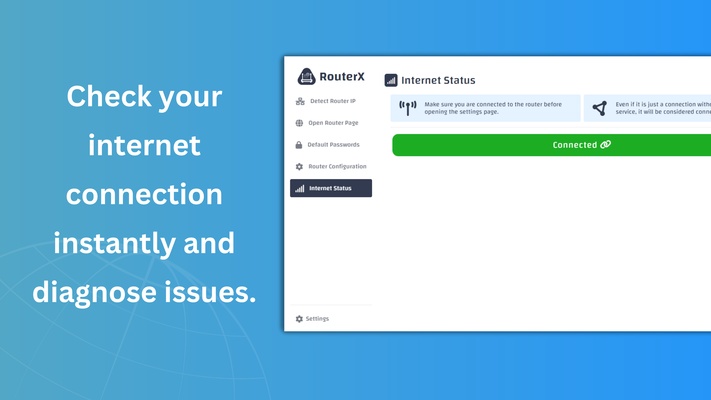
RouterX software is designed to provide a seamless and secure experience for accessing and managing your router settings through a simplified user interface. Whether you're looking to log in to your router page at 192.168.1.1 or any other IP address, this software offers comprehensive tools and features to help users efficiently manage their network configurations without technical complications.
Key Features:
- Quick Router Login: The software facilitates instant access to the router login page at 192.168.1.1, which is a commonly used default gateway for most routers. With just one click, you can log into your router’s administrative interface, eliminating the need to manually enter the IP address into your browser.
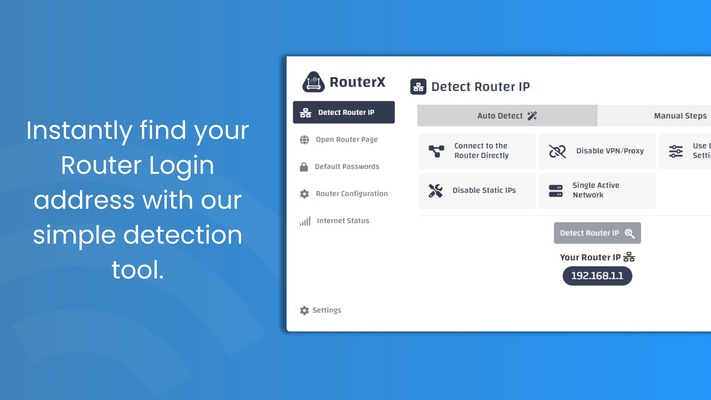
- Supports Multiple Routers: Whether you have a router with an IP like 192.168.0.1, 192.168.10.1, or others, this software automatically detects your router’s IP address and guides you to the correct login page. This is ideal for users who manage multiple routers or frequently switch between different network setups.
- Secure Login Process: Keeping security in mind, this tool ensures that your credentials for router login are kept safe. By logging in directly from the software, you reduce the chances of accidentally navigating to a phishing page. It also supports encryption during the login process to ensure that your network remains protected from unauthorized access.
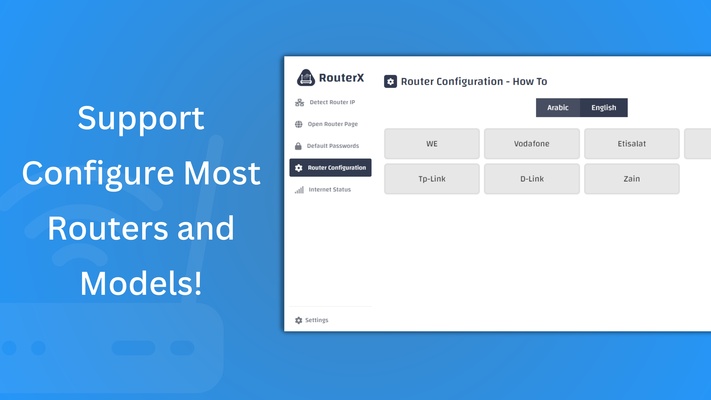
- Router Configuration Made Easy: After logging in to your router, the software offers easy access to configuration options such as setting up a new network, managing Wi-Fi passwords, adjusting security settings, and more. It simplifies the process of managing your router's features, even for users with little to no technical experience.
- Default Password Retrieval: If you are logging into a router for the first time, or have forgotten the default credentials, the software provides a default password guide based on the router model, saving you time and effort. It also prompts users to change default credentials to more secure options to protect the network.
- Wi-Fi Network Monitoring: The software allows you to monitor your Wi-Fi network status, view connected devices, and troubleshoot any connectivity issues. You can also adjust the network’s SSID, encryption protocols, and other security settings directly through the router’s interface.
- Network Status Alerts: Receive real-time alerts on network performance and security. You will be notified of any unauthorized login attempts or changes in your network configuration, allowing you to stay in control of your home or office network at all times.
- User-Friendly Interface: The software is designed to be intuitive and easy to navigate, making it accessible to both tech-savvy users and beginners. Every feature is laid out clearly, ensuring that even those unfamiliar with router configurations can manage their network settings with confidence.
- Cross-Router Compatibility: This software works with routers from a variety of manufacturers, including but not limited to TP-Link, Netgear, D-Link, Asus, and Linksys. Whether your router’s login page is at 192.168.1.1 or a different default gateway, the software provides seamless compatibility, saving you time and hassle.
Benefits:
- Simplified Access: Gain one-click access to your router login page at 192.168.1.1 without needing to remember the IP or worry about typing errors.
- Enhanced Security: The software ensures secure login, encrypting your credentials and keeping your network protected from potential threats.
- Comprehensive Network Management: Adjust key router settings with ease, from setting up new Wi-Fi connections to troubleshooting issues.
- Versatile Usage: Whether you're managing a single home network or multiple routers across different locations, this tool is equipped to handle all your needs.
- Time-Saving: Quickly retrieve default passwords, check network status, and manage connected devices without needing to dig through router manuals.
For users who frequently access their router's settings page at 192.168.1.1, RouterX provides an essential toolkit that simplifies the process and enhances overall network security. Whether you are a network administrator, IT professional, or a casual home user, this software is designed to make managing your router straightforward and efficient.