Go to Windows platform Display platforms icon
Go to Windows platform Go to Mac platform Go to Android platform
Shapr3D icon

Shapr3D

5.840.8657.0
Shapr3D
3
2.44 GB size

Easily and professionally create and edit 3D objects

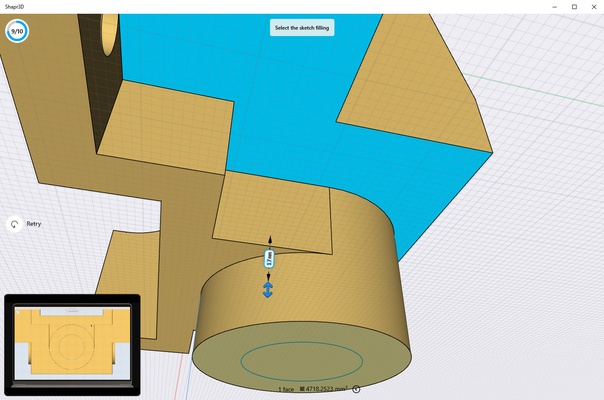
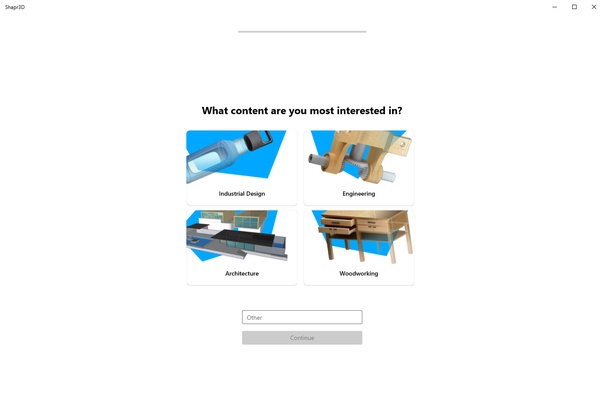
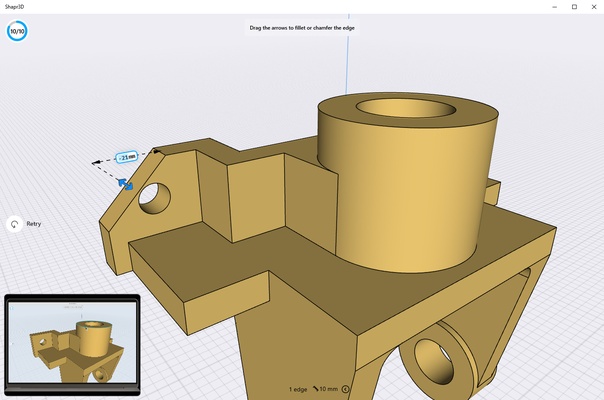
Shapr3D is a 3D editing program that lets you create and edit all kinds of 3D designs. This CAD designing app lets you create things from small and simple objects, like geometric shapes, to complex industrial designs or 3D models with hundreds of different parts.

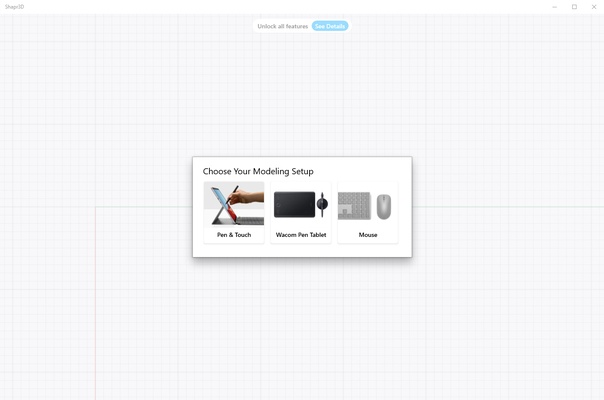
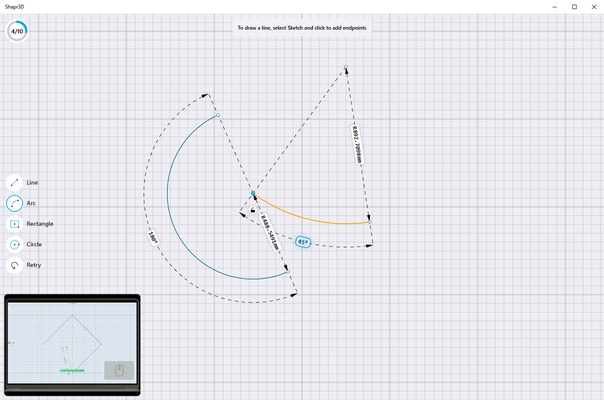
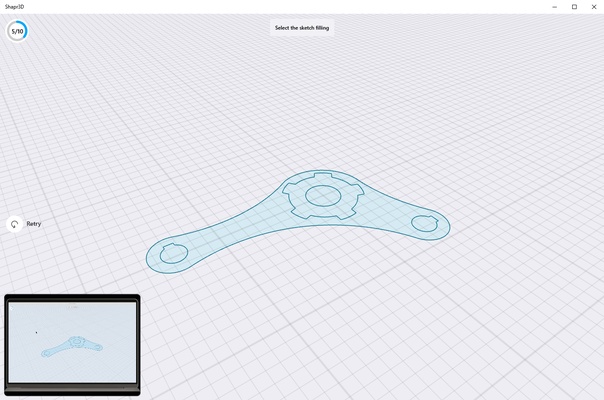
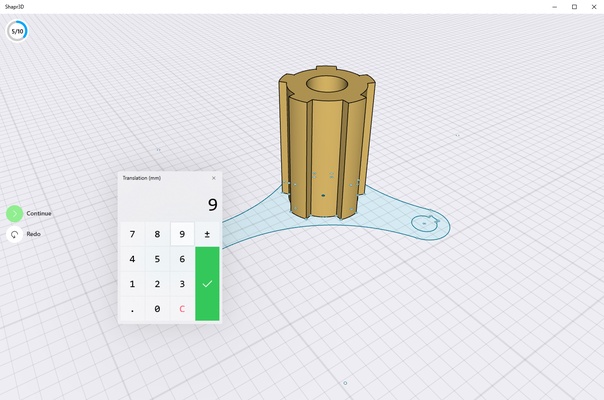
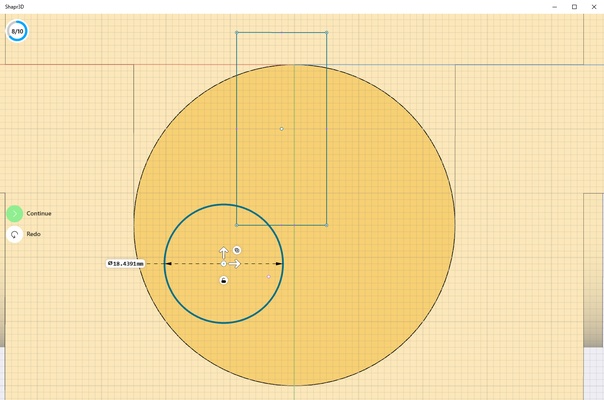
One of Shapr3D's most noteworthy advantages, when compared to other similar programs, is that it lets you create 3D designs from 2D drawings. You can use a mouse and keyboard, a specialized tablet or a touchscreen device to draw. After creating a 2D design, all you have to do is pull it upwards to be able to add volume by applying different colors and lengthen it as much as you want. During this process, you can also create curves, adjust angles, measure the sides and much more.

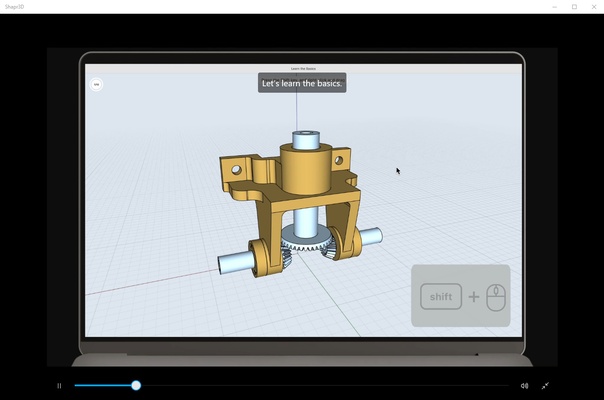
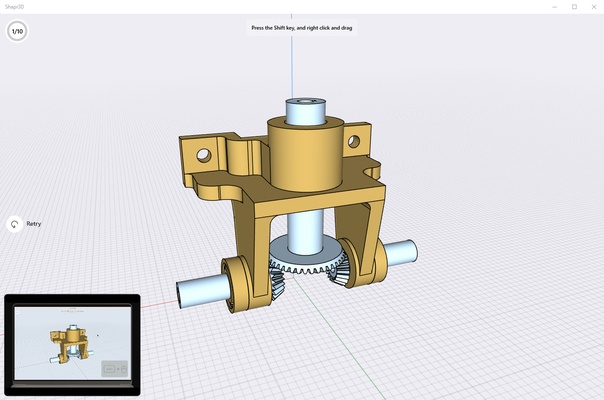
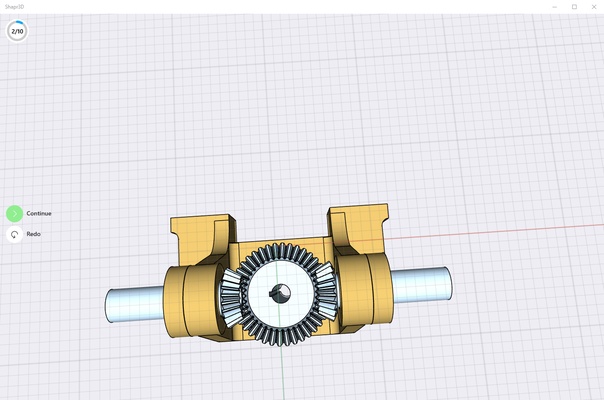
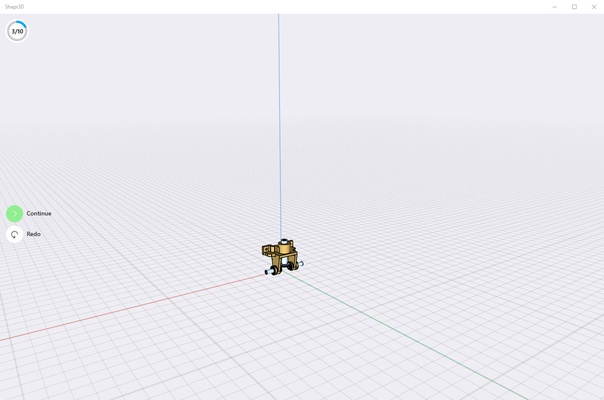
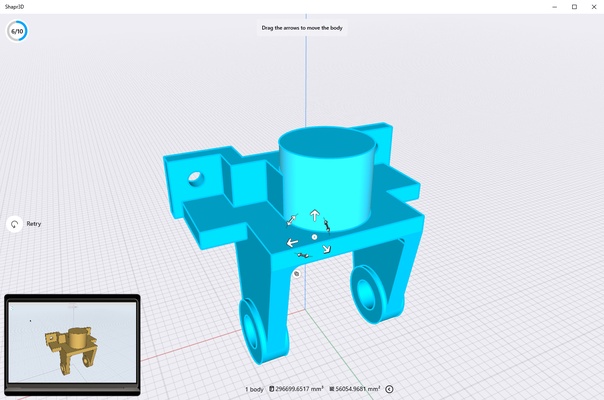
Another point in favor of Shapr3D is its interface, which is very intuitive, especially for users who have already used similar apps. What's more, there is also a complete tutorial that, through 10 basic tasks, quickly helps you to get used to some of the program's most important features. Once you finish the tutorial, which will take just under 15 minutes, you won't find it hard to create any 3D model.

Shapr3D lets you import designs in SLDPRT, STL, STEP, IGES, X_T, 2D DWG, 2D DXF, JPG and PNG formats, and, when exporting, the supported formats are: X_T, STEP, STL, OBJ, 2D DXF, 2D DWG, IGES, 3MF and SVG. Thanks to this, you can quickly create designs and then continue working with more complex programs like AutoCAD, Solidworks, NX, Catia, Solid Edge, Fusion360, Rhino3D, Onshape and Sketchup.

For all the aforementioned reasons, if you are looking for a program to create 3D designs, don't think twice about downloading Shapr3D. Not only does it offer professional-quality results, but it will take you very little time to achieve them.

Information about Shapr3D

License Free
Op. System Windows
Category Photo & Design
Language English 47 more
Author Shapr3D
permission icon Permissions Not applicable
Date 2026-06-02
Size 2.44 GB
File type MSIXBUNDLE

Apps recommended for you

XnConvert 1.116.0 (64-bit) icon
Powerful batch image editor for PC with dozens of actions and filters
Paint.NET icon
A powerful and free image editor
DaVinci Resolve icon
The most powerful and complete post-production video tool for PC
WinScan2PDF icon
Save all your scans as PDFs
Adobe Director icon
Design interactive multimedia content
Picture Window Pro icon
Non-destructive image editor for Windows
Tiled Map Editor icon
Tiled Map Editor
Portable FotoSketcher icon
Turn your photos into paintings easily
Figma 126.11.8 icon
Limitless design, collaboration, and creation
GIMP 3.2.8.0 icon
Free software for image retouching and editing
Greenshot 1.3.323 icon
A simple and effective way to take screenshots
Affinity 3.3.1.4940 icon
Covers all your design and photo editing needs
Loom 0.379.4 icon
Record your screen quickly and easily
Rocrail 7445 icon
Design your own model railroad tracks for model railroading
PhotoStage Pro Edition 13.04 icon
Create videos using your pictures with this complete picture editor
Zello 18.10.0 icon
Use your computer as a walkie-talkie
ReaConverter Pro icon
ReaConverterPro for Windows is a professional image conversion software that offers advanced features for batch processing, editing, and converting images across multiple formats.
jAlbum 39.6 icon
Create amazing web photo and video galleries with jAlbum!
Adobe Camera Raw 18.5 icon
Software provides fast and easy access to the raw image formats
Blockbench 5.2.0 icon
A modern, open source 3D model editor for Minecraft mods!
Live Home 3D icon
Live Home 3D for Windows is a home design software that lets users create detailed 2D and 3D floor plans and interior designs easily.
Screenshot Remote icon
Take screenshots remotely
Adobe DNG Converter 18.6 icon
Convert files from your cameras to Digital Negative (DNG)
Adobe DNG Converter icon
Adobe DNG Converter for Windows is a free tool that converts raw image files to the universal DNG format for easier editing and storage.