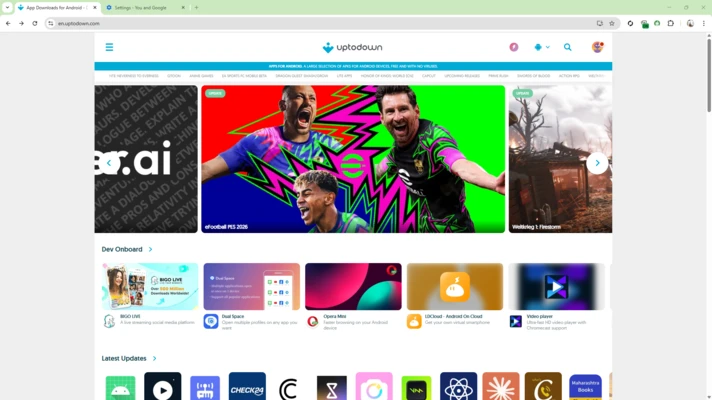
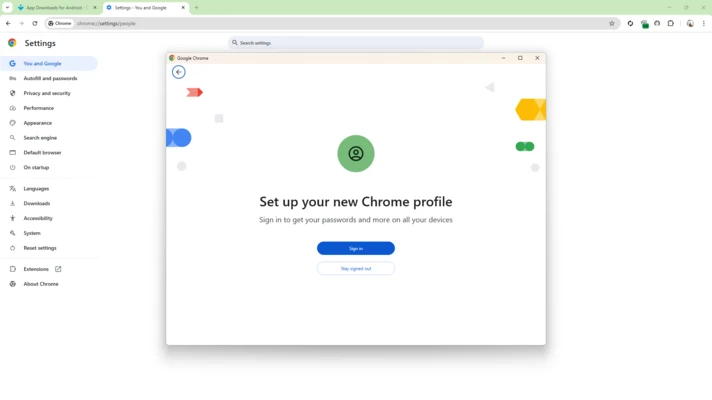
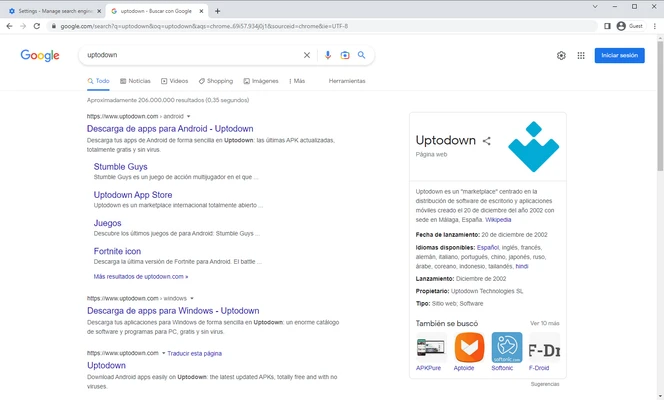
Google Chrome 64-bit is a fast and widely used web browser developed by Google. It combines a clean interface with features for web browsing, security, synchronization, extensions, and productivity.
Chrome uses a single address bar for entering website addresses and search queries, while tabs, bookmarks, profiles, and synchronization make it easy to manage everyday browsing across multiple devices.
Key Features
-
Fast Web Browsing – Designed for responsive page loading and smooth everyday browsing.
-
Tabbed Browsing – Open and manage multiple websites in a single window.
-
Google Account Sync – Sync bookmarks, passwords, history, settings, and other browser data across supported devices.
-
Extensions – Add functionality through extensions from the Chrome Web Store.
-
Incognito Mode – Browse without saving local browsing history and certain site data.
-
Password Manager – Store and manage passwords with Google Password Manager.
-
Safe Browsing – Helps protect against phishing, malware, and other potentially dangerous websites.
-
Built-in Translation – Translate web pages directly within the browser.
-
Profiles – Keep browsing data, settings, bookmarks, and accounts separate between different profiles.
-
Developer Tools – Includes built-in tools for developers to inspect and debug websites.
-
Automatic Updates – Receives browser updates containing new features, security fixes, and performance improvements.
-
AI Features – Newer Chrome versions include various Google AI-powered features, depending on availability and account or region settings.
User Interface
Chrome uses a simple interface centered around the address and search bar, tab bar, bookmarks, and browser controls. Its layout is easy to navigate, while the Settings menu provides access to privacy, security, appearance, extensions, profiles, and synchronization options.
Installation and Setup
Run the Chrome installer on your Windows PC and follow the installation instructions. After installation, Chrome can be used without signing in to a Google Account.
Signing in enables synchronization of supported browsing data across devices. You can also import bookmarks and other settings from another browser during or after setup.
How to Use
-
Launch Google Chrome.
-
Enter a website address or search term in the address bar.
-
Open additional pages using new tabs.
-
Bookmark frequently visited websites.
-
Install extensions when additional functionality is required.
-
Sign in to a Google Account to synchronize supported data.
-
Use Incognito mode when you do not want Chrome to save local browsing history.
-
Manage privacy, security, and site permissions from Settings.
-
Check About Chrome to install available browser updates.
System Requirements
-
Windows 10 or Windows 11
-
64-bit processor
-
At least 4GB RAM recommended
-
Sufficient free disk space for installation and browser data
-
Internet connection for downloading, updates, and online features
Pros
-
Fast and responsive browsing
-
Clean and familiar interface
-
Extensive extension ecosystem
-
Strong synchronization features
-
Built-in security and translation tools
-
Excellent compatibility with modern websites
-
Regular security and feature updates
Cons
-
Can consume significant memory with many tabs and extensions
-
Some Google services are closely integrated into the browser
-
Privacy settings require careful configuration for users concerned about tracking
-
Some advanced features may vary by device, account, or region
Conclusion
Google Chrome 64-bit is a versatile web browser suitable for everyday browsing, work, entertainment, and web development. Its combination of performance, extensive extension support, synchronization, security features, and compatibility makes it a practical choice for Windows users.