


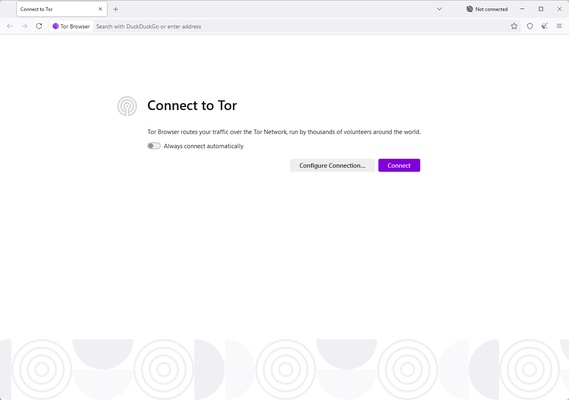
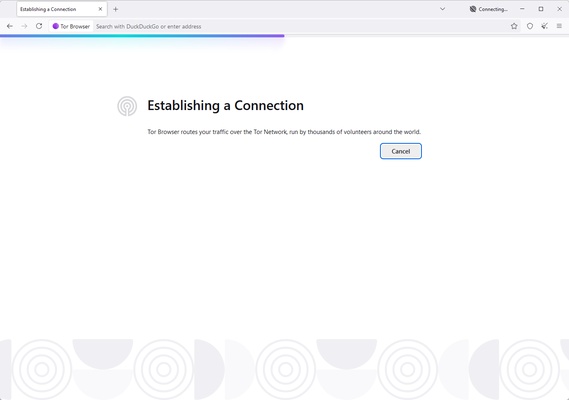
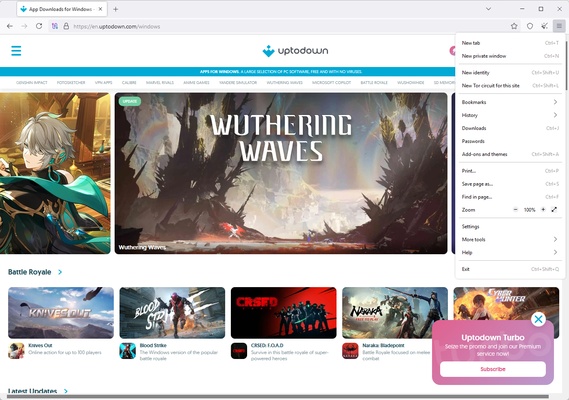
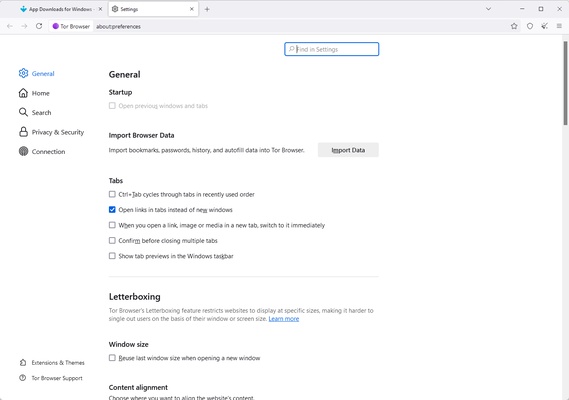
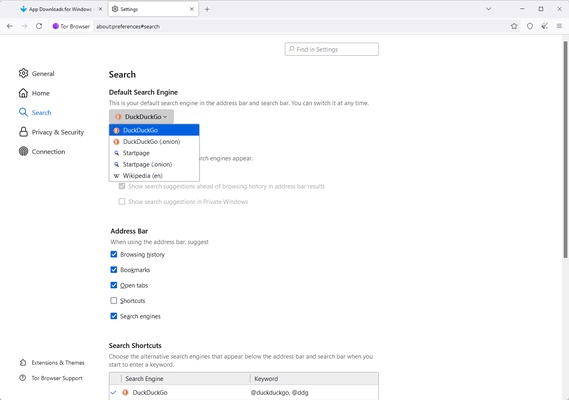

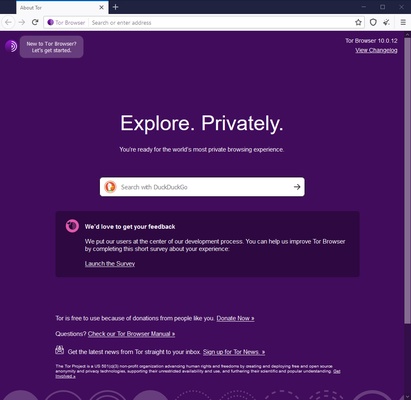
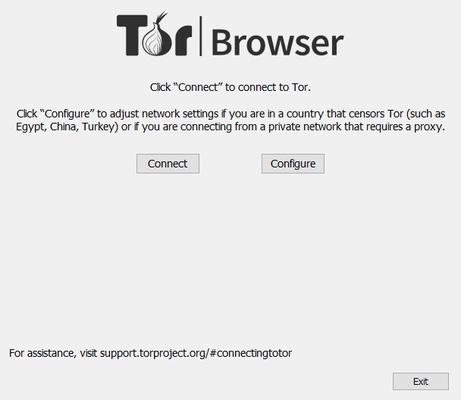
Tor Browser, developed by The Tor Project, is an essential tool for anyone looking to surf the Internet with maximum privacy and security. Designed to protect your identity and online activity, this browser uses advanced onion routing technology to hide your location, prevent tracking and bypass censorship. Tor Browser is ideal for ordinary users as well as journalists, activists and professionals who might need to protect their data in hostile digital environments.
Total privacy thanks to onion routing
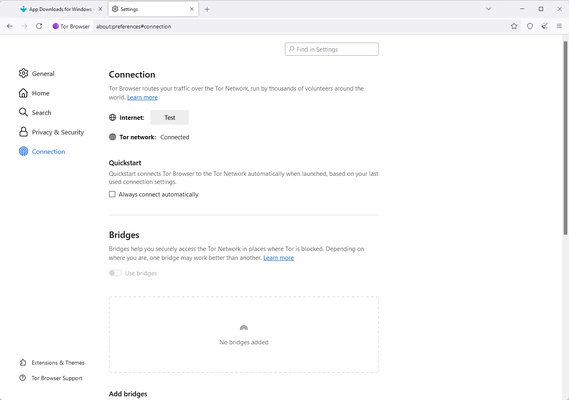
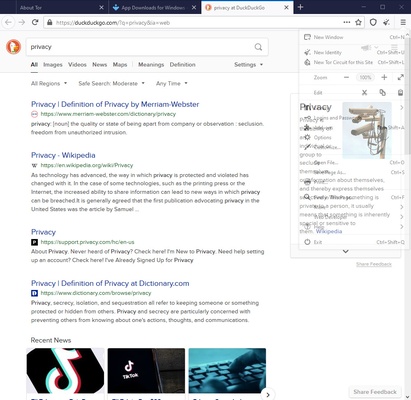
Tor Browser's main feature is onion routing, a system that routes your Internet traffic through a global network of volunteer servers. This encrypts your data across multiple layers and constantly changes the path of your connection, making it virtually impossible to track your location or identify your activities. Unlike conventional browsers, Tor Browser not only hides your IP address, but also prevents websites from collecting information about you through cookies, digital fingerprinting or tracking scripts. This ensures an anonymous browsing experience that prioritizes your security.
Unrestricted access to blocked content
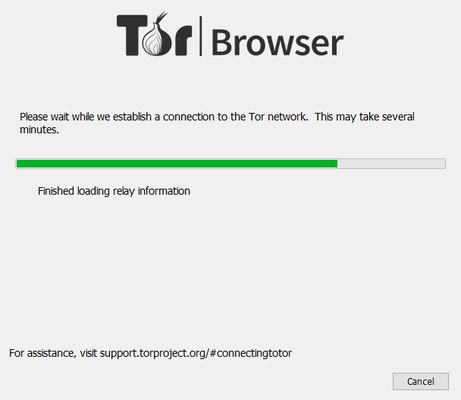
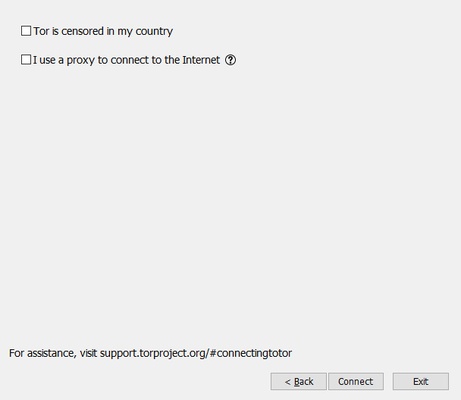
By using Tor Browser, you can access restricted content in regions where certain websites are blocked. This is possible thanks to its ability to connect through nodes in countries with no restrictions, providing access to a free and open Internet. This is particularly valuable for people living under authoritarian regimes or for those who need access to information limited by geographic restrictions. What's more, Tor Browser allows you to explore the so-called "dark web", a part of the Internet that is not indexed by conventional search engines and often requires specific tools such as this one to access.
Protection against trackers and malware
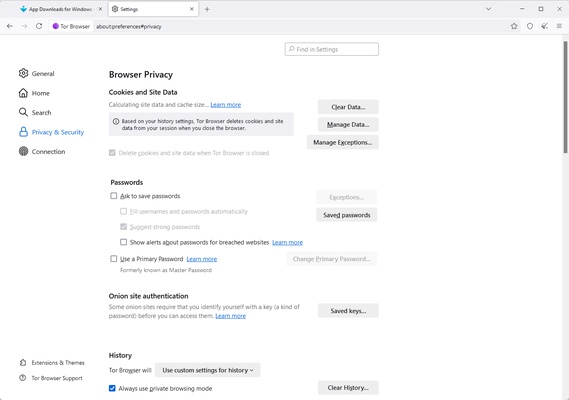
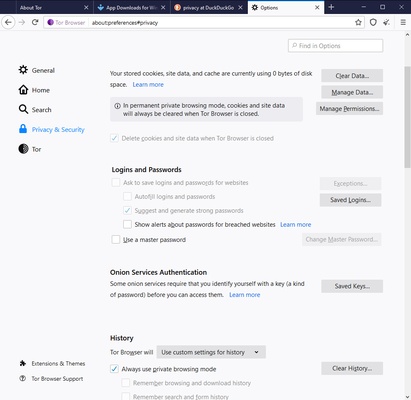
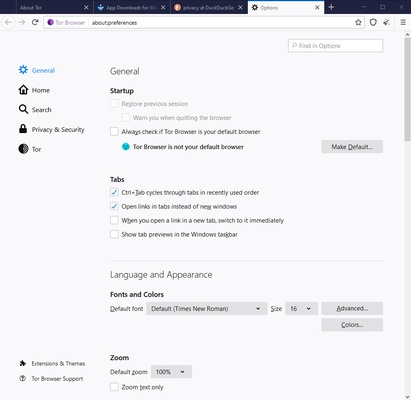
Tor Browser is heavily focused on safety. The browser automatically blocks malicious trackers and scripts that may compromise your privacy or harm your device. In addition, it disables plug-ins and extensions that have the potential to leak personal information, such as your browsing history or the device's configuration data. The protection on offer also extends to the prevention of malware or phishing attacks, meaning Tor Browser can be a reliable tool for browsing the web even on public or unsecured networks. All this is in place without sacrificing browsing speed, which is optimized for stable performance in various conditions.
Digital freedom and security
Developed by The Tor Project, a non-profit organization, Tor Browser is proof of a strong commitment to digital rights and freedom of expression. Its global network is driven by volunteers who believe in free and secure access to information, which makes this an ethical and transparent tool. Tor Browser's open source nature allows anyone to inspect and contribute to its development, reinforcing confidence in its security and functionality. This collaborative model ensures that the tool remains aligned with the needs of its users and resilient to external threats.