

Xplorer2 Ultimate is a powerful dual-pane file manager for Windows that provides an efficient way to browse, organize, search, and manage files and folders. It combines a familiar Windows Explorer-style interface with advanced file management tools.
The software supports local folders, network locations, FTP, ZIP archives, and other virtual folders. It also includes advanced search, file filtering, batch renaming, folder comparison, file preview, and tabbed browsing.
Key Features
-
Dual-pane file management
-
Tabbed folder browsing
-
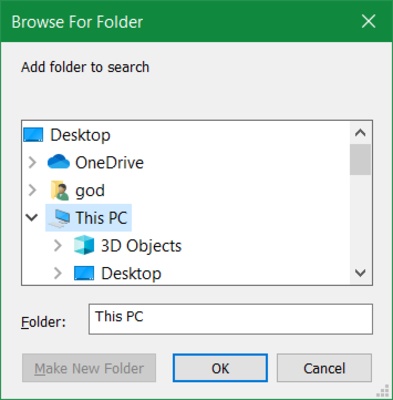
Advanced file and folder search
-
Powerful filtering and selection tools
-
File preview for documents, images, audio, and video
-
Batch file renaming
-
Folder comparison and synchronization
-
Duplicate file detection
-
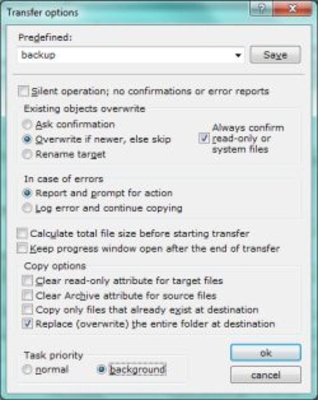
Mass file operations
-
Support for ZIP and virtual folders
-
FTP and network folder support
-
File comments, tags, and metadata
-
NTFS features including hard links
-
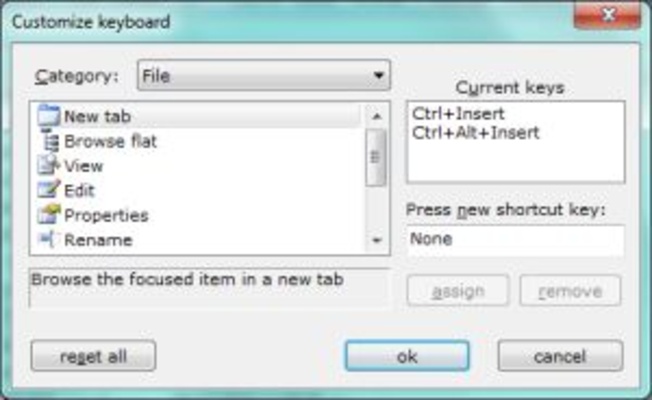
Keyboard shortcuts and customizable interface
-
Portable version for use from removable drives
-
Support for scripts and user commands
How to Use
-
Install or launch the portable version of Xplorer2 Ultimate.
-
Open folders using the dual-pane interface.
-
Use tabs to work with multiple locations.
-
Search for files using keywords and advanced filters.
-
Preview files directly within the application.
-
Copy, move, rename, or delete files as needed.
-
Use folder comparison tools to identify differences.
-
Customize the interface, shortcuts, and viewing options.
FAQ
What is Xplorer2 Ultimate?
Xplorer2 Ultimate is a Windows file manager designed for users who need more advanced file browsing, searching, and organization features than Windows File Explorer provides.
Does Xplorer2 Ultimate support dual-pane browsing?
Yes. The dual-pane interface allows you to view and manage two folder locations at the same time.
Can Xplorer2 Ultimate search files by properties?
Yes. It provides advanced filters that can search files using names, properties, metadata, comments, and other criteria.
Is there a portable version?
Yes. The Ultimate edition can run as a portable application from a USB drive or another removable storage device.
Does it support FTP and network folders?
Yes. Xplorer2 Ultimate can access network locations, FTP locations, ZIP archives, and other supported virtual folders.
Can I preview files without opening them?
Yes. The built-in preview functionality supports various types of documents, images, audio, and video files.
System Requirements
-
Operating System: Windows 7, 8, 10, or 11
-
Processor: 1 GHz or faster
-
RAM: 2 GB or more
-
Storage: At least 50 MB of free disk space
-
Display: 1024x768 resolution or higher
PROS
-
Efficient dual-pane interface
-
Advanced search and filtering
-
Tabbed folder browsing
-
Extensive file management tools
-
Built-in file preview
-
Portable version available
-
Supports network and virtual folders
CONS
-
Interface looks dated compared with modern file managers
-
Advanced features can take time to learn
-
Some features may be unnecessary for casual users
-
Paid software
Conclusion
Xplorer2 Ultimate is a feature-rich file manager for Windows users who need more control over their files and folders. Its dual-pane interface, advanced search, filtering, preview, batch operations, and portable mode make it particularly useful for managing large collections of files and complex folder structures.
Note: 21-day trial version.