


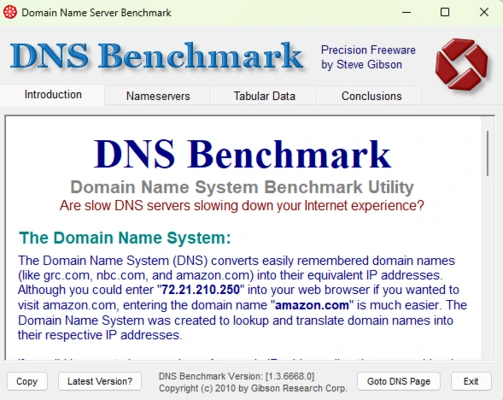
DNS Benchmark is a Windows utility for testing and comparing the performance and reliability of DNS servers. It measures response times, cached and uncached lookups, reliability, and other DNS characteristics to help users identify suitable resolvers for their network.
Key Features
-
DNS Performance Testing – Compare the speed and responsiveness of multiple DNS servers.
-
Cached and Uncached Lookups – Measure both cached responses and queries that require additional resolution.
-
Reliability Testing – Track failed or unanswered DNS queries during a benchmark.
-
DNSSEC Testing – Check DNSSEC support and authentication performance.
-
Multiple DNS Servers – Benchmark a large number of local and public DNS resolvers in a single test.
-
Custom DNS Servers – Add your own DNS servers to the benchmark list.
-
Performance Charts – View results using easy-to-read graphs and rankings.
-
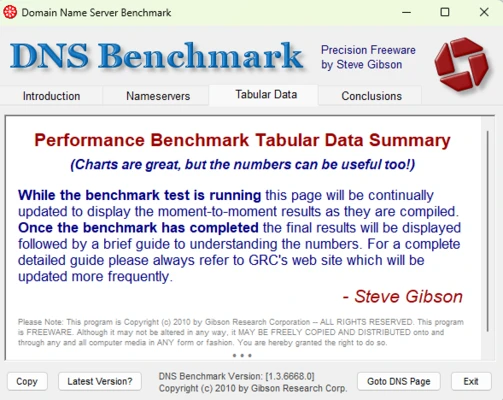
Detailed Reports – Review benchmark results in a tabular format.
-
CSV Export – Save results for later analysis and comparison.
-
Resolver Analysis – Display information about DNS server ownership, network details, and response behavior.
-
Redirection Detection – Identify DNS servers that redirect invalid domain requests.
User Interface
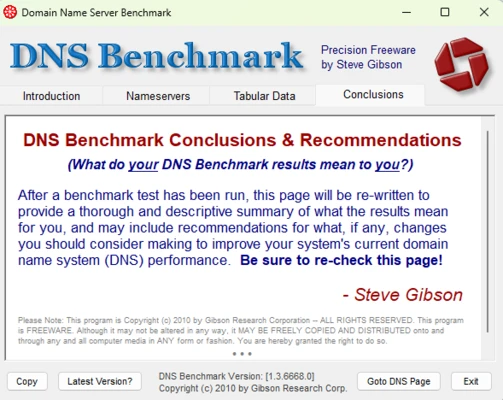
DNS Benchmark uses a functional, information-focused interface with a DNS server list, performance statistics, and graphical results. Users can sort servers by different performance measurements and inspect detailed values for individual resolvers.
The interface is somewhat dated, but the results are presented clearly for users who need detailed DNS performance information.
Installation and Setup
DNS Benchmark is portable and does not require a traditional installation. Download the program, extract it if necessary, and run the executable.
The application automatically detects DNS servers configured on the system and can also test additional public or manually added resolvers.
How to Use
-
Launch DNS Benchmark.
-
Review the detected DNS servers or add custom resolvers.
-
Start the benchmark.
-
Wait for the DNS queries to complete.
-
Compare cached, uncached, and reliability results.
-
Sort the results to identify faster or more reliable DNS servers.
-
Export the results to CSV if you need to keep or analyze the data.
DNS performance varies depending on your location and Internet connection, so results from your own network are more useful than generic DNS speed rankings.
System Requirements
-
Windows PC
-
Internet connection
-
No installation required
Pros
-
Detailed DNS performance testing
-
Tests speed and reliability
-
Supports custom DNS servers
-
Provides charts and detailed reports
-
Portable and easy to run
-
CSV export for further analysis
Cons
-
Interface looks dated
-
Results can be overwhelming for inexperienced users
-
Primarily focused on benchmarking rather than continuous monitoring
-
DNS performance results can vary depending on network conditions
Conclusion
DNS Benchmark is a useful tool for users who want to compare DNS resolvers based on actual performance from their own Internet connection. Its detailed testing, reliability measurements, charts, and reporting make it particularly useful for troubleshooting DNS performance and choosing a suitable DNS server.