

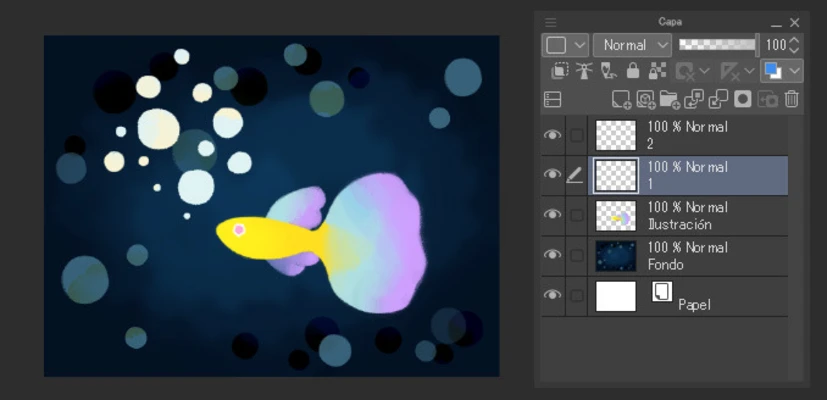
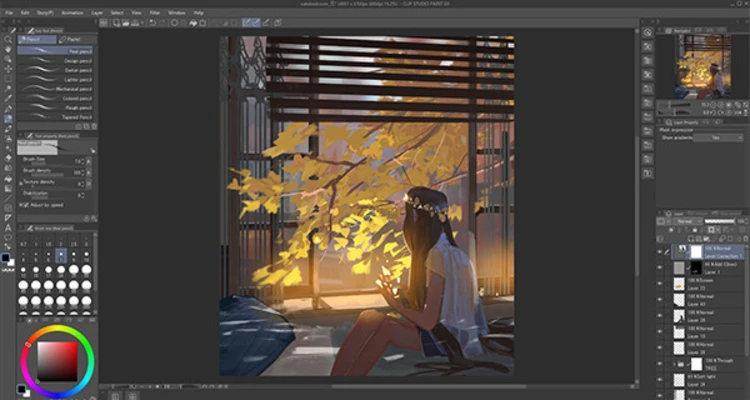
Clip Studio Paint is a professional digital drawing and painting software designed for manga, comics, illustrations, animation, and concept art.
It provides a complete set of creative tools including brushes, coloring tools, vector layers, 3D models, comic panel creation, and animation features. The software is widely used by artists, illustrators, and designers worldwide.
Built for both beginners and professionals, Clip Studio Paint EX offers an optimized workflow for creating comics, manga, webtoons, illustrations, and animated projects with a highly customizable interface.
Features
- Professional tools for manga, comics, and digital illustration
- Thousands of customizable brushes and painting tools
- Support for Wacom tablets with pressure sensitivity
- Comic panel creation, speech balloons, and effect lines
- Advanced coloring and layer management
- Vector layer support for scalable artwork
- 3D character models and pose references
- Animation timeline and frame-by-frame drawing
- PSD file import and export support
- WebP export support
- Customizable workspace and shortcuts
- Available on Windows, macOS, iPad, iPhone, and Android
Drawing & Design Tools
Brushes and Painting
Create detailed artwork using realistic brushes, pens, pencils, watercolor tools, and customizable brush engines.
Comic Creation
Easily create manga pages with panel tools, text bubbles, perspective rulers, and special effects.
3D Models
Use built-in 3D characters and objects as drawing references for poses, environments, and compositions.
Animation
Create 2D animations with timeline controls, onion skinning, and frame-by-frame workflows.
Installation & Setup
- Download and install Clip Studio Paint.
- Launch the application and activate your license or trial version.
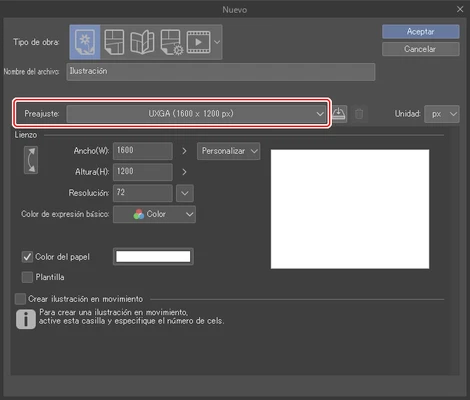
- Create a new project and choose illustration, comic, or animation mode.
- Customize brushes, shortcuts, and workspace settings.
The software supports Windows 7/8/10/11 and modern macOS versions.
What's New
- Improved 3D model editing and pose controls
- Support for VRM 3D model import
- New filters and color adjustment tools
- Improved text layout and font management
- WebP import and export support
- Enhanced animation and illustration workflow
- Better customization for brushes and materials
System Requirements
- OS: Windows 11 / 10 / 8 / 7
- Processor: Intel Core i3 or higher
- RAM: 2GB or more
- Storage: 2GB free space
- Graphics: OpenGL 2.1 compatible GPU with 256MB VRAM
Pricing
- Clip Studio Paint Pro: $54 one-time purchase
- Clip Studio Paint EX: $237 one-time purchase
- Free trial available
PROS
- Powerful manga and illustration tools
- Extensive brush customization
- Supports 3D models and animation
- Professional workflow for artists
- Affordable compared with similar software
CONS
- Advanced features require EX version
- Large projects may require powerful hardware
- Interface may take time to learn
Alternatives
- Adobe Photoshop - Professional image editing and digital painting software
- Corel Painter - Realistic traditional painting simulation
- Krita - Free open-source digital painting software
- Rebelle - Realistic watercolor and acrylic painting tools
Conclusion
Clip Studio Paint is one of the best digital art applications for manga artists, illustrators, and comic creators. With powerful brushes, advanced layer tools, 3D support, and animation features, it provides a complete creative workflow for professional and hobby artists.